

How To Block Nuisance Callers in AvidTrak
1. If you are receiving nuisance calls and would like to block these bad callers from reaching you, AvidTrak makes it easy for you to block such calls from reaching you. This guide walks you through both manual entry and log-based blocking to help you maintain control over your inbound communications.
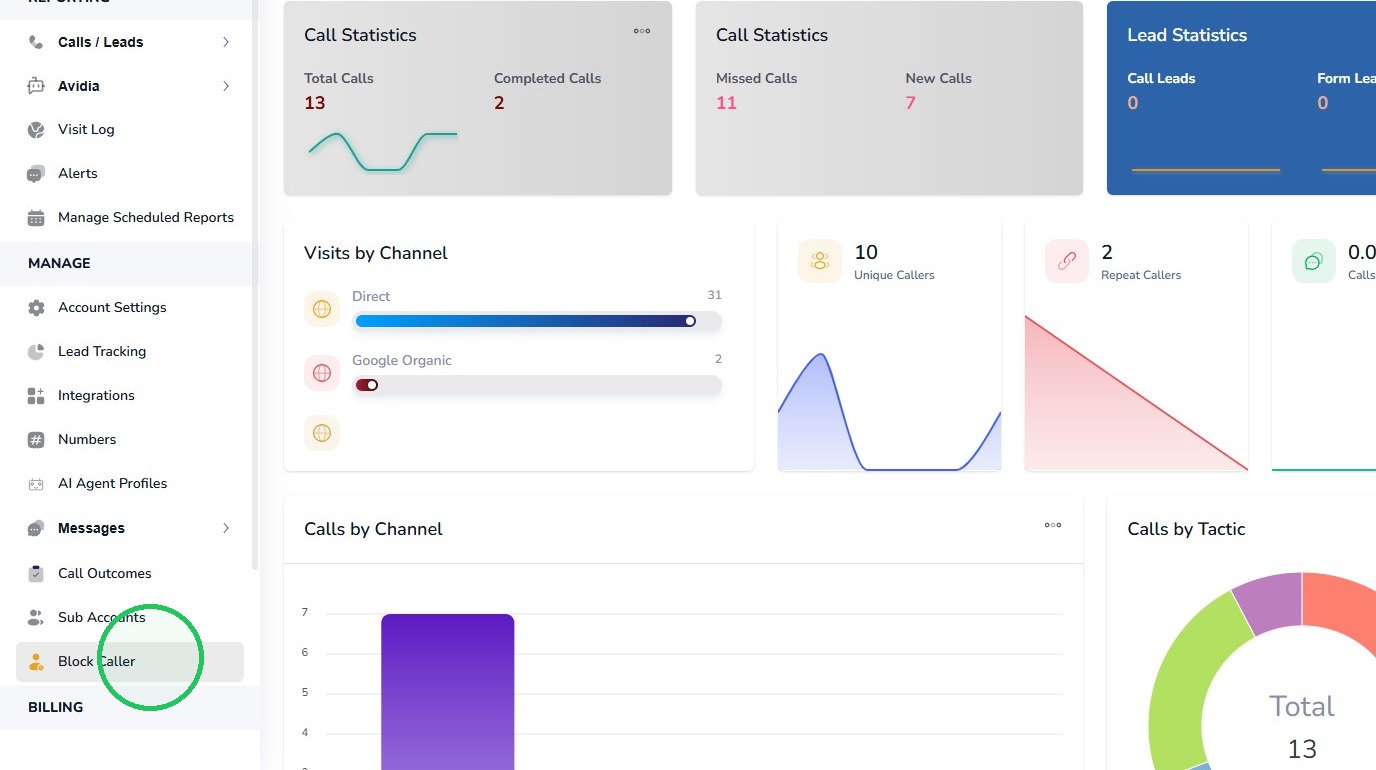
2. To get started login to your AvidTrak account and from the left menu select the Block Caller link.
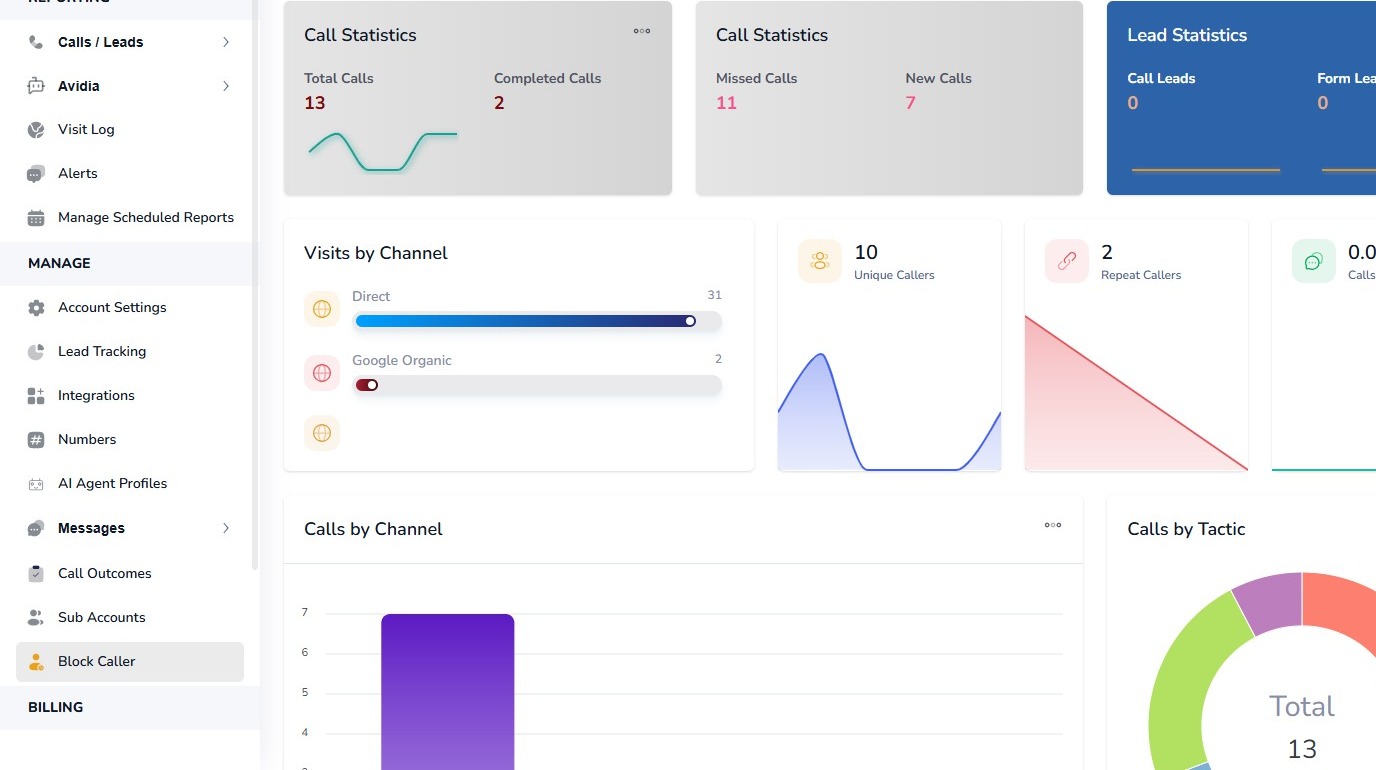
3. Click the “Block Caller” Link
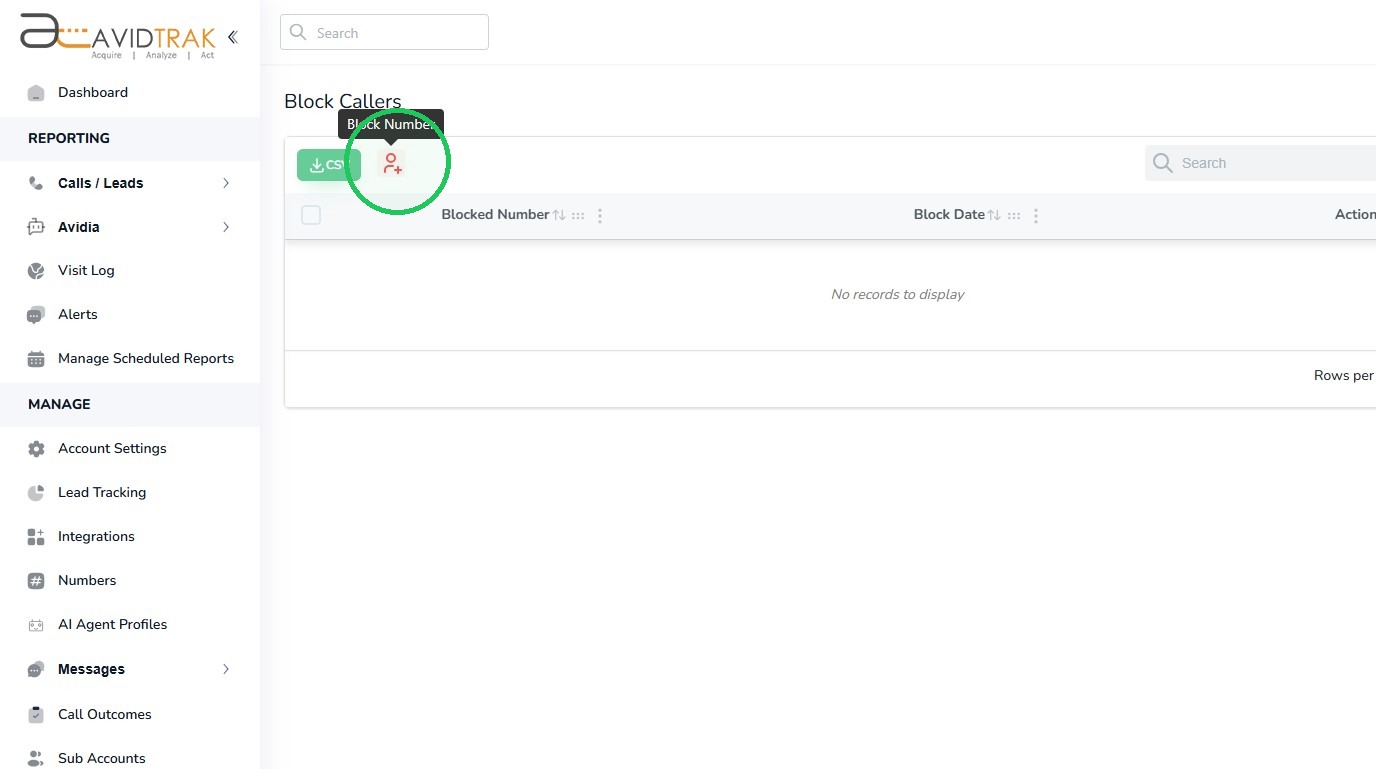
4. Next, Click the “Block Number” icon.
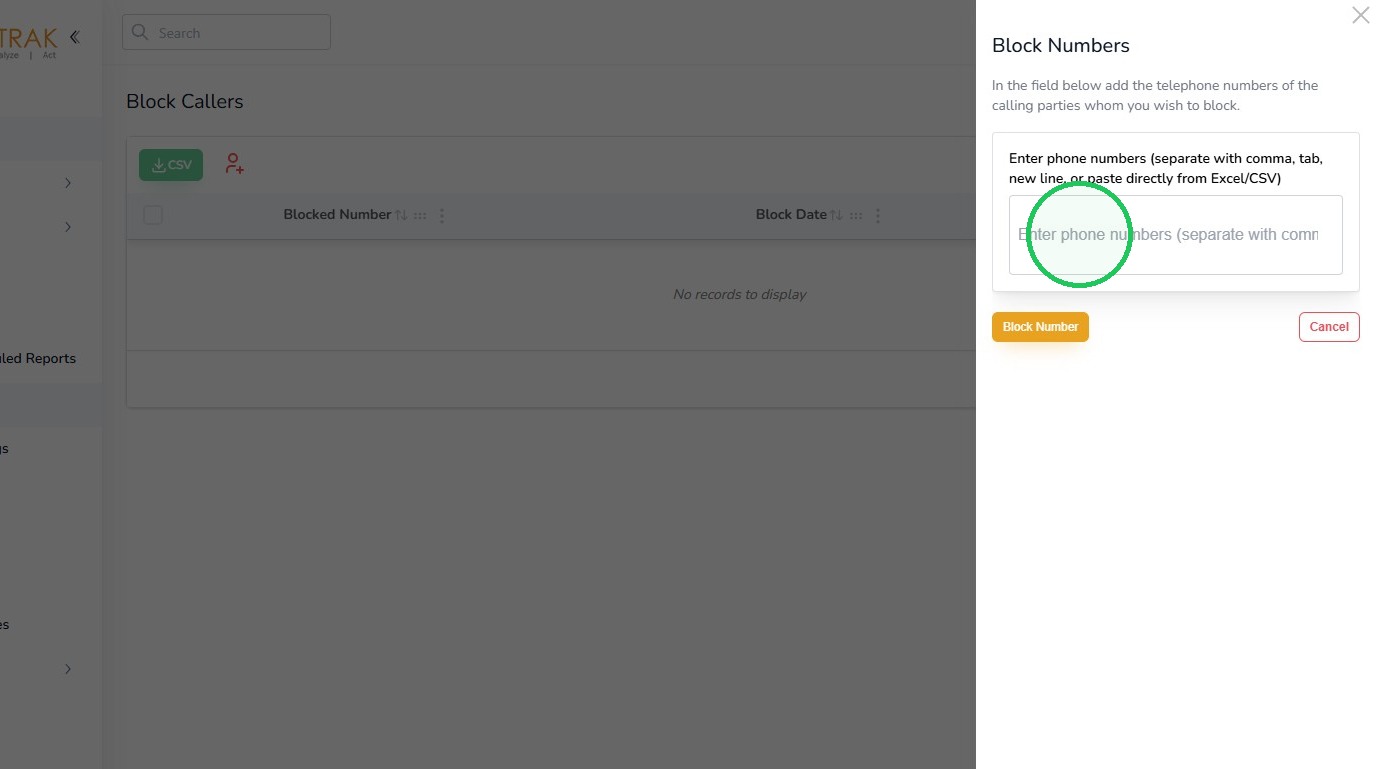
5. Next, Enter the phone number of the caller into the input field.
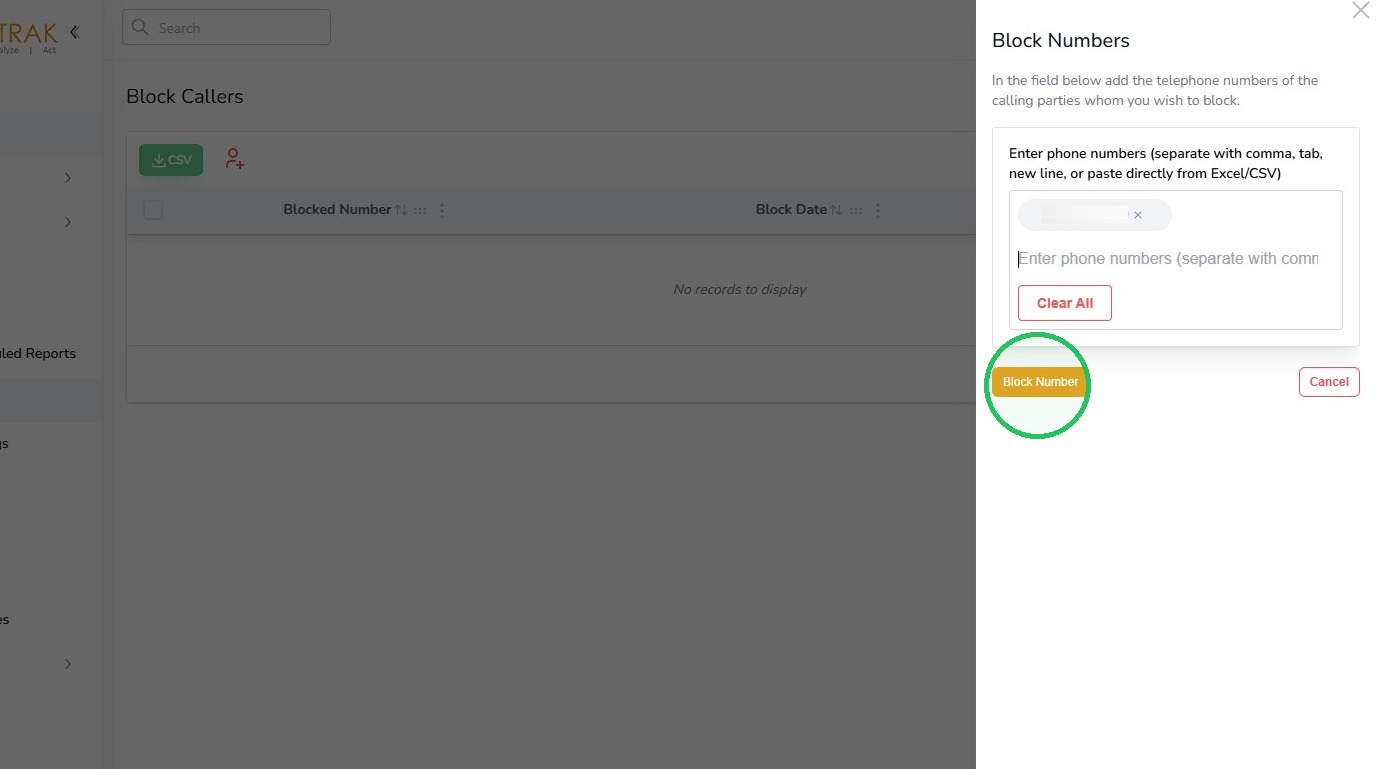
6. Next, Click the “Block Number” button.
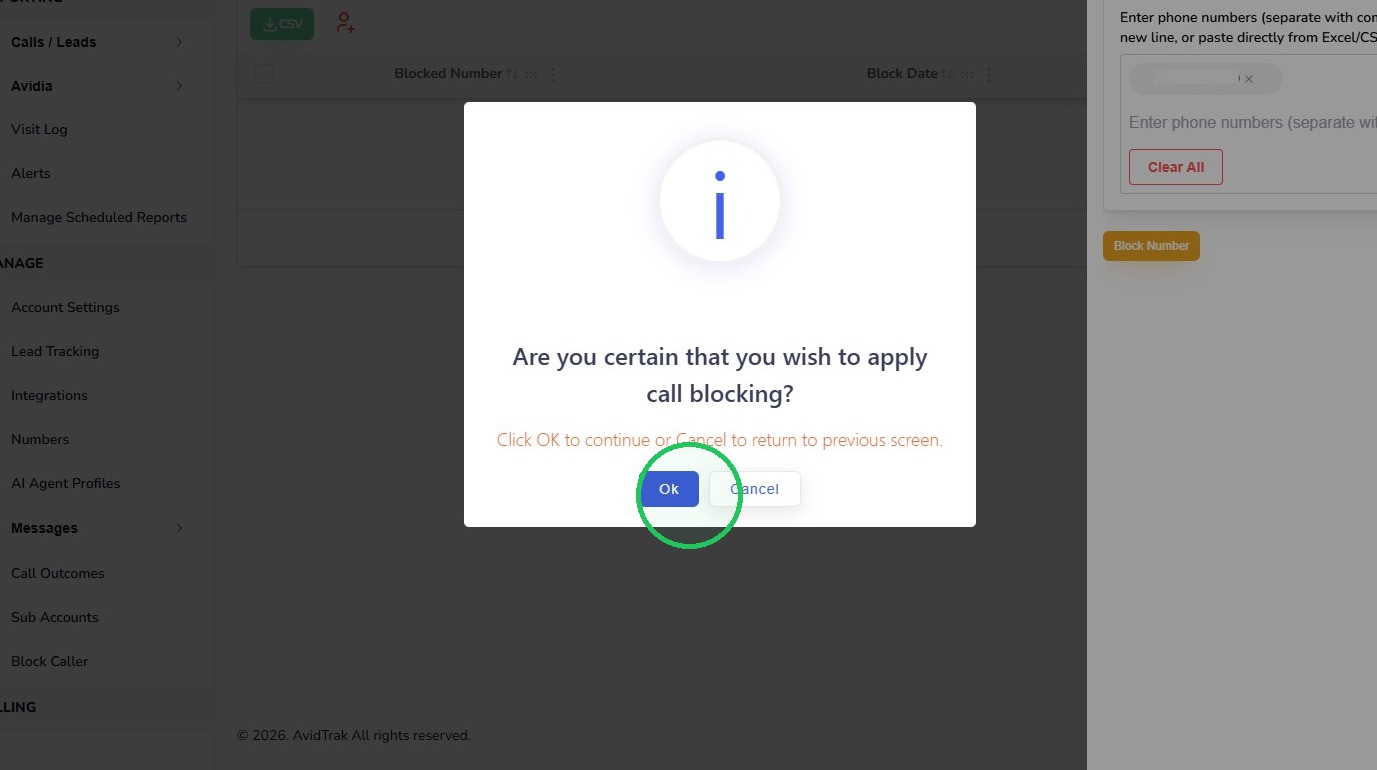
7. Next, Click “Ok” to confirm call blocking.
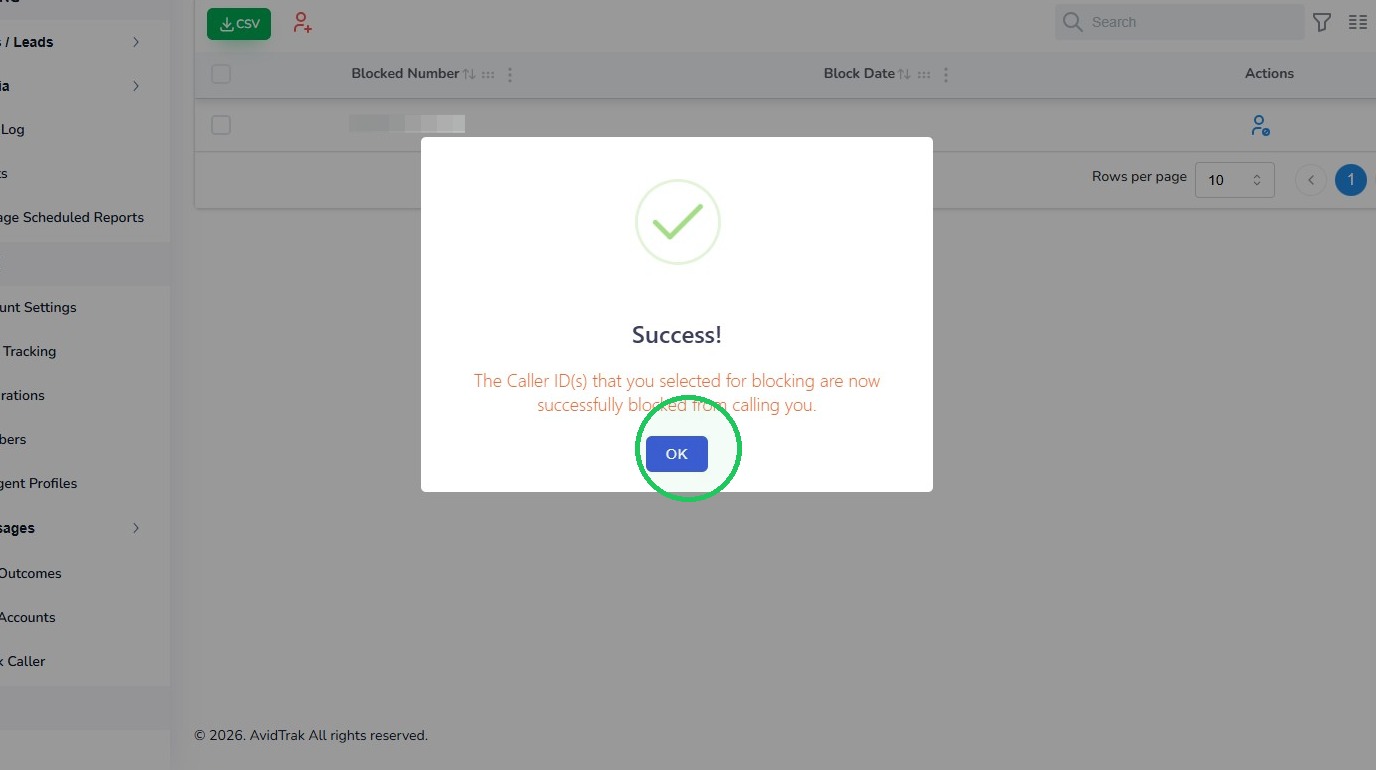
8. Click “OK” to close the success message.
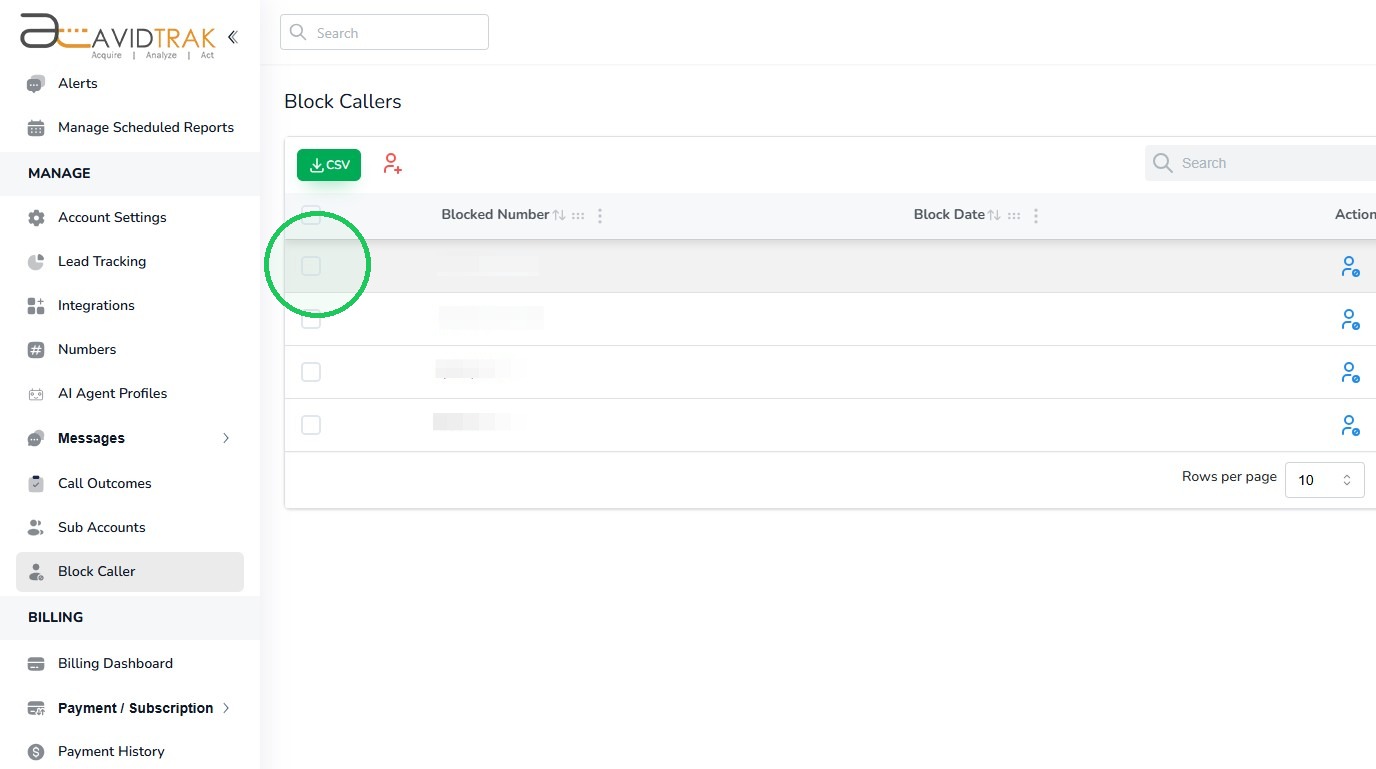
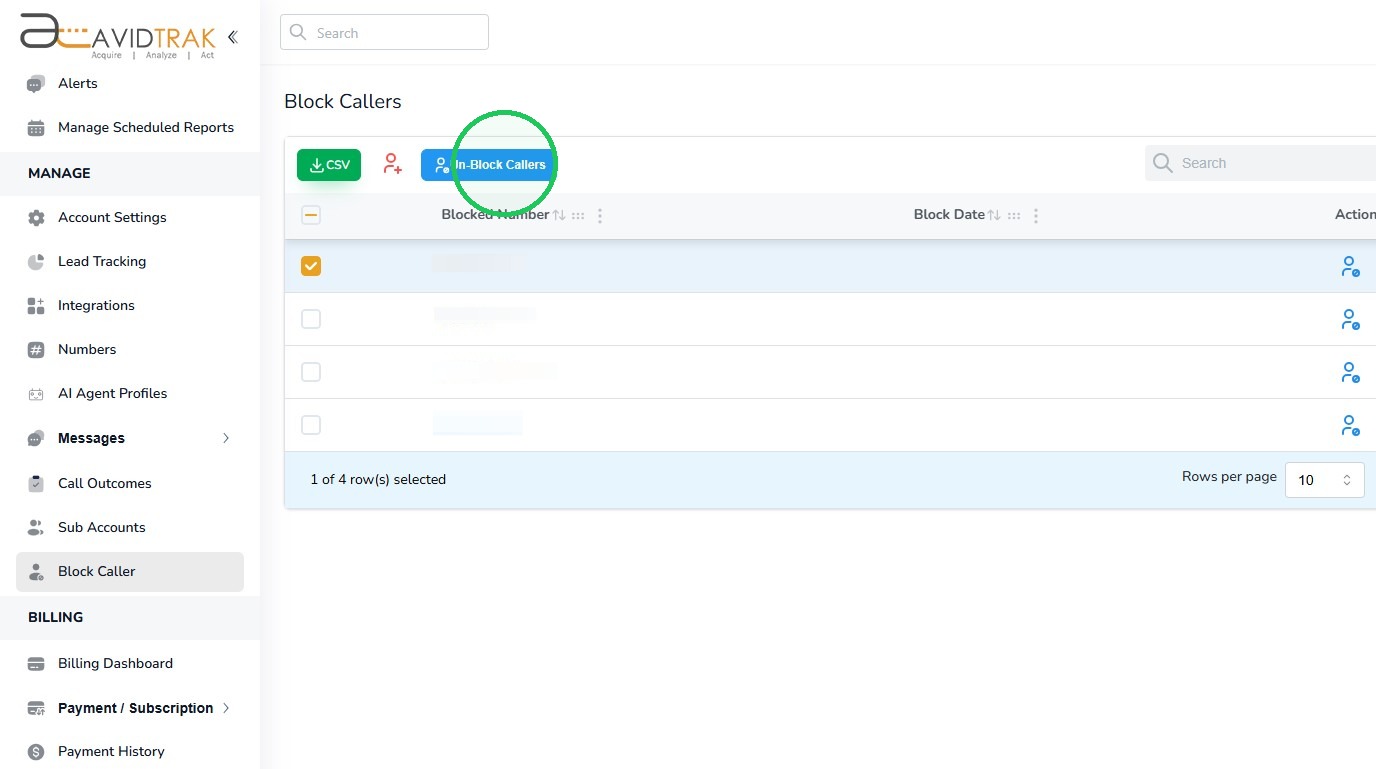
9. In this section you will learn how to unblock a caller ID. Navigate to the blocked callers’ list and find and select the caller ID that you wish to unblock by checking the box that is adjacent to the caller ID.
10. Next, Click the “Un-Block Callers” button
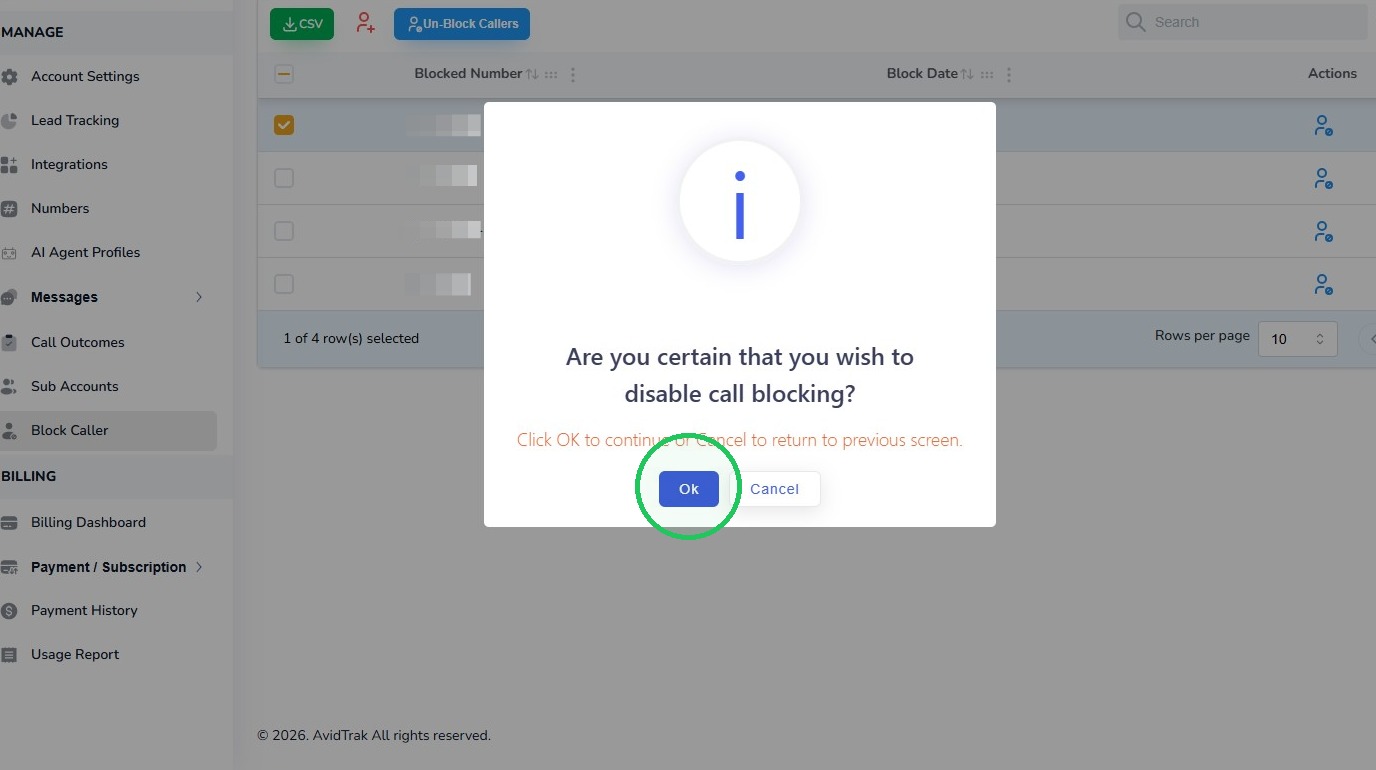
11. Next, Click “Ok” to confirm that you wish to proceed with unblocking the Caller ID that you have selected.
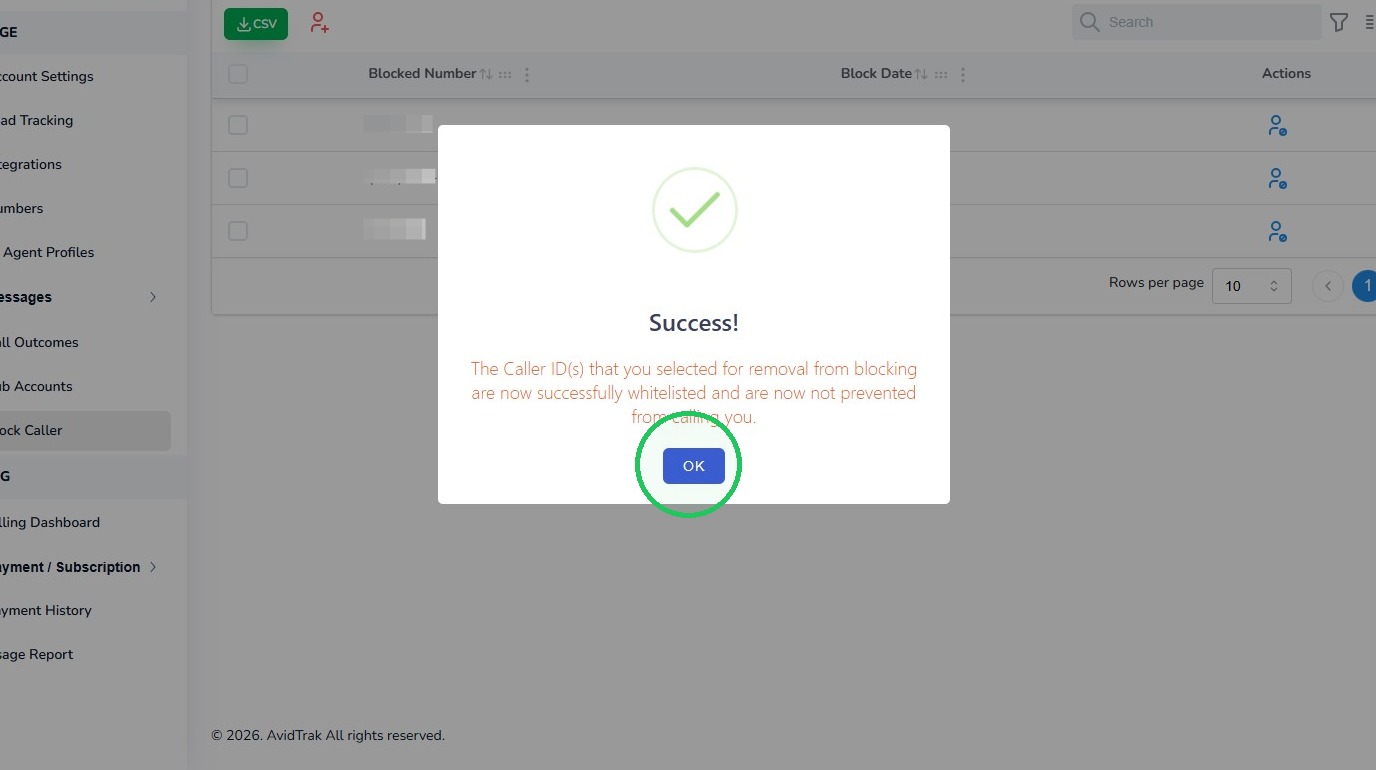
12. Click “OK” to acknowledge the success message.
Blocking from Call Logs
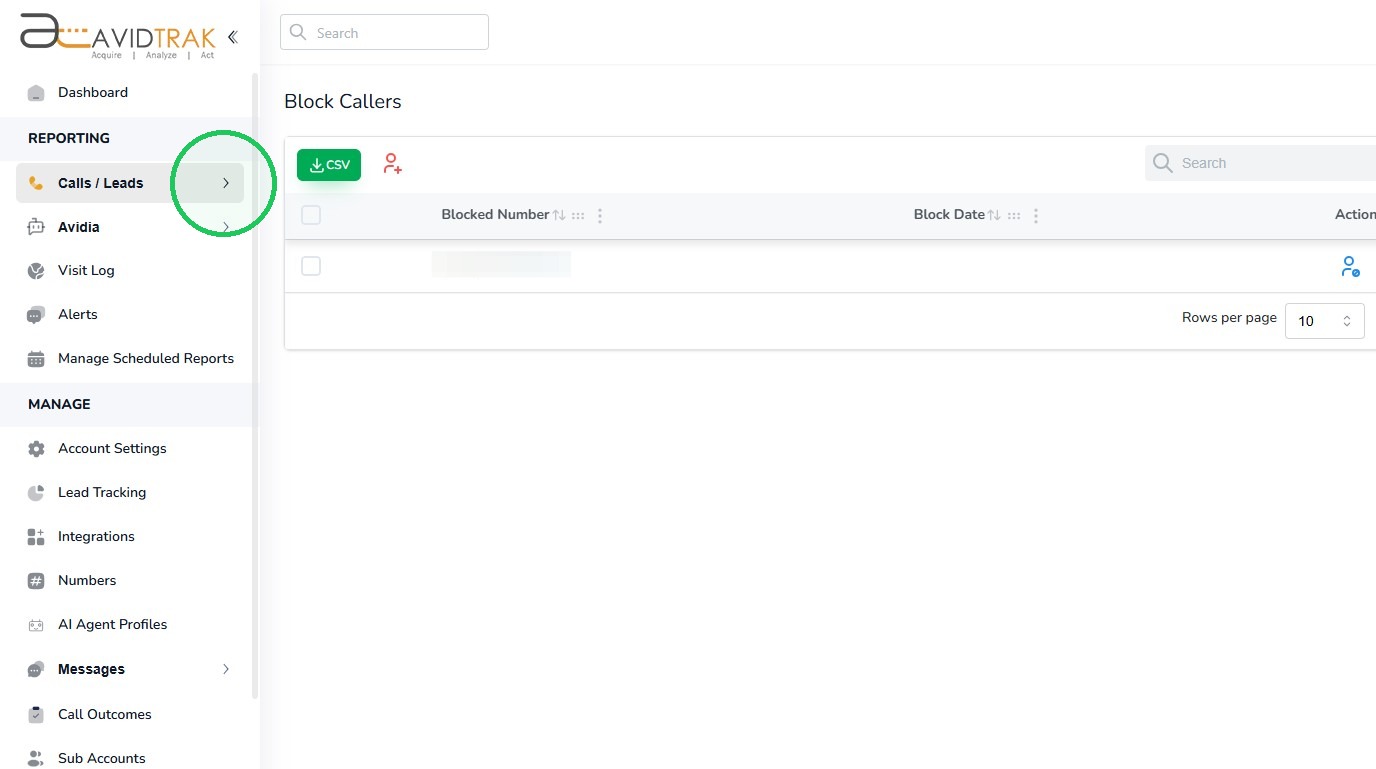
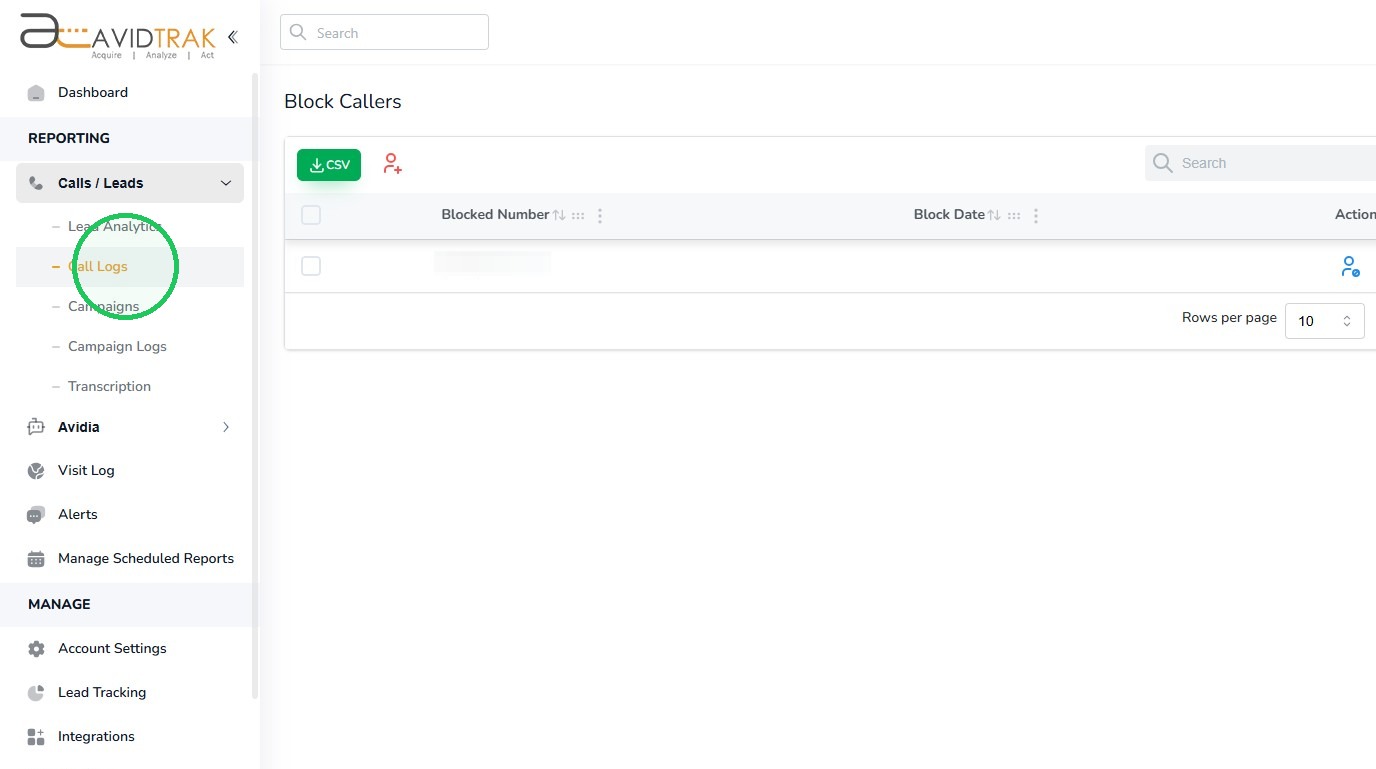
13. If you would like to search for bad callers from your call logs, access the Calls link from the reporting menu. Next, Click “Calls” in the sidebar to expand the menu.
14. Next, Click the “Call Logs” link.
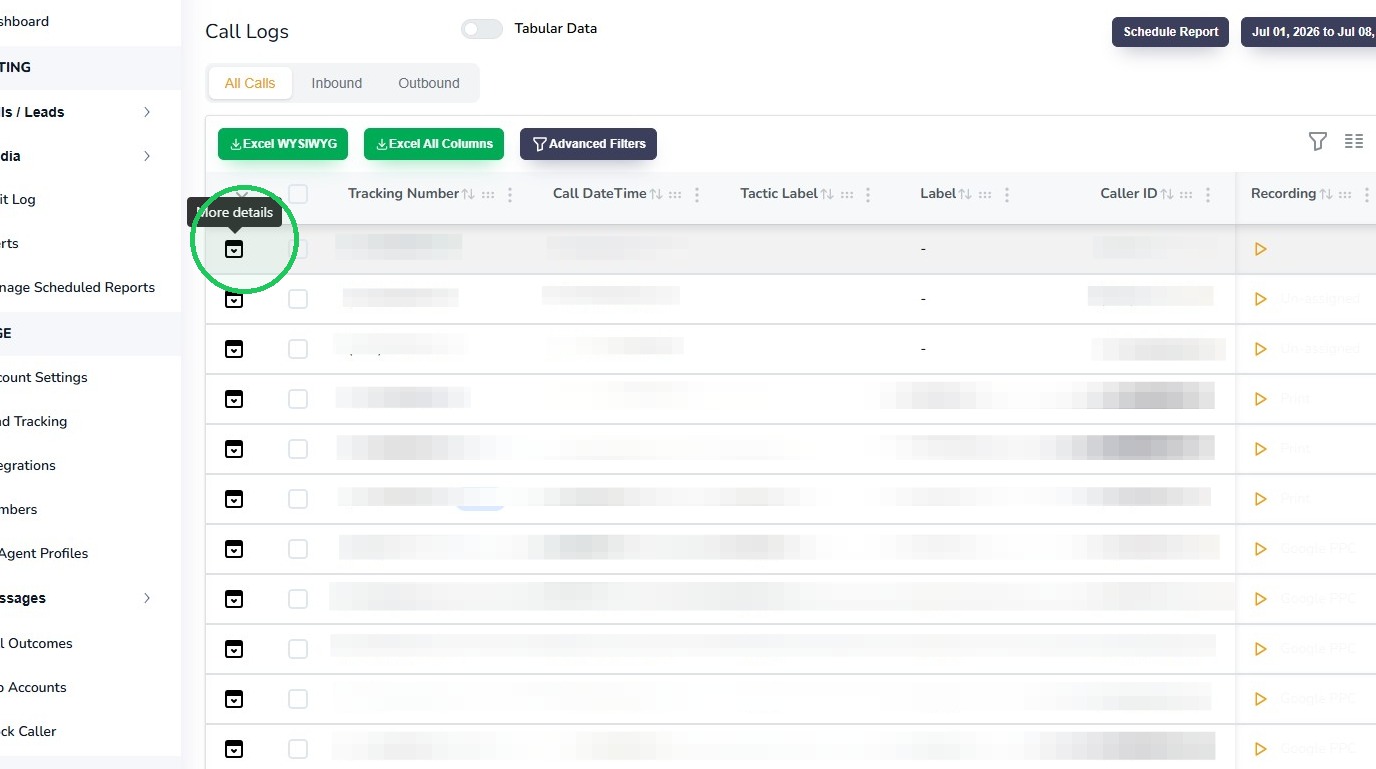
15. Click the “More details” icon for the desired call record.
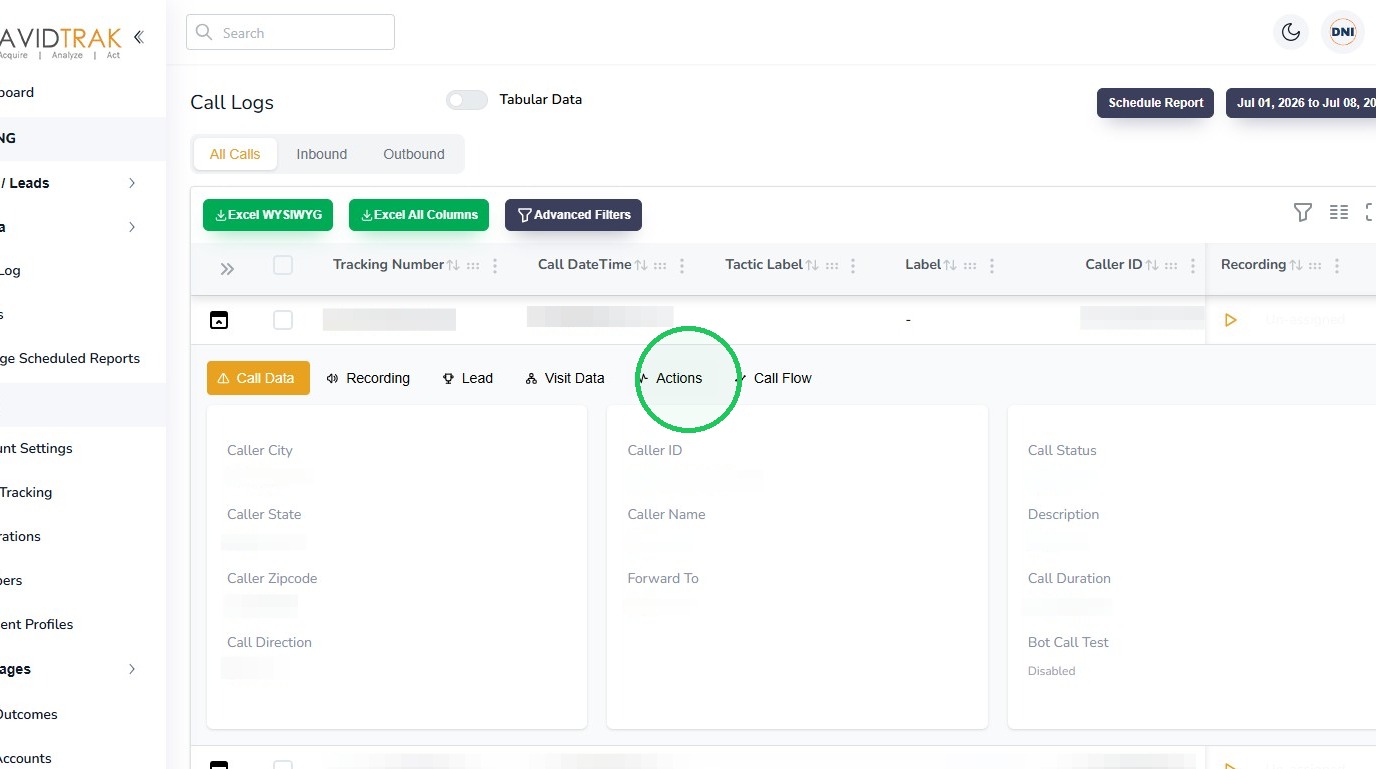
16. Select the “Actions” tab.
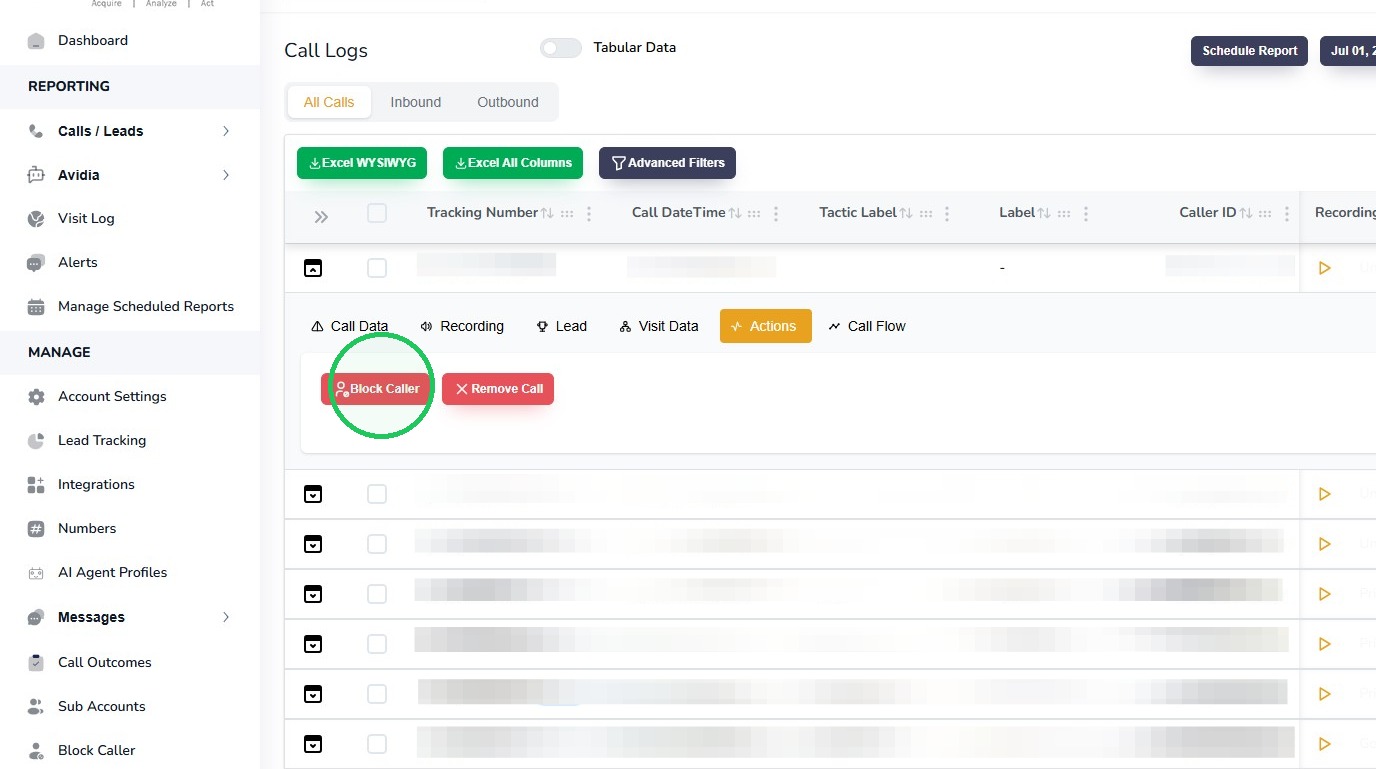
17. Click the “Block Caller” button.
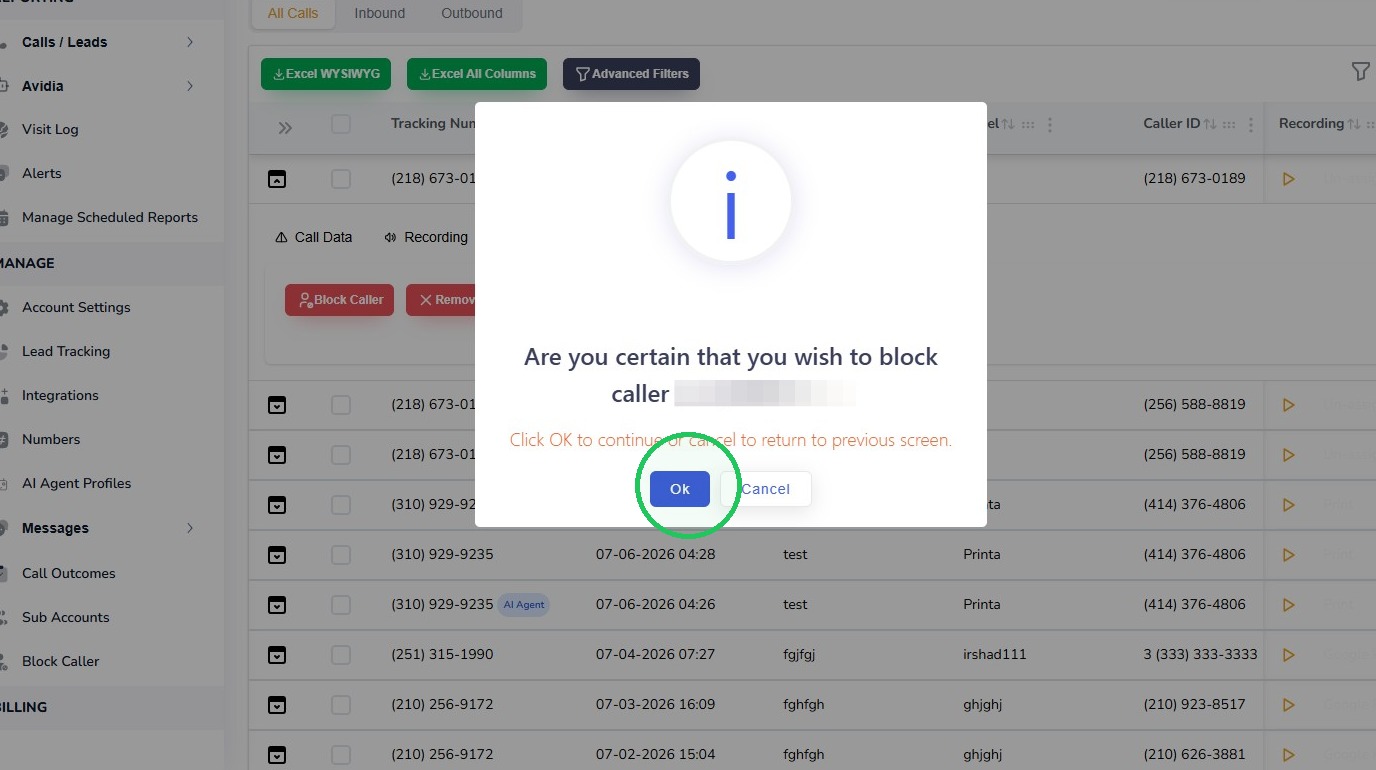
18. Click “Ok” to confirm that you wish to proceed with blocking the caller.
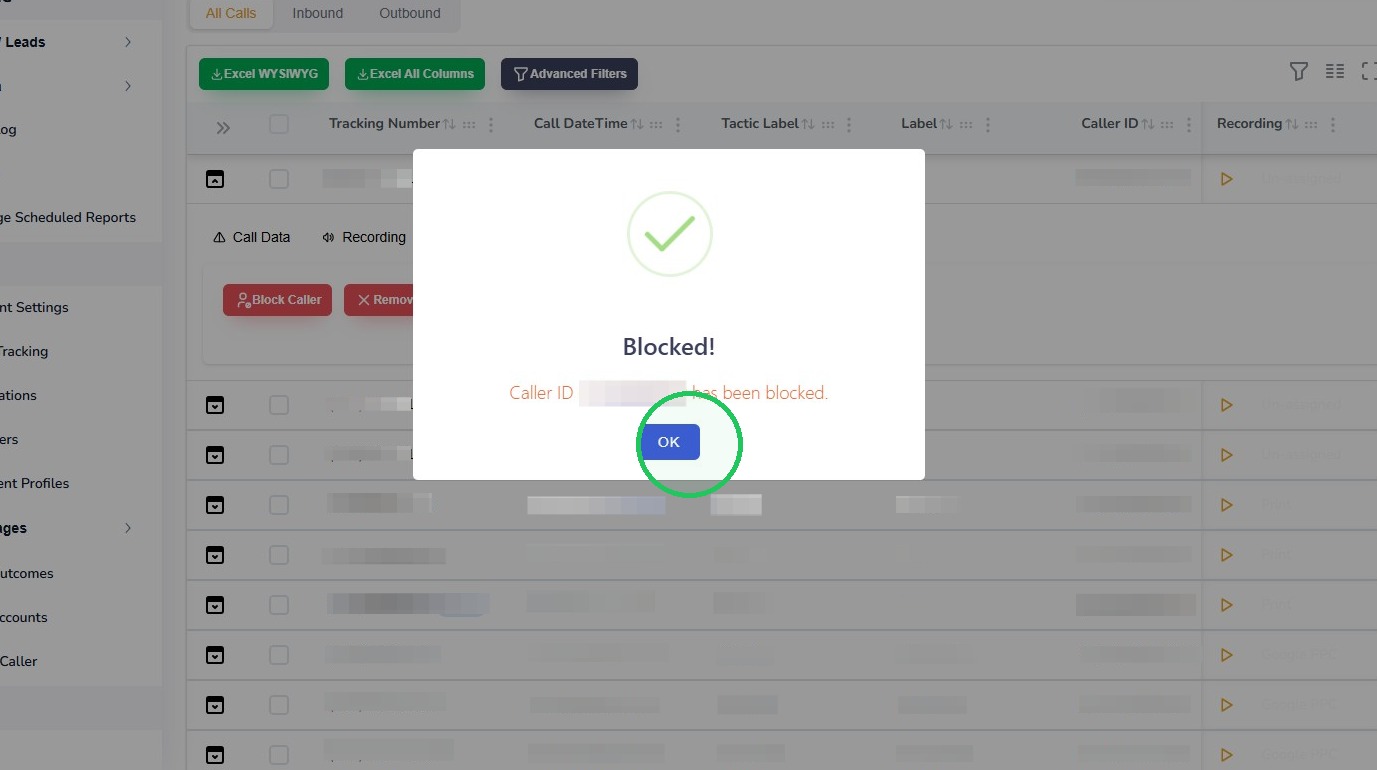
19. Click “OK” to acknowledge the success message.
20. This completes the tutorial for How To Block Callers In AvidTrak. If you face any difficulty in implementing these instructions or have questions related to this feature, please do not hesitate in emailing support@avidtrak.com

