

Create and Edit Menu Templates for Sub-Agency
1. In this tutorial you will learn how to Create and Edit Menu Templates for AvidTrak Agency Platform users who work under the Administrator of the Agency Platform. We call these users “Sub-Agency” Users. The level of account access is determined by the Administrator of the Agency account and is controlled by way of a template that the Administrator creates. The Administrator may create different versions of the template to facilitate and control a client’s account data access by each sub-agency user.
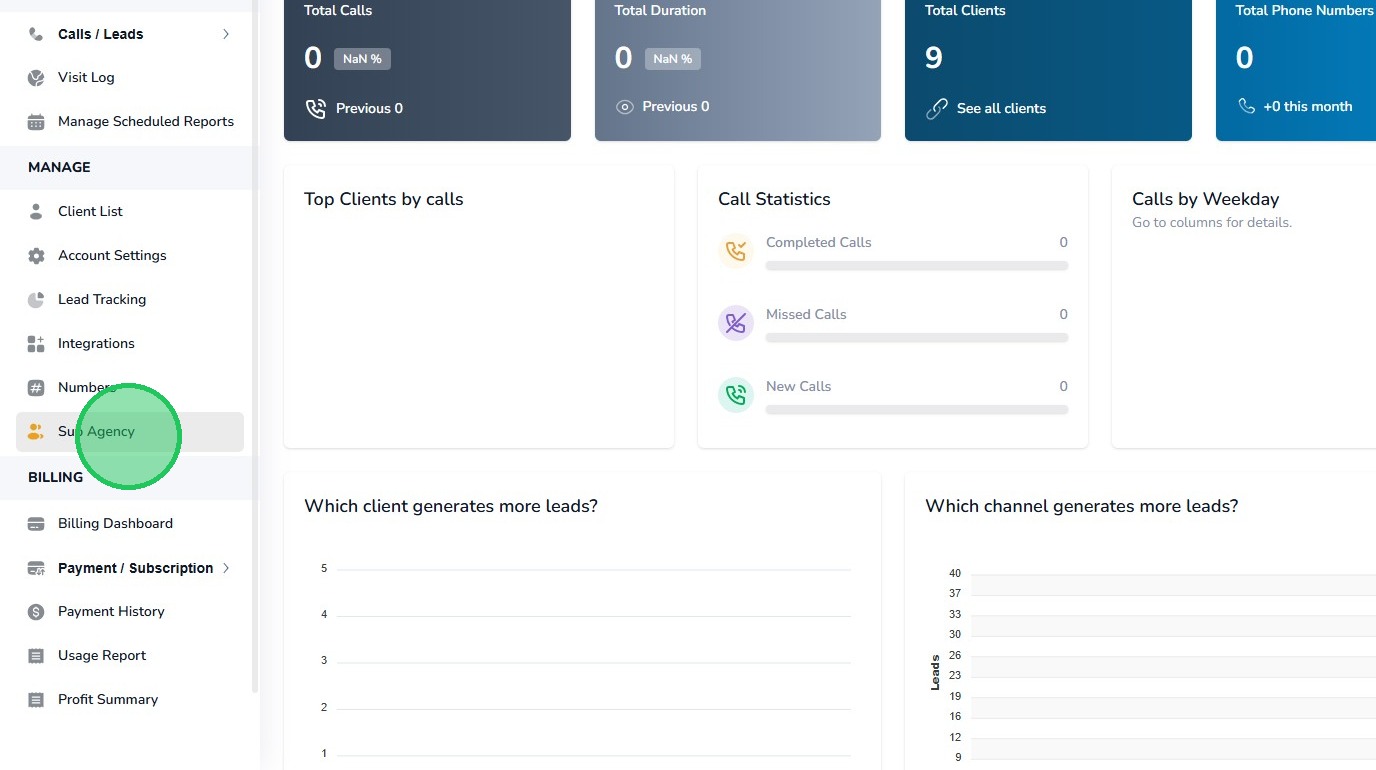
2. After you have successfully logged into your Agency account as an Administrator, navigate to the left navigation area, and find and click the Sub Agency link that appears under the Manage menu section.
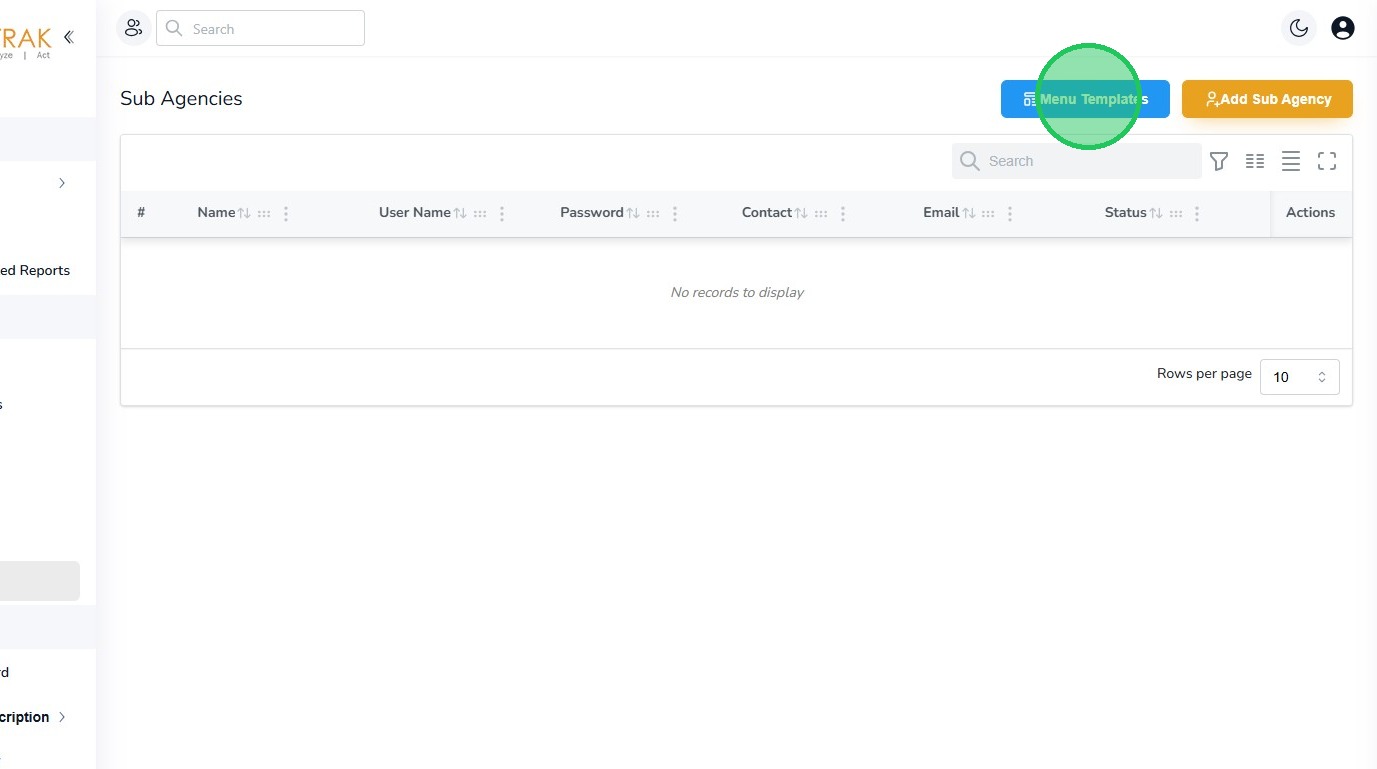
3. Next, Click the “Menu Templates”
4. Next, Click the “Template Name” field and enter a suitable name for your template.
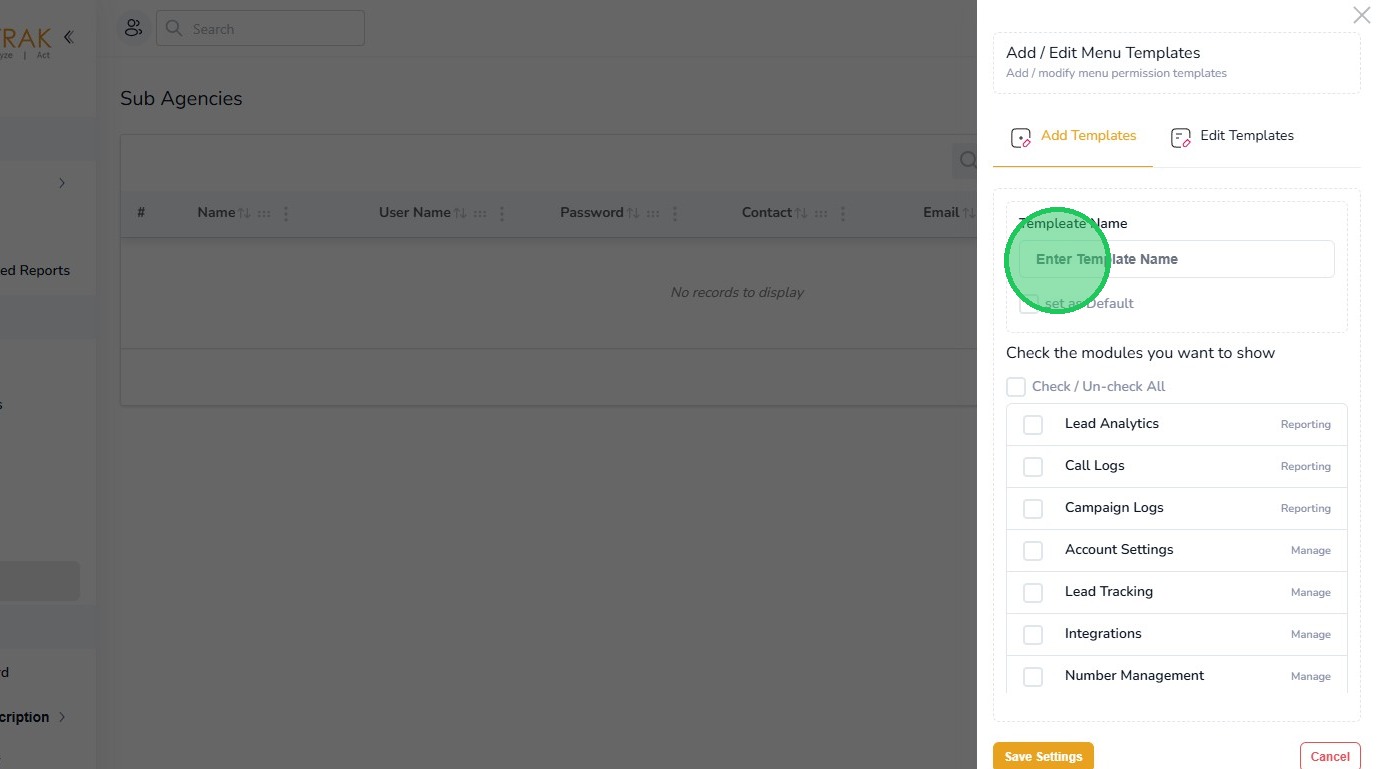
5. Click the “Check/Un-check All” field to select all or remove all selected fields and reports. Pro Tip: To customize the menu template, uncheck ALL the fields and manually select the fields and reports you wish to incorporate into your template. The level of access to a client’s data an Administrator grants to a Sub User, is controlled via this step. Be judicious in this step in granting data access to your sub agency user.
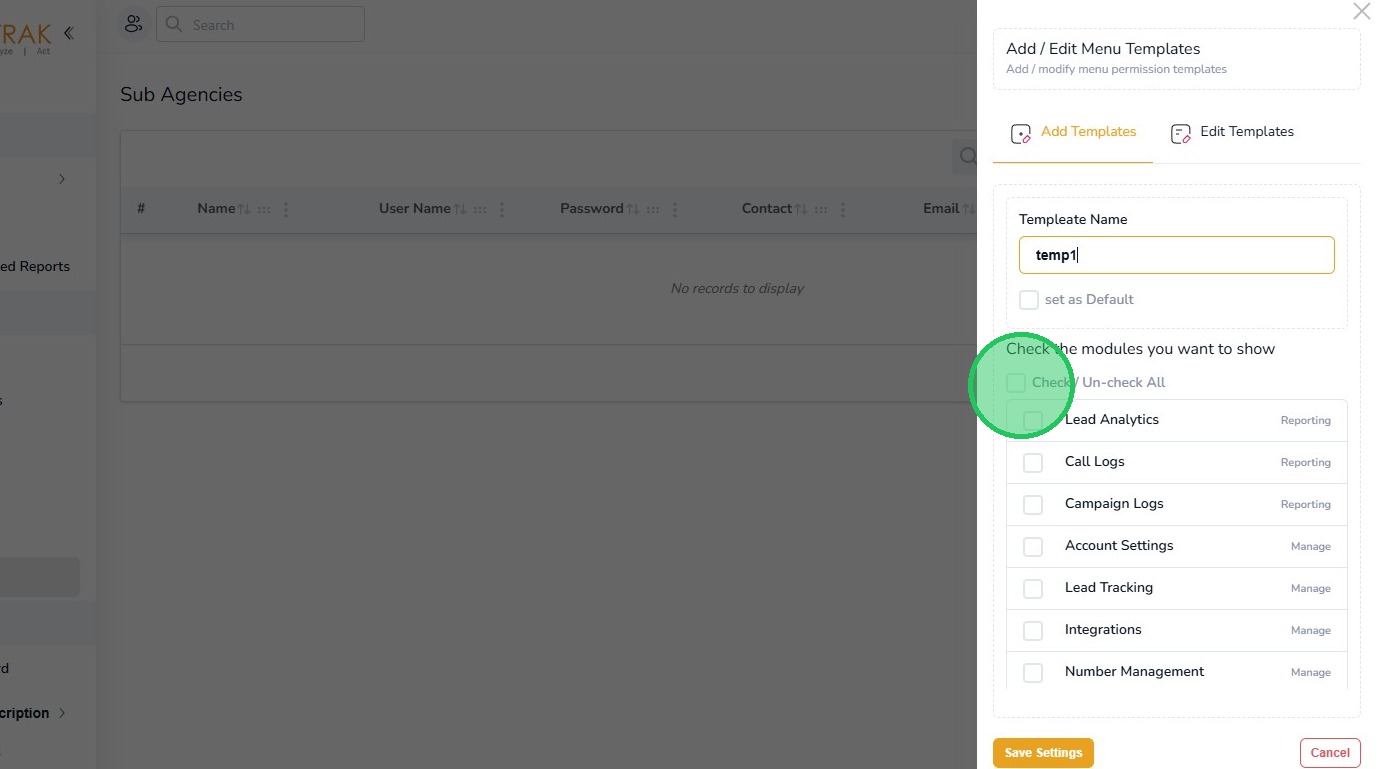
6. After you have completed your selection be sure to save your work by clicking the “Save Settings” button.
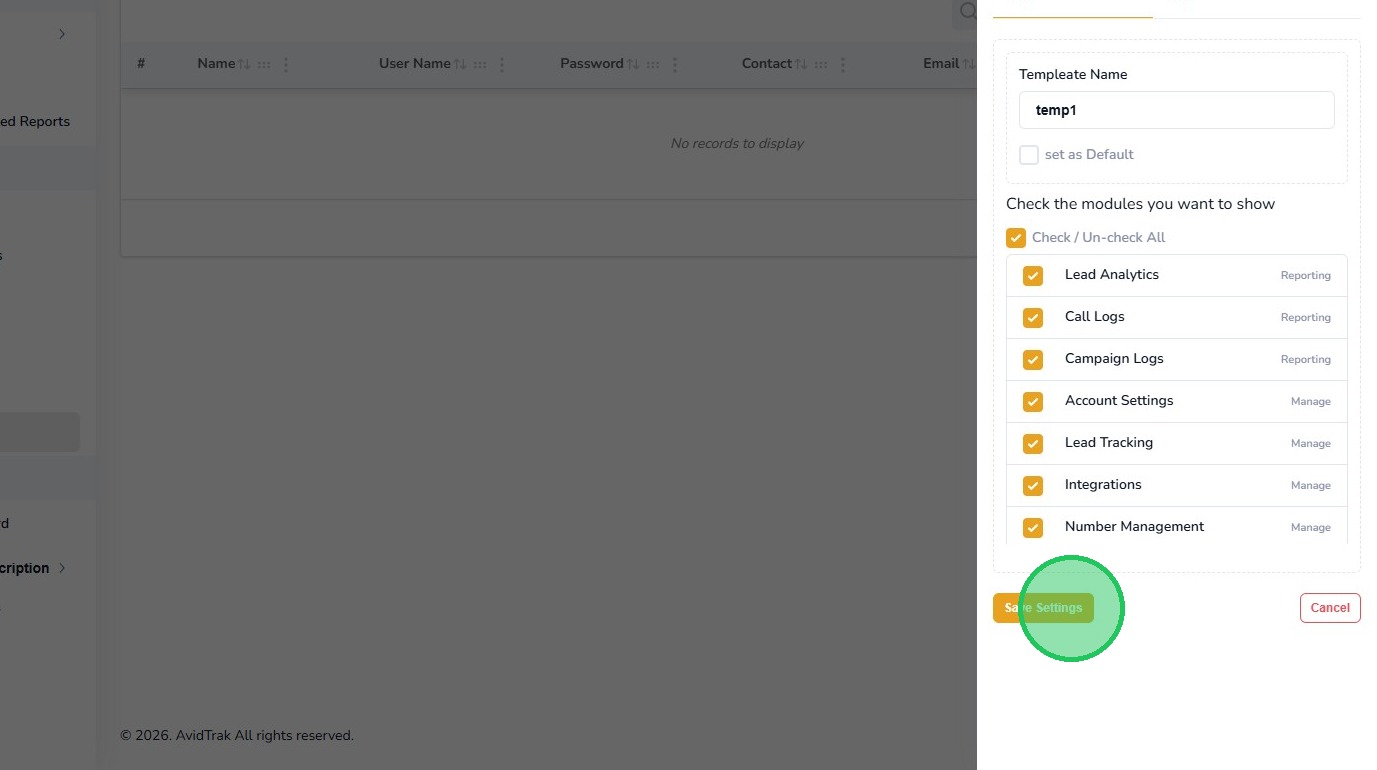
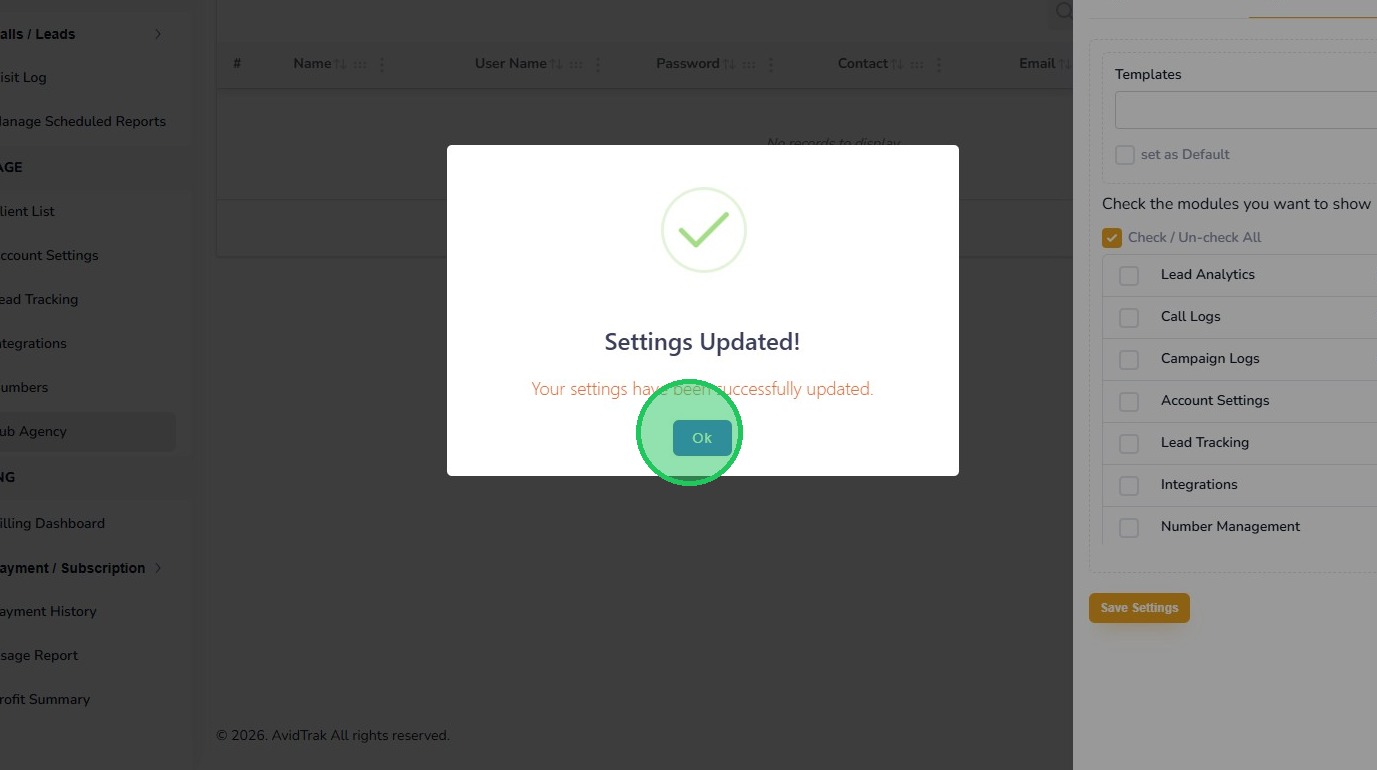
7. Click the “OK” button to save the settings.
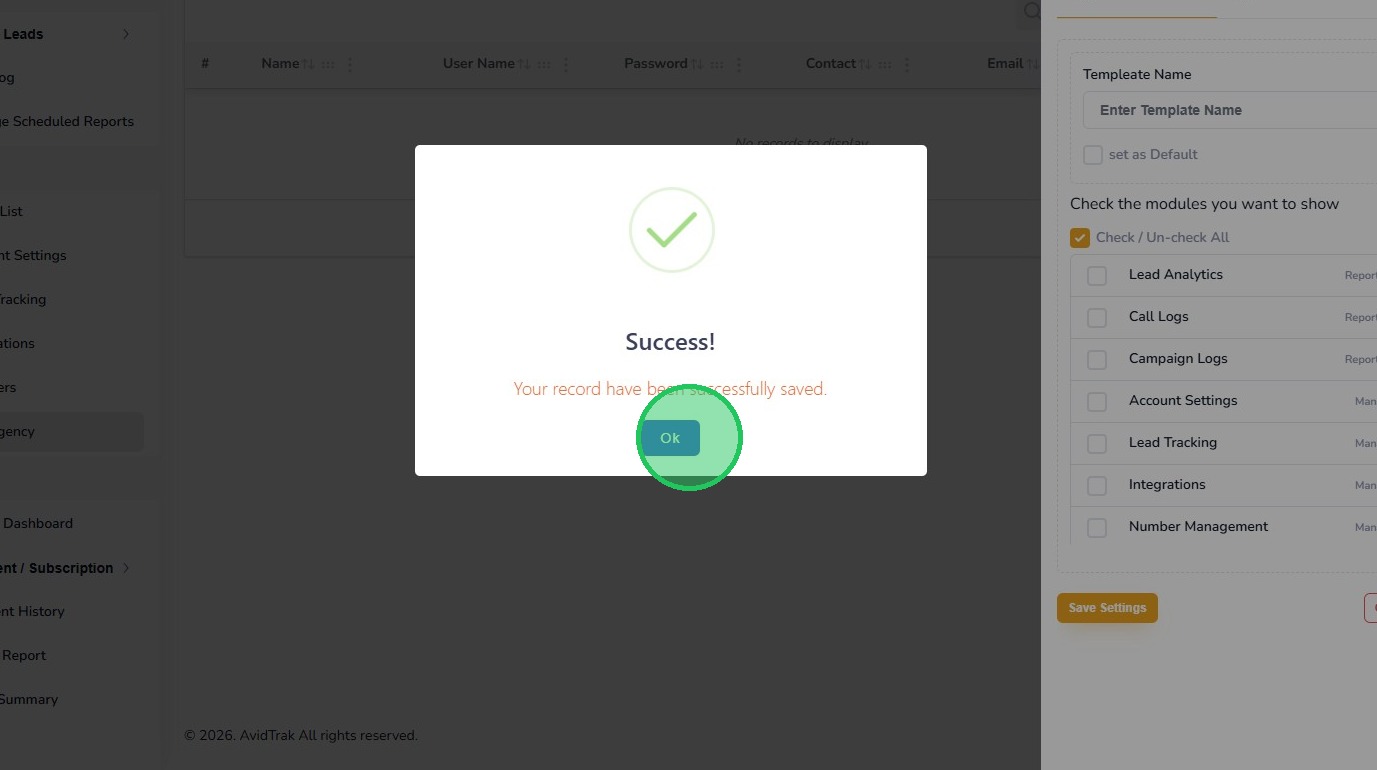
8. After you have saved a template, editing the template to modify its contents is easy. To edit an existing template click the “Edit Templates” link.
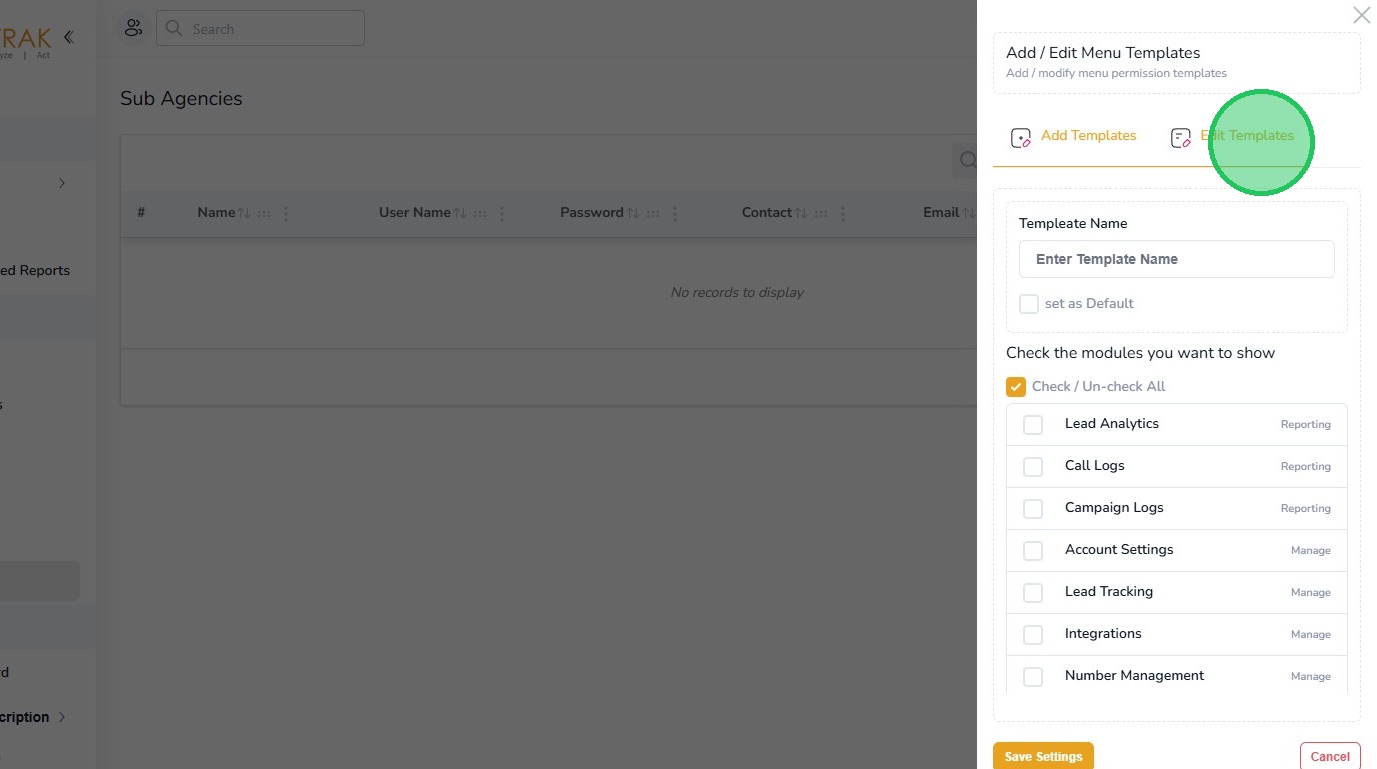
9. From the drop-down menu find the template that you wish to modify.
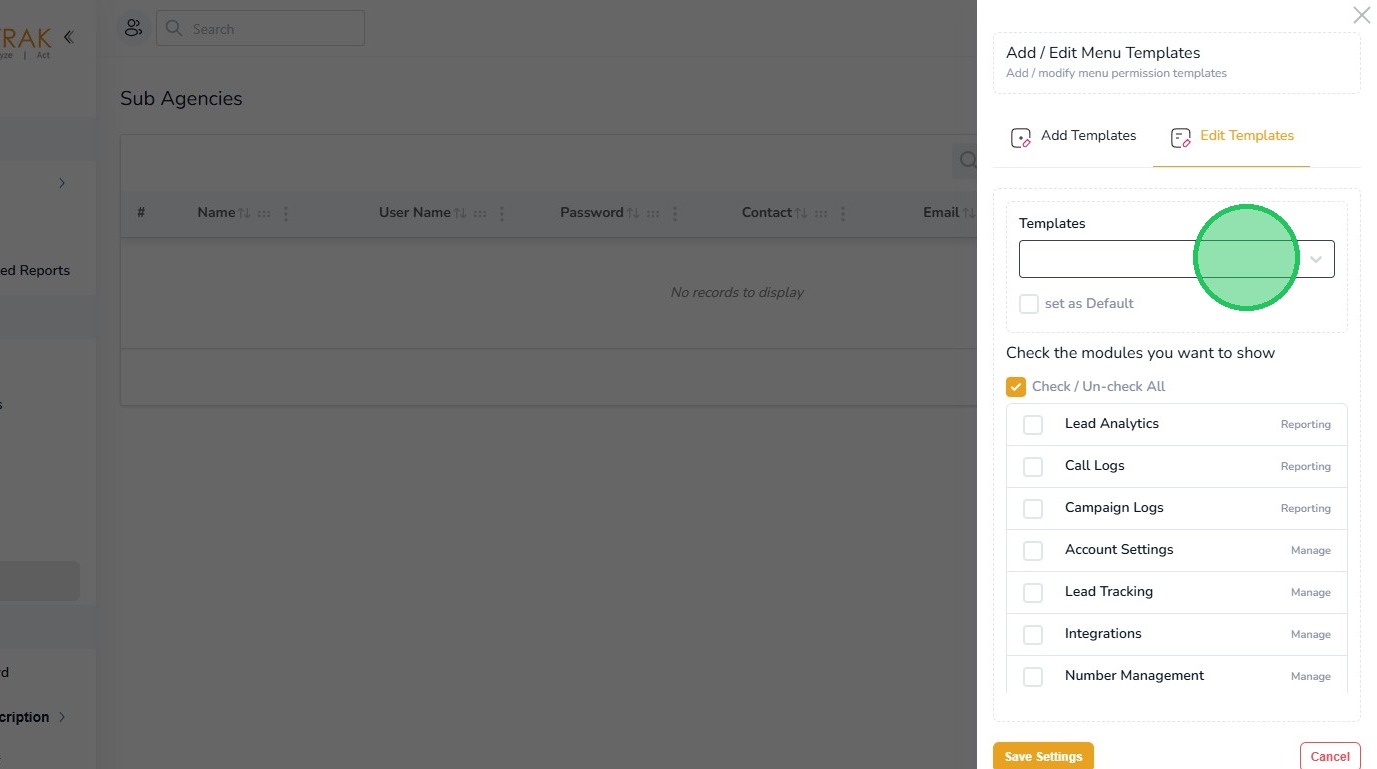
10. After finding the template select a template that you wish to change.
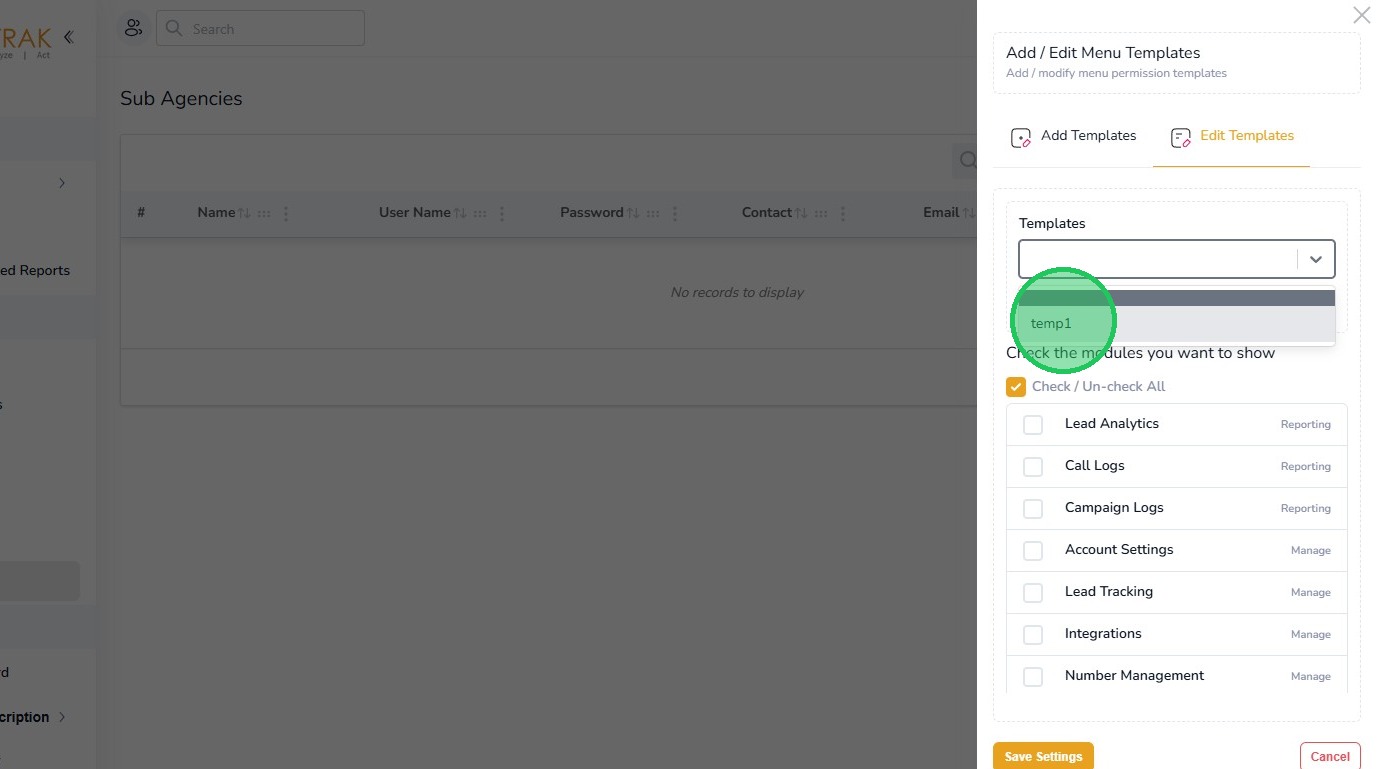
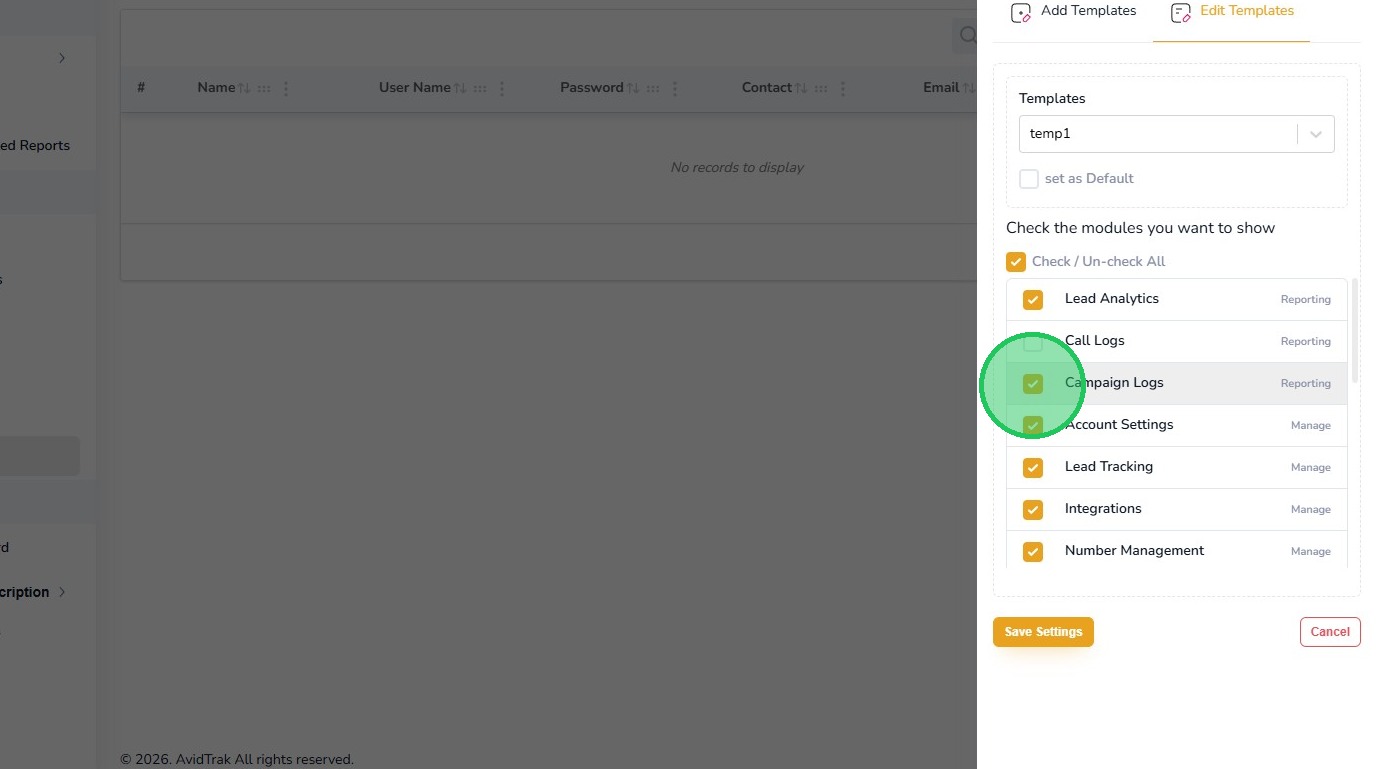
11. After the template is selected the screen will render the template’s current reports and tabs. Make the changes as needed.
12. Click the “Save Settings” button to save your work.
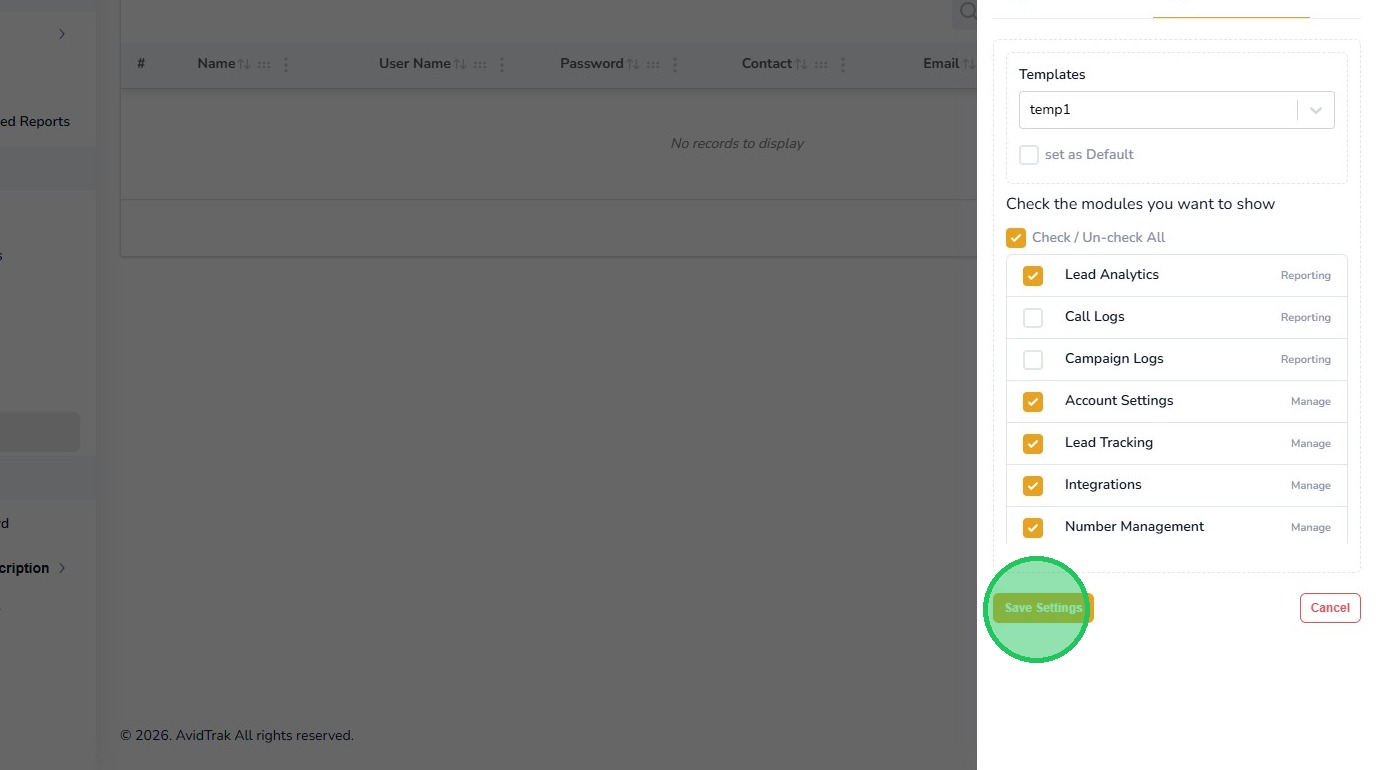
13. Click the “OK” button to save the settings
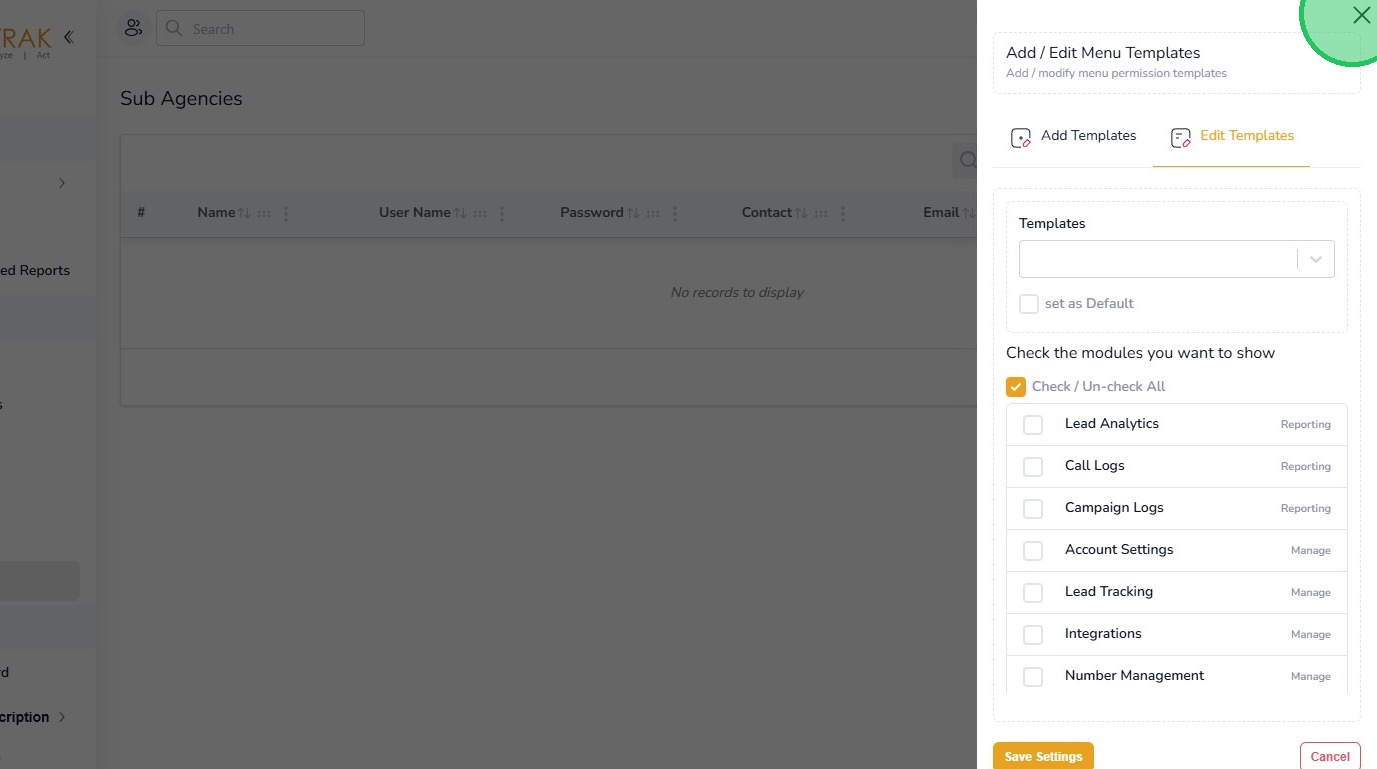
14. To navigate away from the pop-up screen, click the X icon on the upper right corner of the screen.
15. This completes the tutorial on how to Create and Edit Menu Templates for a Sub-Agency User. If you face any difficulty in implementing these instructions or have questions related to this feature, please do not hesitate to email support@avidtrak.com

