

Subscribe to Leena the AI Voice Agent
1. In this tutorial you will learn how to subscribe to Leena, an AI Voice Agent. Leena is an AI based productivity tool that allows you to utilize AI to answer inbound phone calls on your behalf. Leena is trainable and can handle most tasks that humans perform. Leena never tires, is accurate, cheerful and prompt and can work 24/7, seven days a week for you. To subscribe to Leena AI voice agent, you must have a minimum of $25.00 of credit balance in your account. If you do not have adequate credit in your account, be sure to top up your account by accessing the Payments/Subscriptions page.
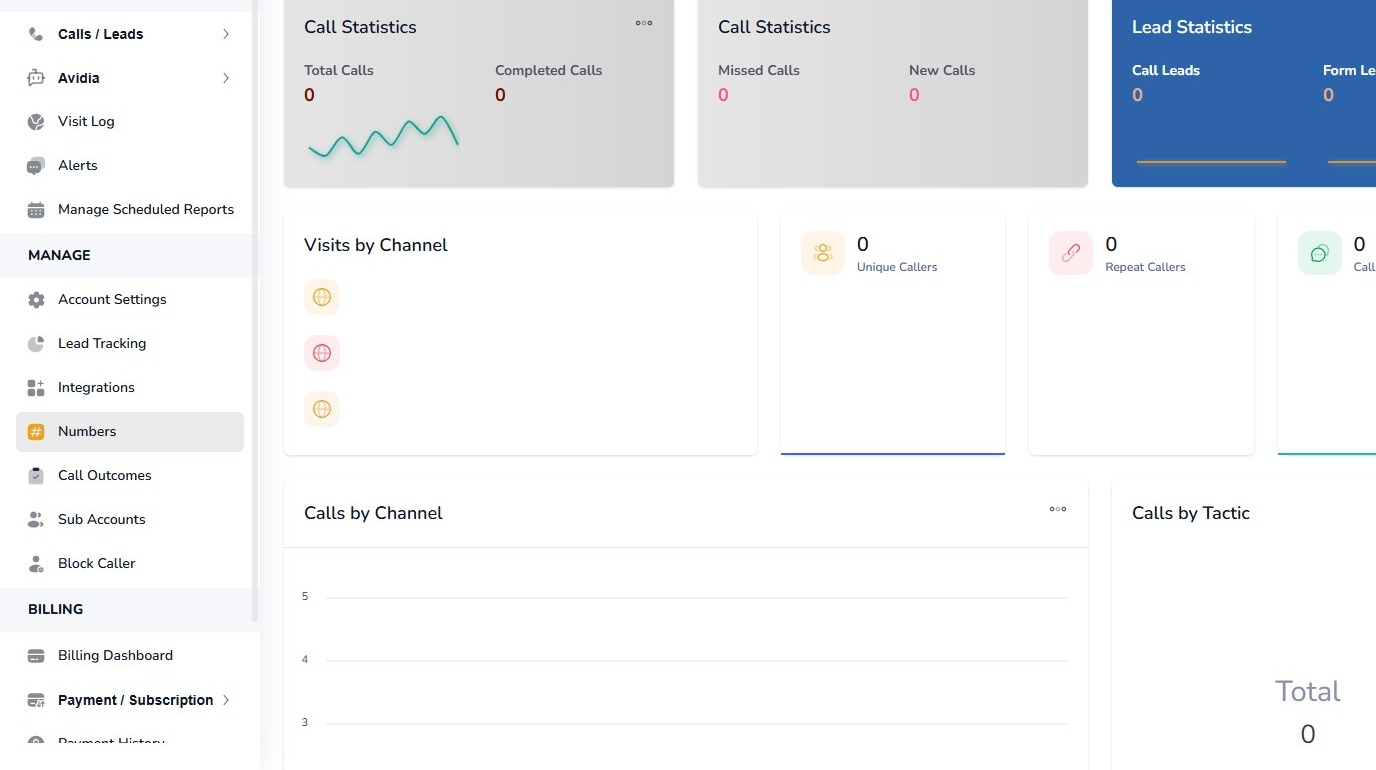
2. To get started login to your AvidTrak account and from the left menu select the Numbers link under the Manage section.
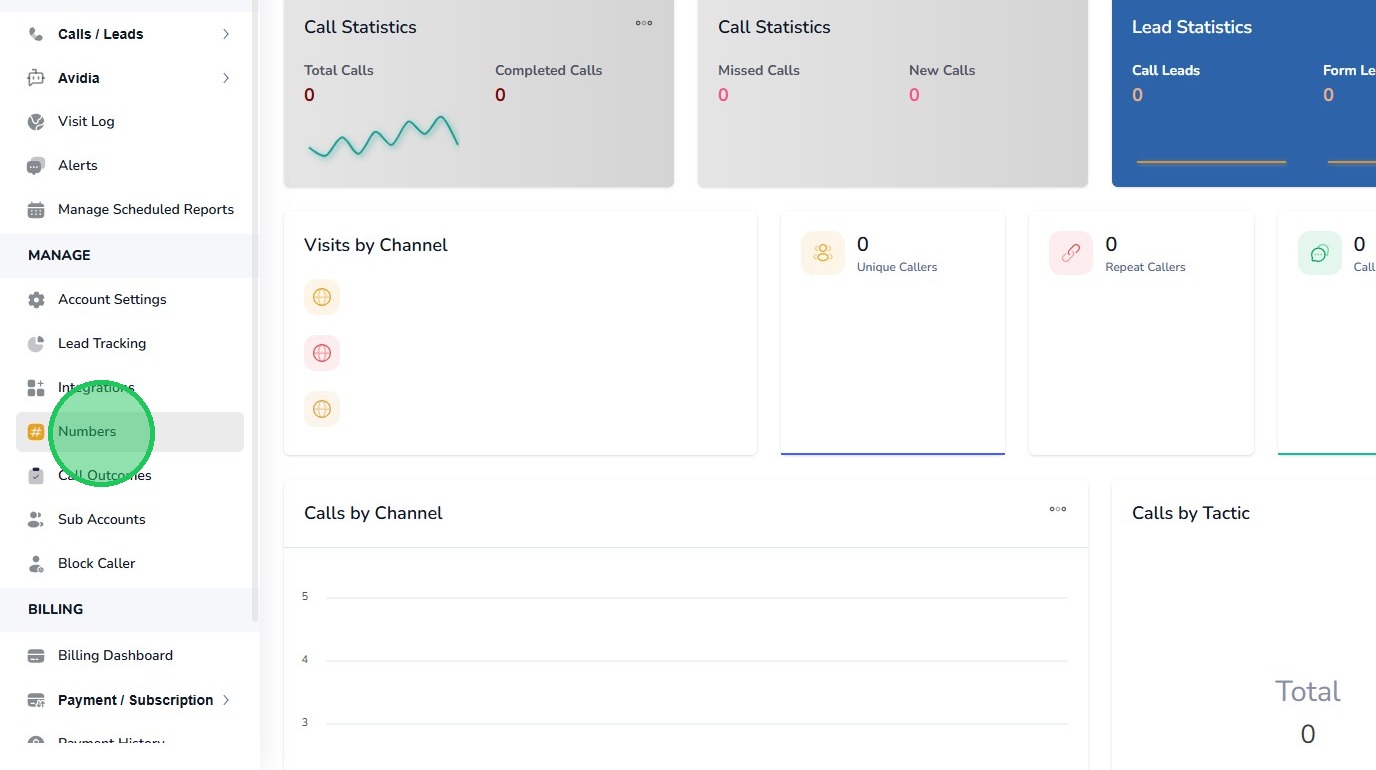
3. Next click the “Numbers” link
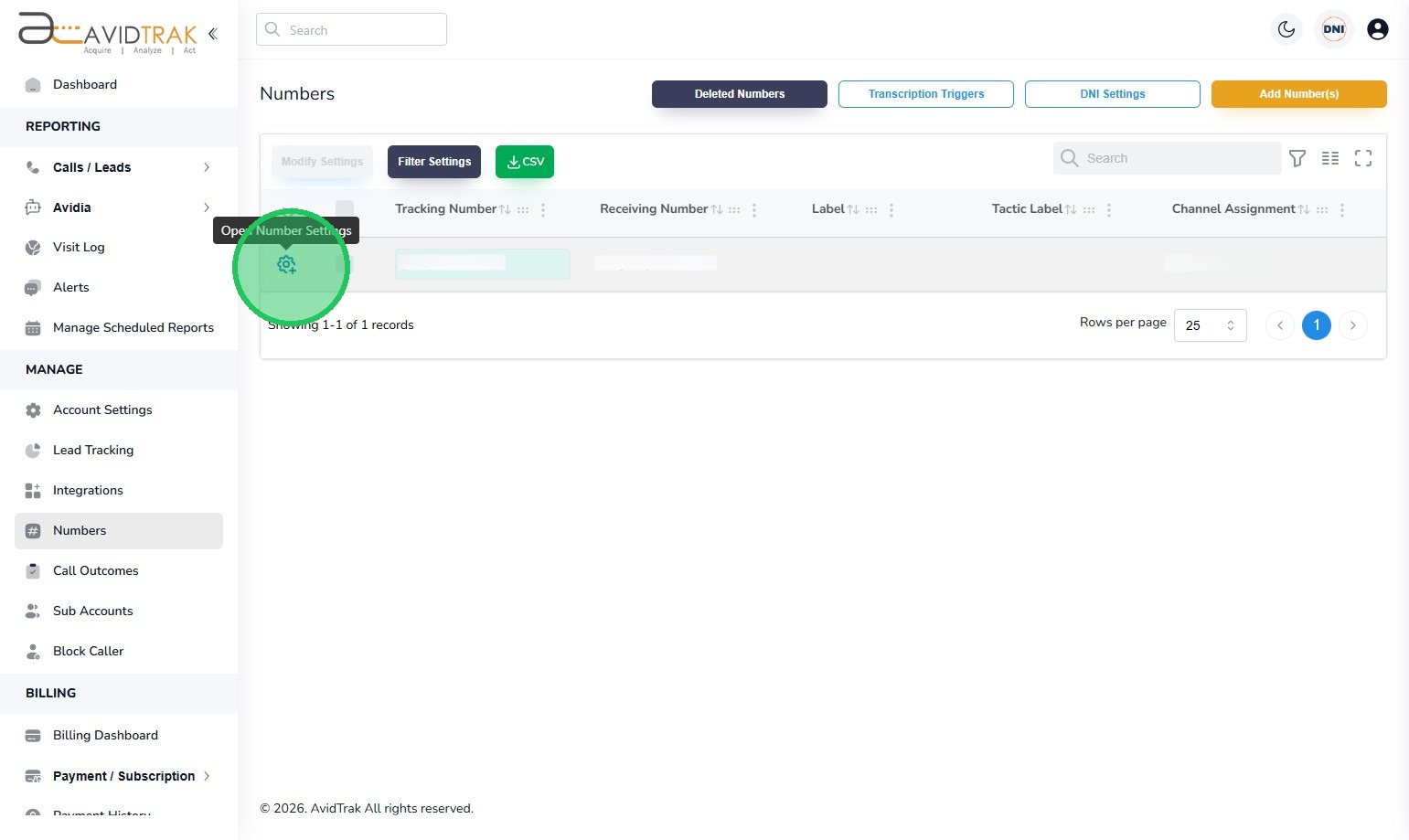
4. Click on the blue gear icon to open the number settings.
5. When the number settings menu is displayed, click the “Actions” tab.
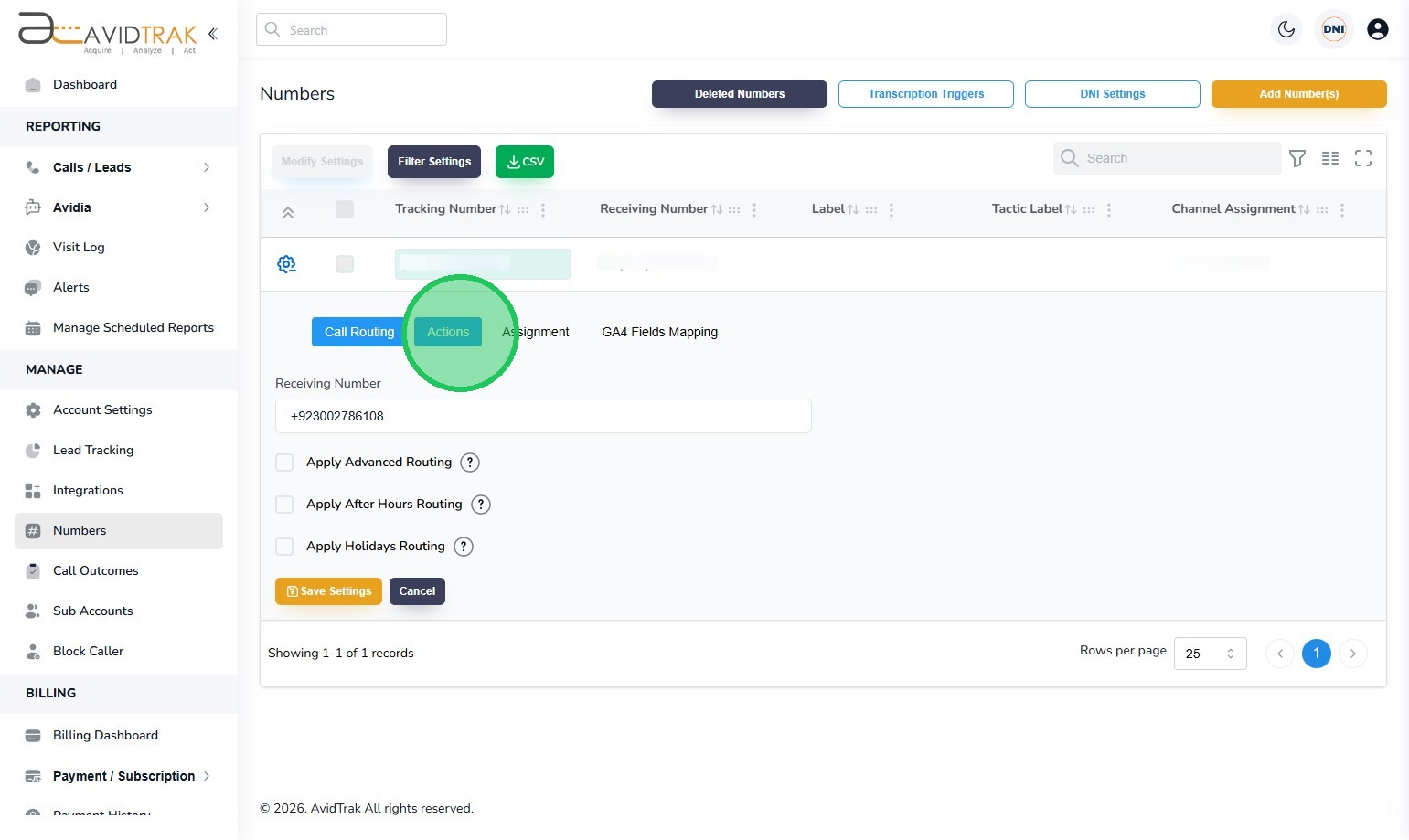
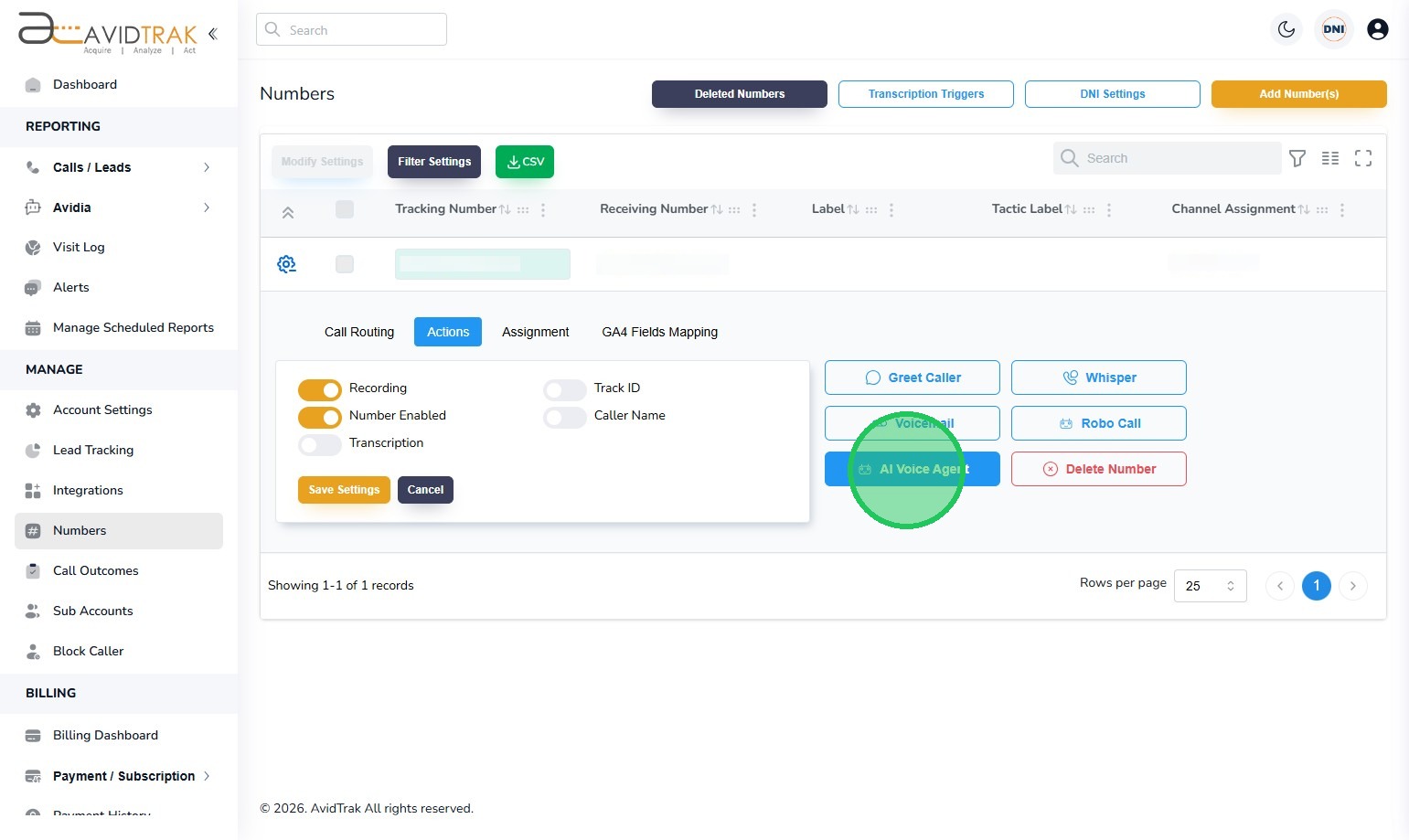
6. With the Actions tab open, find and click the “AI Voice Agent” button.
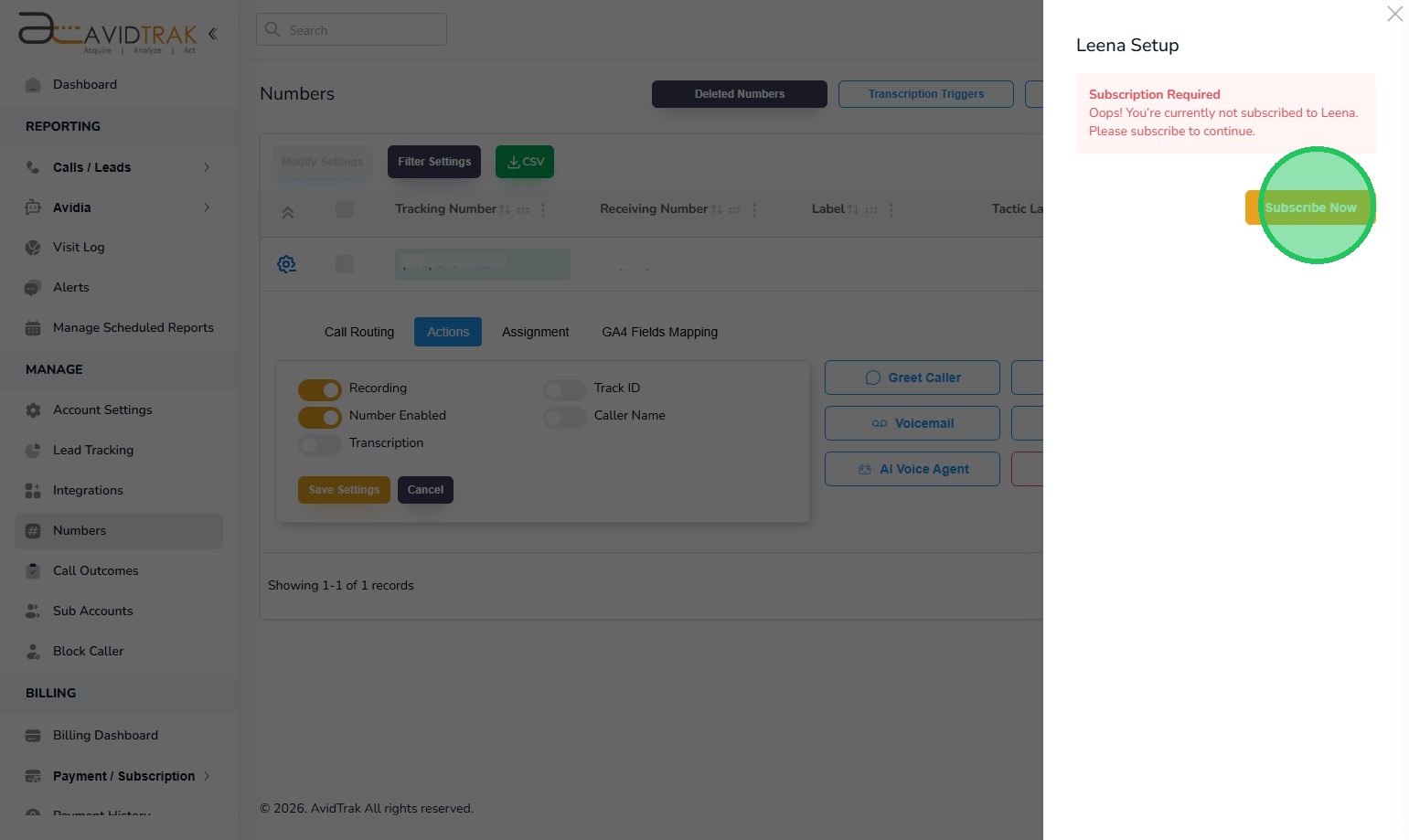
7. Next, Click the “Subscribe Now” button to subscribe to a Leena AI agent subscription package.
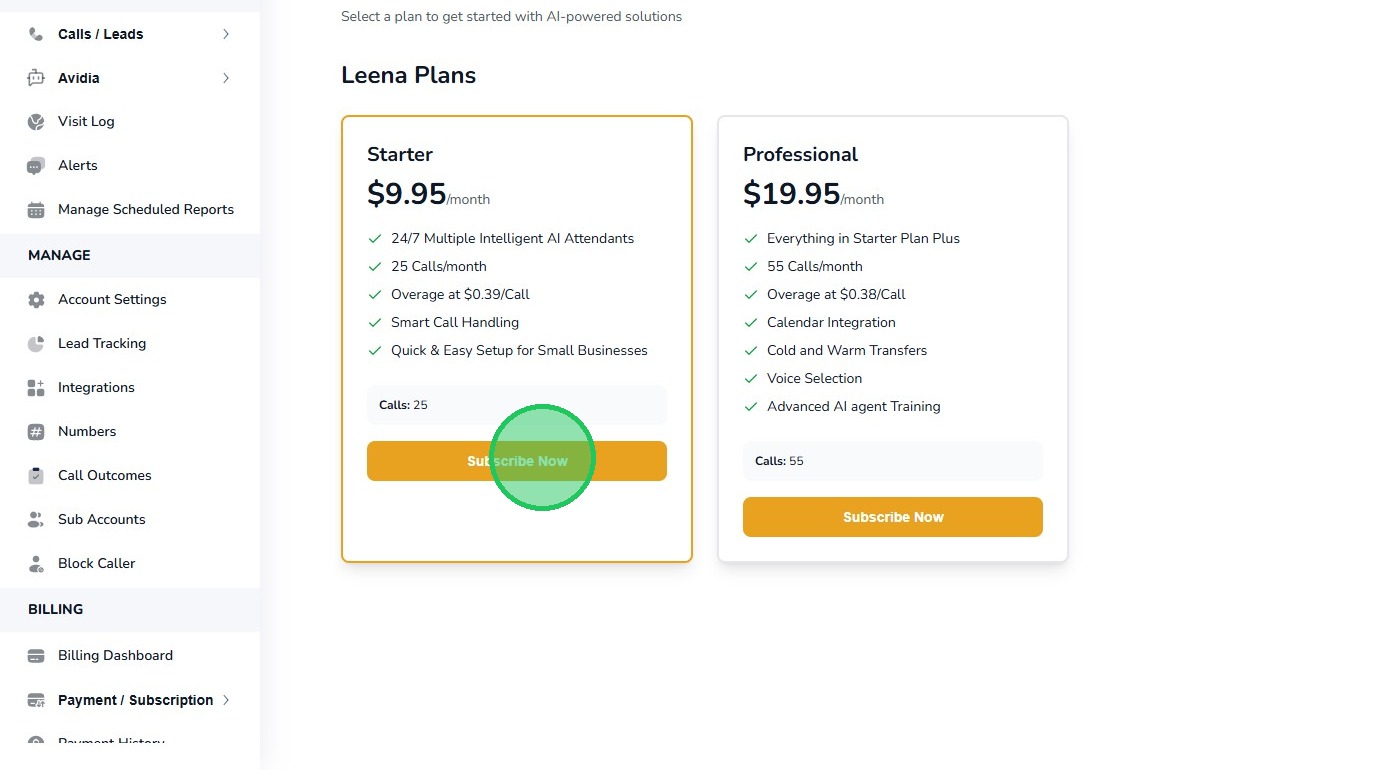
8. Select a package that suits your needs and click the “Subscribe Now” button.
9. Click the “OK” button to confirm your selection.
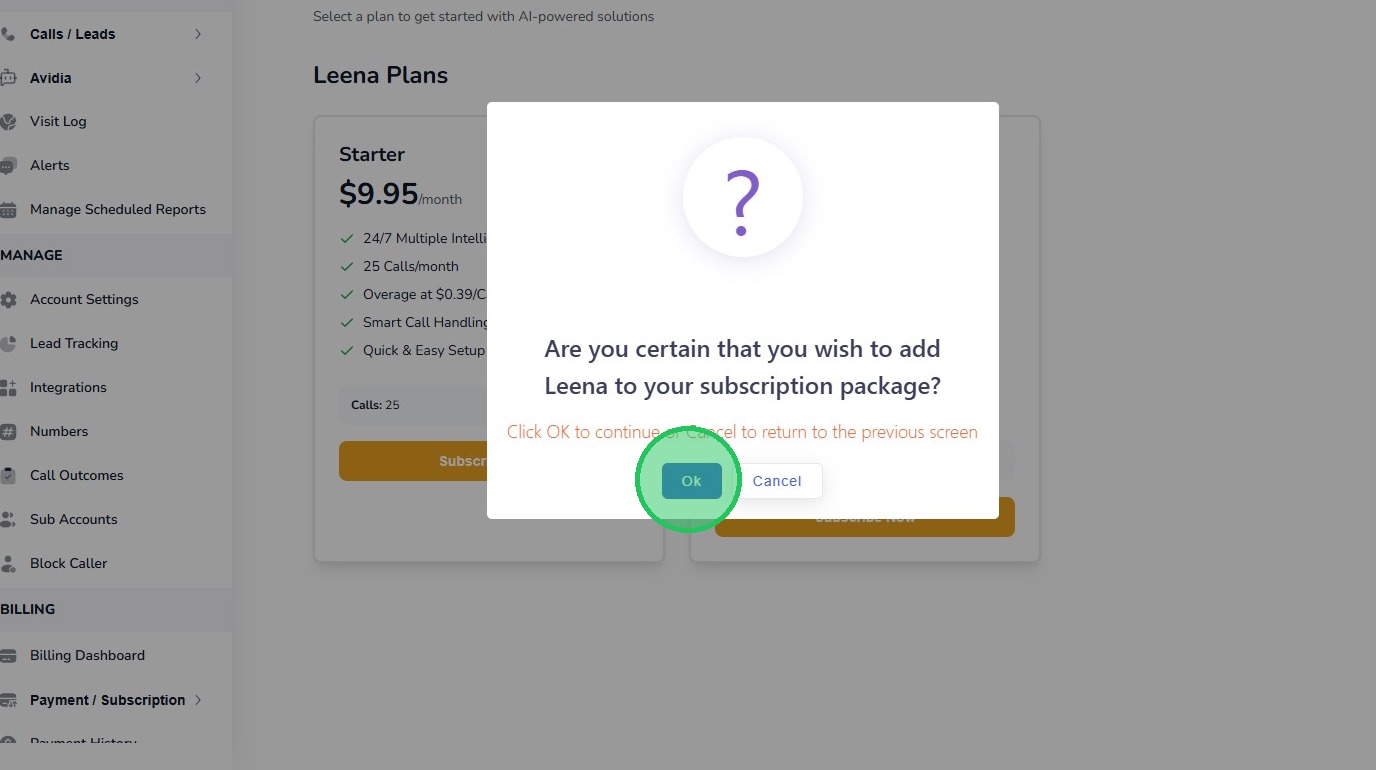
10. Click the “OK” button again to reconfirm your package purchase.
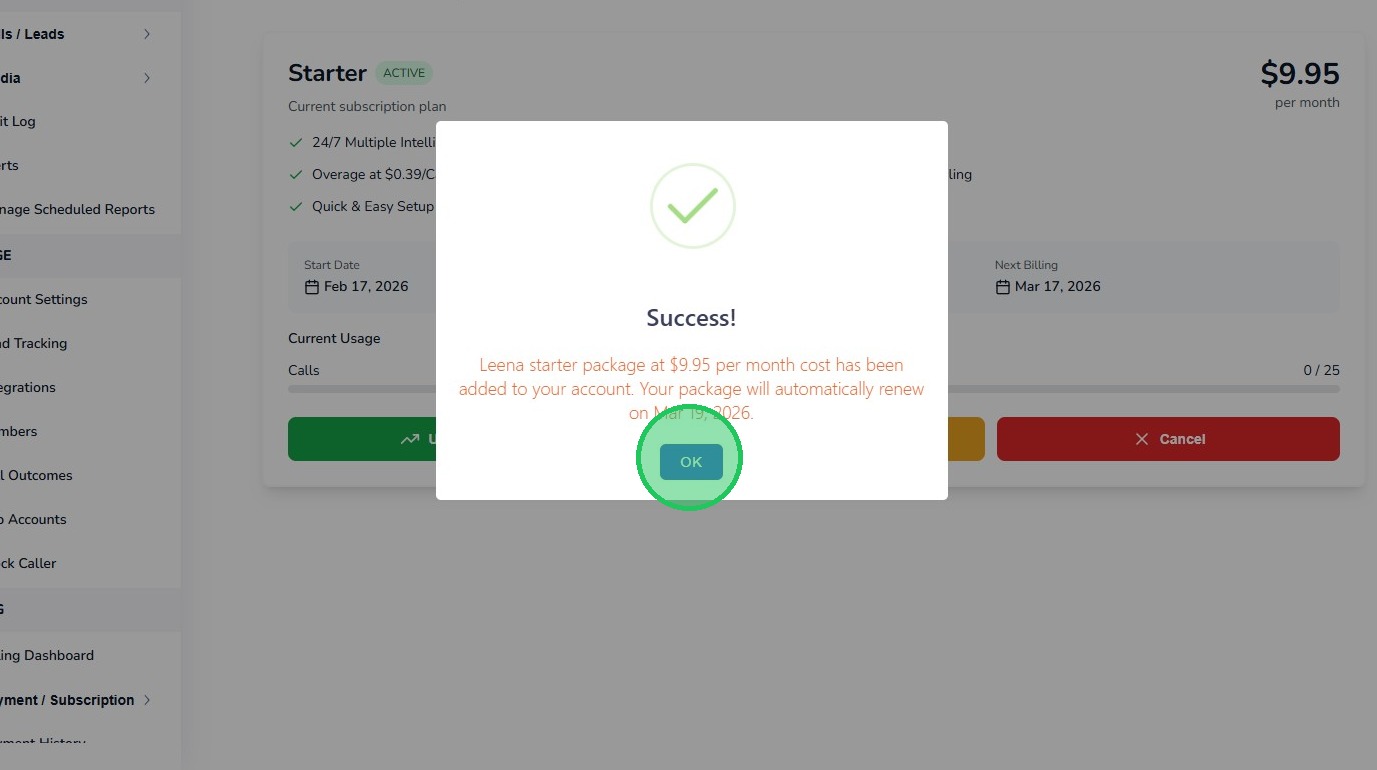
11. If you have adequate credit balance in your account, your purchase will complete successfully, and you will see the screen rendered below.
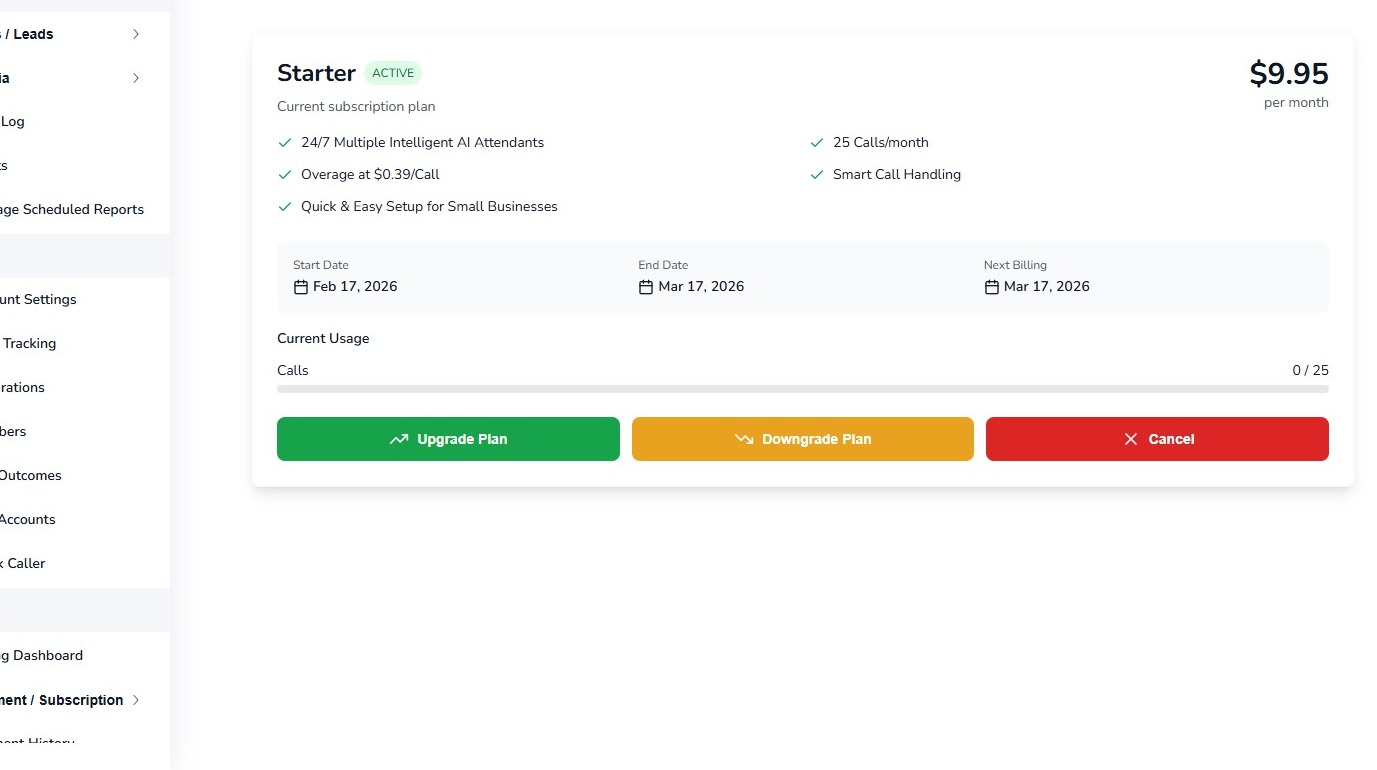
12. This completes the tutorial for how to set up Subscribe to Leena the AI Voice Agent. If you face any difficulty in implementing these instructions or have questions related to this feature, please do not hesitate in emailing support@avidtrak.com

