


Call tracking software for lead generation helps marketing and sales teams see which campaigns produce phone calls, qualified leads, quote requests, bookings, and revenue opportunities.
A business may run Google Ads, SEO, Meta Ads, direct mail, local SEO, and landing page campaigns at the same time. The reports may show clicks, form fills, and call volume, but those reports do not always show which calls were real sales opportunities.
That is where call tracking software helps.
A good call tracking platform connects each inbound call to the source, campaign, keyword, landing page, caller details, call recording, transcript, and lead outcome. That gives teams a better way to judge lead generation campaigns by quality, not just volume.
The best call tracking software for lead generation helps answer one important question:
Which campaigns are producing qualified phone leads that can turn into sales?
Best Call Tracking Software for Lead Generation Comparison
| Software | Best for | Lead generation strength | Pricing starting price |
| AvidTrak | Call-based lead generation, campaign attribution, and AI call outcomes | Campaign tracking, keyword tracking, DNI, call transcription, AI outcomes, CRM workflows | Starts at $15/month |
| WhatConverts | Calls, forms, chats, and lead value tracking | Multi-channel lead tracking with lead qualification and value reporting | Starts at $30/month |
| CallRail | SMB call tracking and campaign reporting | Calls, forms, texts, recordings, lead source reporting, and conversation intelligence | Starts at $45/month |
| CallTrackingMetrics | Call attribution with routing and contact workflows | Calls, texts, forms, chats, call routing, AI insights, and CRM sync | Starts at $79/month plus usage |
| Invoca | Enterprise conversation intelligence | AI signals, call outcomes, offline conversion import, and revenue reporting | Custom quote |
| Infinity | Visitor-level call tracking | Visitor tracking, campaign attribution, keyword tracking, and caller path reporting | Starts at $249/month |
| Ruler Analytics | Lead-to-revenue attribution | Visitor tracking, CRM matching, revenue reporting, and multi-touch attribution | Starts at $400/month |
| Marchex | Lead quality analytics for calls | Call attribution, call analytics, transcripts, summaries, and lead quality signals | Custom quote |
| CallSource | Local business and offline call tracking | Online and offline source tracking, call recording, and local campaign reporting | Custom quote |
| Nimbata | PPC call tracking and agency reporting | Google Ads attribution, call outcomes, conversation intelligence, and conversion sync | Free plan available; paid plans start at $39/month |
| Phonexa | Performance marketing and lead distribution | Pay-per-call tracking, lead routing, publisher reporting, and call distribution | Custom quote |
| Ringba | Pay-per-call lead generation | Buyer, publisher, campaign, routing, webhook, and revenue workflows | Starts at $147/month |
| Retreaver | Pay-per-call attribution and routing | Caller tagging, buyer matching, revenue attribution, and webhook workflows | Custom quote |
| Convirza | Call tracking and conversation analytics | Call attribution, call scoring, call analytics, and reporting | Custom quote |
| CallScaler | Affordable call tracking campaigns | Tracking numbers, call flows, dashboards, and call routing | Custom quote |
How AvidTrak Selected the Best Call Tracking Software for Lead Generation
AvidTrak reviewed each platform based on how well the software helps marketing teams connect inbound calls to lead generation campaigns, keywords, landing pages, caller intent, lead quality, CRM outcomes, sales follow-up, and revenue reporting.
AvidTrak gave more weight to call-based lead attribution than general CRM features. A CRM can store leads, but call tracking software should show where the call came from, what happened during the conversation, and whether the call should count as a qualified lead.
AvidTrak also considered whether each platform supports calls from Google Ads, PPC campaigns, organic traffic, social media campaigns, display campaigns, email marketing, mobile ads, and offline media.
Lead Generation Call Tracking Scoring Criteria
| Scoring area | Weight |
| Campaign, source, and keyword attribution | 20% |
| Qualified call outcome tracking | 15% |
| Dynamic number insertion and tracking numbers | 10% |
| AI transcription and call analysis | 10% |
| CRM, analytics, and ad platform integrations | 15% |
| Call routing and follow-up support | 10% |
| Agency and client reporting support | 5% |
| Ease of use | 5% |
| Pricing clarity and scalability | 5% |
| Fit for call-first lead generation campaigns | 5% |
1. AvidTrak
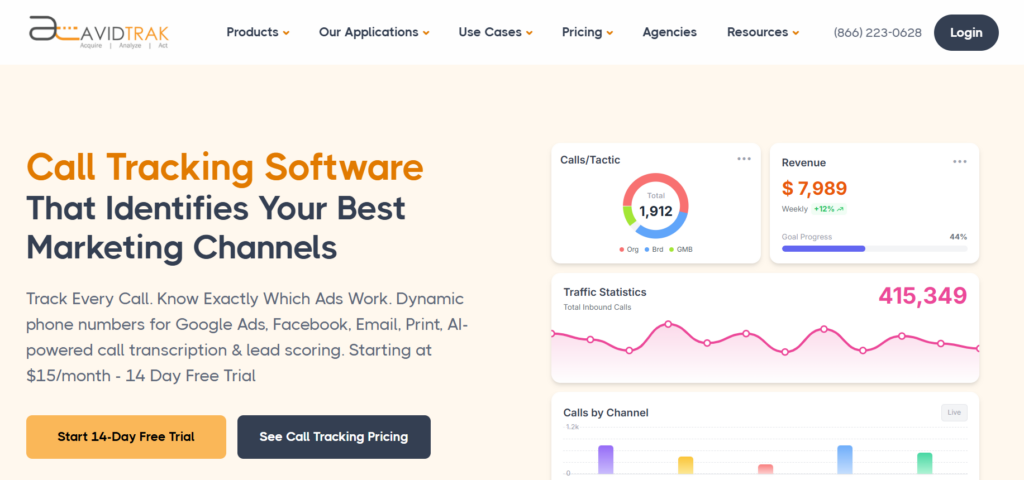 Best for: Campaign, keyword, AI outcome, and phone lead ROI tracking.
AvidTrak is call tracking software for lead generation campaigns where phone calls are a major conversion point. AvidTrak helps marketers connect inbound calls to campaigns, keywords, traffic sources, landing pages, and call outcomes.
AvidTrak is useful when a marketing team needs to know which campaigns are producing qualified phone leads, not just call volume. The platform supports dynamic number insertion, keyword-level call tracking, AI call transcription, call recording, call routing, and AI-powered outcome extraction.
AvidTrak also works well for teams that need call tracking for agencies, white-label call tracking, call tracking dashboards, and call tracking integrations.
Key Lead Generation Features
- Campaign-level call attribution
- Keyword-level PPC call tracking
- Dynamic number insertion
- AI-powered call transcription
- AI call analytics
- AI lead qualification from phone calls
- Call recording
- Call Routing
- Spam call filtering
- CRM call tracking
- Call tracking API
Integrations
AvidTrak connects call data with CRM, analytics, advertising, and reporting workflows. A business can use AvidTrak to send call events, recordings, transcripts, outcomes, routing data, DNI data, and CRM activity into sales and marketing reports.
Teams using CRM systems can review AvidTrak’s CRM call tracking, Zoho call tracking, and Microsoft Dynamics call tracking pages.
Customer Reviews
Andrew T., Director of IT at a mid-market marketing and advertising company, said AvidTrak helps his team connect calls, locations, duration, recordings, and AI analysis with different customer types. His feedback points to AvidTrak’s value for teams that need call attribution data without a complex setup.
Alex D., an EVP in the internet industry, described AvidTrak as easy and functional after switching from a previous product. His feedback supports AvidTrak’s fit for teams that want call tracking without a difficult setup.
Where AvidTrak Works Well
AvidTrak works well for agencies, PPC teams, SEO teams, local service businesses, and marketing teams that need to prove which campaigns and keywords drive qualified phone leads.
AvidTrak also fits industry-specific lead generation campaigns, including healthcare providers, dental offices, HVAC and plumbing companies, law offices, financial services, local SEO campaigns, and B2B lead generation.
Possible Limitations
AvidTrak may not replace a full enterprise multi-touch attribution suite for companies that need to attribute every online and offline touchpoint across a long sales cycle. AvidTrak is best when phone calls are a key part of lead generation measurement.
Pricing
- Starter: $15/month
- Professional: $30/month
- Agency: $55/month
- A free trial is available
- Overage pricing applies for added numbers, minutes, SMS, call recording minutes, and lookup calls
Final Verdict
AvidTrak is the best overall call tracking software for lead generation campaigns where marketers need campaign attribution, keyword tracking, DNI, AI call outcomes, CRM workflows, and public pricing.
2. WhatConverts
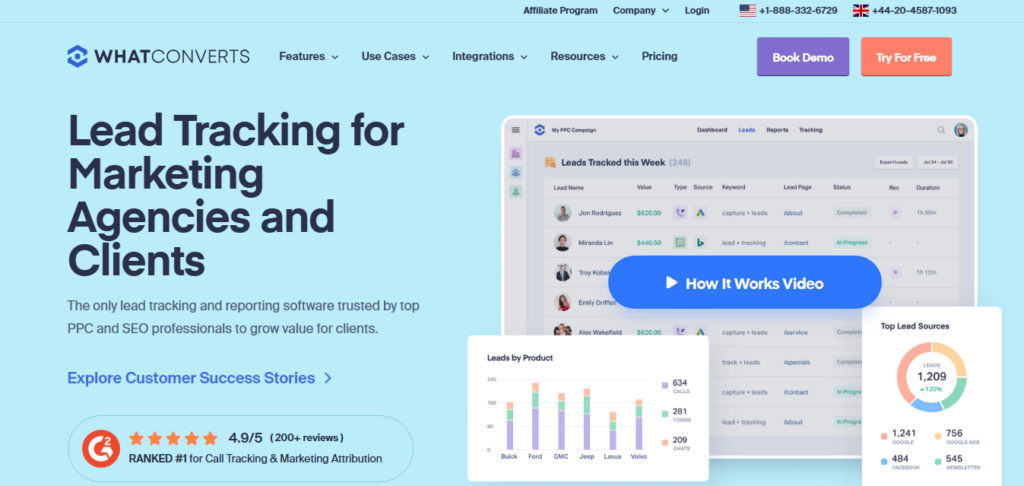 Best for: Calls, forms, chats, transactions, and lead value tracking.
WhatConverts is a lead tracking and reporting platform for marketers and agencies. WhatConverts tracks calls, forms, chats, transactions, marketing sources, campaigns, keywords, and lead value.
The platform is useful when a team wants to compare phone leads against other lead types in one reporting system. The call tracking features make WhatConverts relevant for lead generation teams that need phone attribution along with form and chat data.
Key Lead Generation Features
- Call tracking
- Form tracking
- Chat tracking
- Transaction tracking
- Lead value tracking
- Campaign reporting
- Keyword reporting
- Lead qualification
- Call recording
- Agency reporting
Integrations
WhatConverts connects lead data with marketing, analytics, CRM, and reporting tools. The platform is useful when a team wants phone leads, form fills, chats, and sales value inside one lead tracking view.
AvidTrak is a better fit when the main focus is call tracking software for lead generation, phone lead attribution, and campaign ROI from calls.
Customer Reviews
Zavier D., Director of Marketing Operations, said WhatConverts helps agencies track where leads are coming from and prove ROI across calls, forms, chats, and transactions.
Ross G., CEO and Founder at a small business, said WhatConverts provides accurate reporting and dependable support. His feedback focuses on clean call and lead tracking.
Where WhatConverts Works Well
WhatConverts works well for agencies and marketers that track several lead types. The platform is especially useful when phone calls are only one part of the conversion mix.
Possible Limitations
WhatConverts may be broader than needed for teams that only want call tracking without forms, chats, transactions, or lead management.
Pricing
- Call Tracking: $30/month
- Plus: $60/month
- Pro: $100/month
- Elite: $160/month
- Agency Plus: $500/month
- Agency Pro: $800/month
Final Verdict
WhatConverts is a good fit for marketers that want call tracking plus lead value reporting across multiple conversion types.
3. CallRail
 Best for: SMB call tracking and campaign reporting.
CallRail is a well-known call tracking and lead engagement platform for SMBs and agencies. CallRail connects calls, texts, forms, campaigns, and conversations so teams can see which marketing activities produce leads.
CallRail is useful when a business wants call tracking, attribution, call recording, form tracking, text tracking, and reporting dashboards in one system.
Key Lead Generation Features
- Call tracking
- Dynamic number insertion
- Form tracking
- Text tracking
- Call recording
- Conversation intelligence
- Campaign reporting
- Search term attribution
- Lead engagement workflows
- Reporting dashboards
Integrations
CallRail supports CRM, analytics, marketing, reporting, API, and automation workflows. CallRail is useful when phone lead data needs to connect with sales follow-up or campaign reporting.
AvidTrak supports related workflows through AI call transcription, call tracking API access, and call tracking dashboards.
Customer Reviews
Madhav S., a web developer, said CallRail helps validate digital marketing performance and gives his team a fuller view of phone call results alongside other campaign data.
AJ S., Director of Paid Search, said CallRail makes it easier to track calls across Google Ads, Facebook Ads, and websites from one place.
Where CallRail Works Well
CallRail works well for SMBs, local businesses, and agencies that need call, text, and form attribution in one platform.
Possible Limitations
CallRail costs can rise as a business adds numbers, minutes, users, and conversation intelligence features.
Pricing
- Call Tracking: starts at $45/month
- Higher plans and add-ons may apply for AI, forms, multi-channel reporting, and usage
Final Verdict
CallRail is a reliable option for SMB teams that want call attribution, campaign reporting, and lead engagement tools in one platform.
4. CallTrackingMetrics
 Best for: Call attribution with routing and contact workflows.
CallTrackingMetrics tracks calls, texts, forms, and chats in one platform. The software is useful when a business needs call attribution and communication workflows together.
The platform fits teams that want attribution data to work with call routing, contact center workflows, and sales follow-up. It may be useful when marketing and customer communication data need to live in the same system.
Key Lead Generation Features
- Call tracking
- Text tracking
- Form tracking
- Chat tracking
- Campaign attribution
- Call Routing
- AI-powered insights
- Call recording
- CRM sync
- Contact center workflows
Integrations
CallTrackingMetrics integrates with CRM, marketing, analytics, and communication tools. The platform is useful when call attribution data needs to sync with contact records, lead records, call recordings, and reports.
AvidTrak also supports multi-level IVR, queue routing and call transfers, live call monitoring, and contact center reports.
Customer Reviews
Aaron W., CEO at a small business, said CTM helps his team use reliable data to support client marketing efforts.
Cory L., CEO at a mid-market company, said CTM helps his team understand where deals are coming from and use campaign data in Google Ads decisions.
Where CallTrackingMetrics Works Well
CallTrackingMetrics works well for teams that need call attribution, call routing, form tracking, chat tracking, and customer communication in one system.
Possible Limitations
CallTrackingMetrics can feel complex for smaller teams that only need source, campaign, and keyword attribution.
Pricing
- Marketing Lite: $79/month plus usage
- Marketing Pro: $179/month plus usage
- Sales Engage: $329/month plus usage
- Enterprise: $1,999/month plus usage
Final Verdict
CallTrackingMetrics is a good choice when a team needs attribution plus call routing, contact workflows, and CRM-connected communication data.
5. Invoca
 Best for: Enterprise conversation intelligence and revenue signals.
Invoca is an AI-powered call tracking and conversation intelligence platform for enterprise marketing, sales, and contact center teams. Invoca helps larger teams connect phone call conversions to marketing sources, conversation insights, and revenue signals.
Invoca fits high-call-volume businesses that need deeper call analysis, call quality data, and enterprise reporting. The platform is often considered by teams in healthcare, financial services, home services, and multi-location businesses.
Key Lead Generation Features
- AI call tracking
- Conversation intelligence
- Call quality signals
- Multi-channel attribution
- Offline conversion imports
- Revenue signal tracking
- Custom signals
- IVR workflows
- Call Routing
- API and webhook workflows
Integrations
Invoca supports enterprise CRM, analytics, ad platform, API, and webhook workflows. The platform is useful when call data needs to connect with enterprise sales systems, contact center systems, and advertising optimization workflows.
AvidTrak may be a more practical fit for teams that need AI call tracking software, AI lead qualification from phone calls, and AI call transcription without an enterprise buying process.
Customer Reviews
Raven V., a digital marketing manager at TotalCare, said Invoca helps with attribution and connects the marketing team with useful platform support.
Joel C., CIO at a marketing and advertising company, said Invoca supports call tracking data for marketing attribution and helps his team send call data into ad platforms.
Where Invoca Works Well
Invoca works well for enterprises, healthcare groups, financial services teams, multi-location brands, and contact centers that need AI conversation intelligence.
Possible Limitations
Invoca may be too heavy and expensive for smaller teams that only need campaign-level and keyword-level call attribution.
Pricing
- Pro: custom quote
- Enterprise: custom quote
- Elite: custom quote
- Performance Professional: custom quote
Final Verdict
Invoca is a good enterprise option for teams that need call attribution, AI signals, and revenue insights across large call volumes.
6. Infinity
 Best for: Visitor-level call tracking.
Infinity is a call tracking platform for marketers that need visitor-level attribution. Infinity helps teams assign tracking numbers to campaigns, keywords, webpages, and sources so calls can be connected to the activity that generated them.
Infinity is relevant for teams that want to understand how PPC, SEO, social traffic, referral traffic, and website activity produce phone calls.
Key Lead Generation Features
- Visitor-level tracking
- Dynamic number assignment
- Campaign attribution
- Keyword attribution
- Landing page attribution
- Caller path reporting
- Call recording
- Missed call alerts
- Reporting workflows
- Paid ads and analytics workflows
Integrations
Infinity supports advertising, analytics, CRM, reporting, and optimization workflows. Infinity is useful when a marketing team needs to connect call attribution data with digital campaign reporting and website activity data.
AvidTrak supports a similar call-first measurement need through call tracking numbers, tracking number features, and website phone number tracking.
Customer Reviews
Stuart L., Experience and Engagement Director, said Infinity helps close an attribution gap between website activity, paid advertising, calls, ROI, and ROAS.
Demi F., Paid Media Account Manager, said Infinity gives clients more insight into call data and adds another conversion point for paid performance reporting.
Where Infinity Works Well
Infinity works well for marketing teams that need visitor-level attribution and want to connect calls to digital campaign activity.
Possible Limitations
Infinity may be more advanced than small teams need if the team only wants simple source tracking and call logs.
Pricing
- Essentials: $249/month, plus call usage
- Pro: $349/month, plus call usage
- Enterprise: price on application
Final Verdict
Infinity is a good option for marketers that need visitor-level call tracking and a deeper view of the caller path.
7. Ruler Analytics
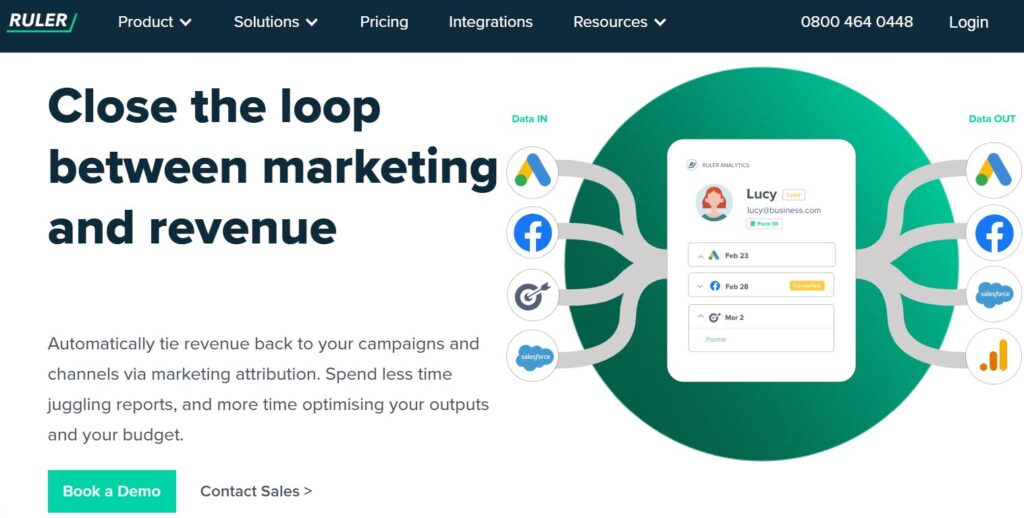 Best for: Lead-to-revenue attribution.
Ruler Analytics is a marketing attribution platform that tracks website visitors across multiple sessions and connects marketing activity to leads, calls, forms, live chat, CRM status, and revenue.
Ruler Analytics is useful when the goal is not only to see which source produced a call, but also which source produced pipeline and closed revenue.
Key Lead Generation Features
- Visitor-level attribution
- Multi-touch attribution
- Call tracking
- Form tracking
- Live chat tracking
- CRM matching
- Revenue attribution
- Source and channel reporting
- Campaign and keyword tracking
- Paid search reporting
Integrations
Ruler Analytics supports CRM, paid ads, analytics, and reporting workflows. The platform is useful when sales and marketing teams need to match call leads with CRM opportunities, closed deals, and revenue.
AvidTrak is a better fit when the team wants a more call-first setup with closed-loop measurement, call tracking ROI reporting, and call tracking software for CAC.
Customer Reviews
Robin C., a small-business reviewer, said Ruler Analytics shows the detail behind form submissions and phone calls, including source, duration, and pages that led to a conversion.
Jack F., a mid-market reviewer, said Ruler Analytics helped solve revenue attribution and made it easier to see where customers had been before the site visit.
Where Ruler Analytics Works Well
Ruler Analytics works well for B2B teams, lead generation teams, and marketers that need to connect phone calls to CRM opportunities and revenue.
Possible Limitations
Ruler Analytics is not only a call tracking platform, so it may be too broad for a team that wants a call-first tool.
Pricing
- Small: from $400/month
- Medium: from $668/month
- Large: from $1,326/month
- Advanced: from $2,000/month
- Agency partner rates may be available
Final Verdict
Ruler Analytics is a good option when the priority is connecting calls to pipeline, revenue, and multi-touch attribution.
8. Marchex
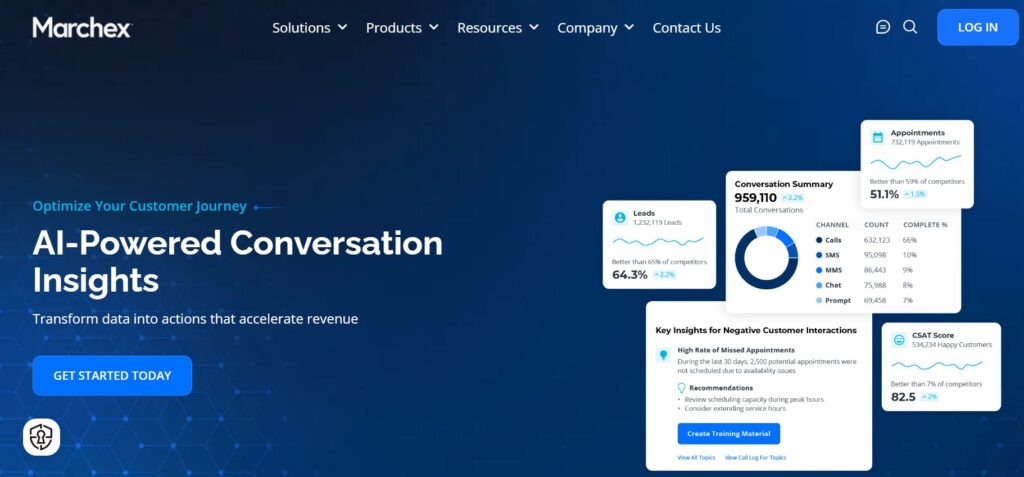 Best for: Call attribution and lead quality analytics.
Marchex offers call tracking and attribution for teams that want to improve digital marketing performance and identify higher-quality phone leads.
Marchex is often a better fit for mid-market and enterprise teams that need more than source reporting. The platform can help teams understand which campaigns generate better conversations, not only more calls.
Key Lead Generation Features
- Call tracking
- Call attribution
- Digital campaign attribution
- Lead quality analytics
- Call and text tracking
- Marketing platform data sync
- API access
- Call recordings
- Transcripts
- Call summaries
Integrations
Marchex supports integrations with marketing and sales platforms. Marchex can help teams connect call and text tracking data with broader reporting and marketing performance workflows.
AvidTrak also supports call analytics, call tracking insights for conversions, and conversation analytics.
Customer Reviews
Ethan G., Project Manager, said Marchex has an intuitive platform and helpful customer support for call tracking workflows.
ashley c., Practice Manager, said Marchex is simple from start to finish and helps with tracking phone numbers and lead lists.
Where Marchex Works Well
Marchex works well for mid-market and enterprise teams that want call attribution tied to lead quality and marketing performance.
Possible Limitations
Marchex may be more enterprise-oriented than smaller teams need.
Pricing
- Custom quote
- Final pricing depends on product scope, call volume, reporting needs, and business requirements
Final Verdict
Marchex is a good fit for companies that want call attribution and lead quality analytics in a more advanced marketing performance setup.
9. CallSource
 Best for: Local business, healthcare, automotive, and service-based call tracking.
CallSource provides call tracking for online and offline marketing attribution. CallSource helps businesses understand how callers found the business and which ads led them to call.
CallSource is a practical fit for local businesses, home services, healthcare, automotive, and service-based teams where phone calls are a major lead source.
Key Lead Generation Features
- Online call attribution
- Offline call attribution
- Ad-source tracking
- Custom phone numbers
- Call recording
- Web traffic tracking
- Lead management
- Alerts and notifications
- Call monitoring
- Reporting dashboards
Integrations
CallSource supports call tracking workflows, custom phone numbers, web traffic tracking, call recording, lead management, and reporting.
AvidTrak supports similar local attribution needs through types of media tracking, offline campaign call tracking, mobile ads call tracking, and social media call tracking.
Customer Reviews
Jason M., Digital Marketing Manager in marketing and advertising, said CallSource’s DNI helps track where calls come from across digital and print campaigns.
Emma B., Marketing Coordinator, said CallSource helps track phone numbers tied to paid campaigns and supports staff training.
Where CallSource Works Well
CallSource works well for businesses that need to connect local ads, offline campaigns, and phone lead handling to marketing attribution data.
Possible Limitations
CallSource may not be the best fit for teams that need advanced digital attribution across many online channels.
Pricing
- Custom quote
- Final pricing depends on tracking needs, industry, call volume, and account setup
Final Verdict
CallSource is a good choice for local and service-based businesses that want practical call tracking for online and offline campaigns.
10. Nimbata
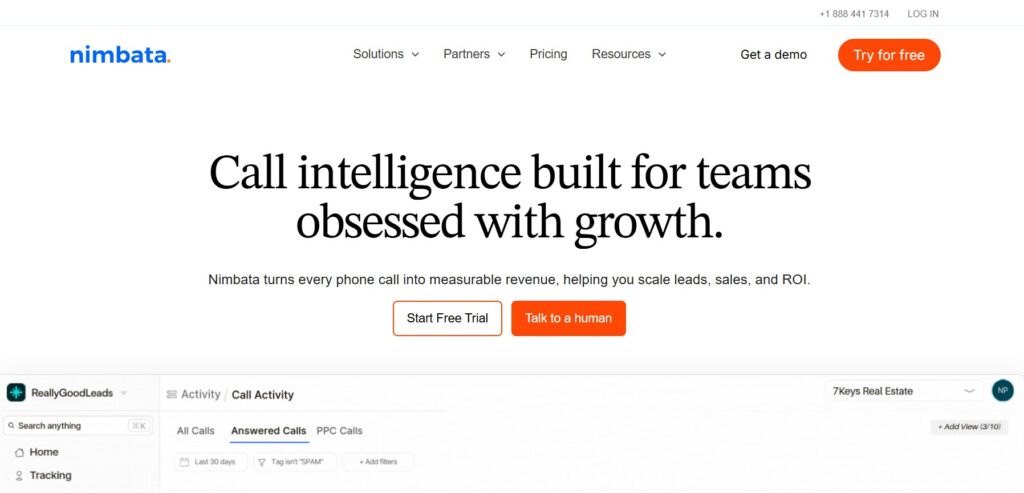 Best for: PPC call attribution and agency reporting.
Nimbata is call tracking and conversation intelligence software for teams that need to connect phone calls to campaigns, qualify leads, and prove ROI by channel.
Nimbata is especially useful for PPC teams that want cleaner Google Ads call attribution and better qualified call data.
Key Lead Generation Features
- Google Ads call attribution
- Campaign attribution
- Keyword attribution
- Ad-level attribution
- Call outcome tracking
- Conversation intelligence
- Lead quality scoring
- Spam filtering
- Funnel-stage reporting
- Call conversion sync
Integrations
Nimbata integrates with paid ad and analytics workflows. Nimbata is useful when PPC teams need to connect calls with Google Ads, Microsoft Ads, qualified outcomes, and conversion reporting.
AvidTrak supports paid campaign reporting through Google Ads call tracking, PPC call tracking, and click-to-call Google Ads tracking.
Customer Reviews
Daniel M., Digital Marketing Manager, said Nimbata helps his team manage many phone numbers, review detailed reports, and understand which channels drive results.
Mark L., Digital Marketing Specialist in marketing and advertising, said Nimbata helps agencies attribute phone calls to ad campaigns and share useful reporting with clients.
Where Nimbata Works Well
Nimbata works well for PPC teams, agencies, and small to mid-sized businesses that need to connect Google Ads and Microsoft Ads calls to qualified outcomes.
Possible Limitations
Nimbata may not be the best fit for enterprise contact center workflows or complex pay-per-call buyer and seller systems.
Pricing
- Entry: free, plus usage
- Pro: $39/month or $35/month annually, plus usage
- Marketing: $89/month or $80/month annually, plus usage
- Agency: $149/month or $120/month annually, plus usage
- White-label account add-on: $55/month
Final Verdict
Nimbata is a good PPC call attribution option for teams that want call conversion data, qualified outcomes, and ad platform sync.
11. Phonexa
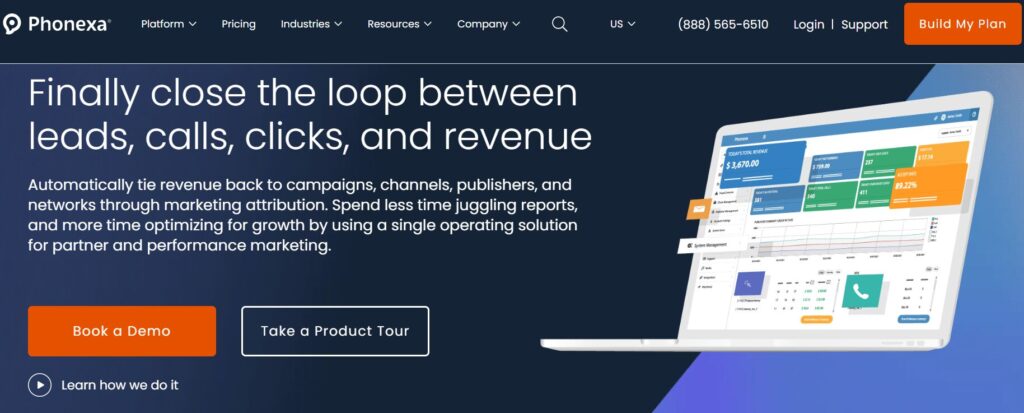 Best for: Performance marketing and lead distribution attribution.
Phonexa is an integrated pay-per-call and lead distribution platform. Phonexa gives teams visibility into pay-per-call and pay-per-lead campaigns, lead tracking, lead distribution, call tracking, and call distribution.
Phonexa is broader than standard call tracking software, but Phonexa fits performance marketing teams that need to track, route, and analyze calls and leads across buyer, publisher, and campaign workflows.
Key Lead Generation Features
- Pay-per-call tracking
- Pay-per-lead tracking
- Call distribution
- Lead distribution
- Publisher tracking
- Source reporting
- Lead analytics
- Campaign reporting
- Ping tree workflows
- Performance marketing reporting
Integrations
Phonexa supports lead distribution, call distribution, marketing automation, affiliate, and performance marketing workflows.
AvidTrak supports performance marketing measurement through pay-per-call software, pay-per-call numbers, call attribution for performance marketing, and integrated inbound call tracking.
Customer Reviews
Charm S., Operations Manager, said Phonexa helps route transfers to the correct buyer based on set parameters.
Simon A., Owner, said Phonexa helped move several systems into one platform and saved time through responsive support.
Where Phonexa Works Well
Phonexa works well for lead generation companies, affiliate networks, call buyers, publishers, and performance marketing teams.
Possible Limitations
Phonexa may be too broad for a standard marketing team that only needs campaign and keyword call attribution.
Pricing
- Custom quote
- Final pricing depends on product mix, implementation needs, lead volume, call volume, and routing setup
Final Verdict
Phonexa is a good option for performance marketing teams that need call attribution with lead distribution and pay-per-call workflows.
12. Ringba
 Best for: Pay-per-call lead generation.
Ringba is an inbound call tracking and analytics platform for marketers, brands, and pay-per-call teams. Ringba is useful when a business needs to track campaigns, traffic sources, publishers, buyers, routing rules, call flows, and pay-per-call performance.
Ringba is more specialized than a standard call tracking platform. The platform is a good fit for teams that buy, sell, route, or monetize inbound calls.
Key Lead Generation Features
- Inbound call tracking
- Campaign tracking
- Number management
- Pixels and webhooks
- Call Routing
- Partner users
- Ring trees
- Predictive routing
- Revenue recovery workflows
- Reporting dashboards
Integrations
Ringba supports pixels, webhooks, call flows, partner users, publisher workflows, buyer workflows, and pay-per-call attribution systems.
AvidTrak also offers simultaneous call routing, multi-level IVR, and call routing for agencies.
Customer Reviews
Kalvis J., Media Buyer, said Ringba offers fast communication and support when issues need to be solved.
Lara Z., Manager of Data Analytics, said Ringba is useful for reporting, routing calls, managing buyers and publishers, and reviewing performance through custom views.
Where Ringba Works Well
Ringba works well for pay-per-call teams, call buyers, publishers, affiliate networks, lead generation teams, and performance marketers.
Possible Limitations
Ringba is a niche fit for traditional SMBs that only need basic call attribution.
Pricing
- Business: $147/month when billed monthly
- Business: $127/month when billed annually
- Professional: $297/month when billed monthly
- Professional: $197/month when billed annually
- Enterprise: custom quote
- Usage fees apply for tracking, numbers, recording, caller profiles, transcription, and voice agents
Final Verdict
Ringba is a good pay-per-call attribution platform for teams that need campaign, publisher, buyer, and routing data.
13. Retreaver
 Best for: Revenue attribution in pay-per-call campaigns.
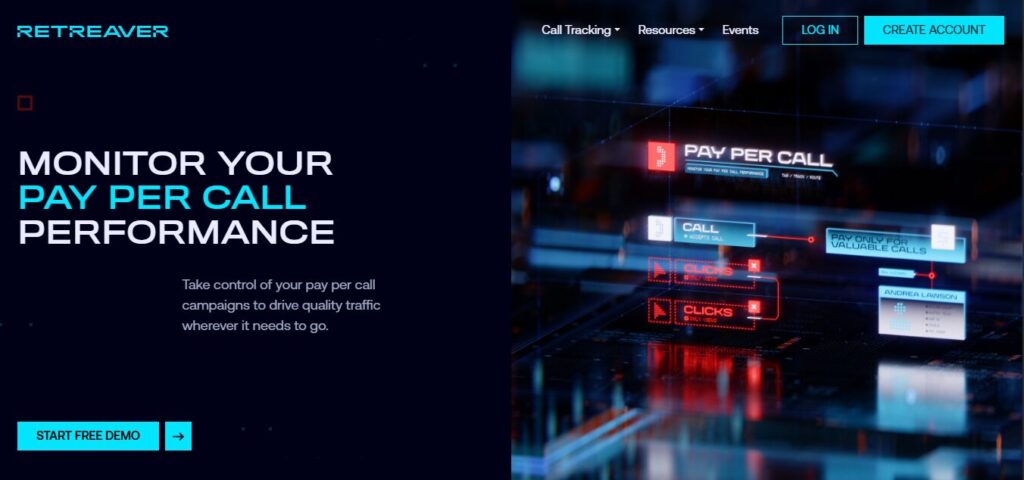
Retreaver is a call tracking and routing platform for pay-per-call campaigns. Retreaver helps teams link calls to campaigns, publishers, buyers, revenue, and payout data.
Retreaver is useful for performance marketers that need to understand which traffic sources and partners produce revenue-generating calls.
Key Lead Generation Features
- Pay-per-call attribution
- Unique phone numbers
- Publisher attribution
- Campaign attribution
- Call buyer routing
- Revenue attribution
- Payout tracking
- Caller attribute tagging
- Real-time analytics
- Webhook workflows
Integrations
Retreaver supports attribute tagging, real-time page tracking, API access, and webhook workflows. The platform is useful when call tracking data needs to connect with pay-per-call systems, buyer systems, and partner reporting.
AvidTrak supports similar data movement through REST API access, call tracking platform integrations, and Live Leads.
Customer Reviews
Benjamin R., CEO, said Retreaver is easy to use and helps operate a lead generation setup for many clients.
James C., a mid-market reviewer, said Retreaver helps with call routing, tracking, and buyer availability pings.
Where Retreaver Works Well
Retreaver works well for pay-per-call teams, performance marketers, lead buyers, publishers, and teams that need revenue and payout reporting.
Possible Limitations
Retreaver may not be the best fit for a standard agency or local business that only needs Google Ads call attribution.
Pricing
- Custom quote
- Final pricing depends on call volume, routing needs, campaign setup, and pay-per-call workflows
Final Verdict
Retreaver is a good pay-per-call attribution platform for teams that need to connect calls to publishers, buyers, revenue, and payouts.
14. Convirza
 Best for: Call tracking and conversation analytics.
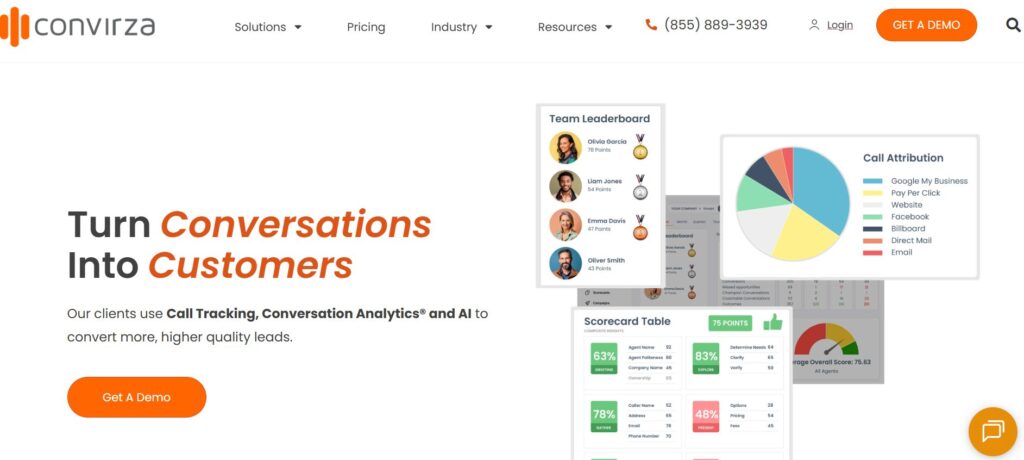
Convirza is call tracking and conversation analytics software for businesses that want to understand which phone calls are turning into customer opportunities.
Convirza can be useful for marketers, call centers, and sales teams that need call scoring, phone attribution, and call reporting in one system.
Key Lead Generation Features
- Call tracking
- Call attribution
- Call analytics
- Call scoring
- Call recording
- Conversation analytics
- Tracking numbers
- Reporting dashboards
- CRM-related workflows
- Call Routing
Integrations
Convirza supports marketing, CRM, and phone-related workflows. The platform can help teams use call data to understand which campaigns, ads, and calls are driving customer opportunities.
AvidTrak may be a better fit when a team needs public pricing, AI call tracking software, AI lead qualification from phone calls, and call tracking dashboard reporting.
Customer Reviews
CJ G., Media Director, said Convirza helps with phone call attribution and support.
curtis h., Owner, said Convirza is easy to set up for new numbers and useful for showing value to clients.
Where Convirza Works Well
Convirza works well for businesses that need call tracking, call analytics, call scoring, and conversation review.
Possible Limitations
Convirza may not be the best fit for teams that want public pricing and a simpler call-first buying path.
Pricing
- Custom quote
- Final pricing depends on call volume, account setup, analytics needs, and reporting requirements
Final Verdict
Convirza is a good option for teams that need call tracking with conversation analytics and call scoring.
15. CallScaler
 Best for: Affordable call tracking campaigns.
CallScaler is a call tracking platform for teams that need to launch and scale call tracking campaigns with tracking numbers, call flows, dashboards, and routing.
CallScaler can be useful for teams that need a simple setup for call tracking campaigns and high call volume across multiple clients.
Key Lead Generation Features
- Call tracking
- Tracking numbers
- Call flow builder
- Call Routing
- Campaign tracking
- Call dashboards
- Inbound call tracking
- Number management
- Basic reporting
- Multi-client call tracking support
Integrations
CallScaler supports call tracking campaign workflows and call flow management. The platform can be useful when a team needs a lean setup for inbound call tracking.
AvidTrak is a better fit when a team needs keyword-level call tracking, CRM call tracking, call tracking integrations, and AI call analytics.
Customer Reviews
A verified user in marketing and advertising said CallScaler is easy to use, affordable, and useful for handling high call volume on behalf of clients.
A verified user in computer software said CallScaler has simple setup and pricing that works for larger quantities of tracking numbers.
Where CallScaler Works Well
CallScaler works well for small teams, call tracking campaigns, and businesses that need cost-conscious tracking number management.
Possible Limitations
CallScaler has a small number of public G2 reviews, so buyers may need to run a trial or request a demo before making a final decision.
Pricing
- Custom quote
- Pricing may depend on tracking number quantity, call volume, and account needs
Final Verdict
CallScaler is a good option for teams that want affordable call tracking campaigns and a lean call routing setup.
What Is Call Tracking Software for Lead Generation?
Call tracking software for lead generation connects inbound phone calls to the marketing campaigns that generated them. The software helps marketers see which ads, keywords, landing pages, sources, and channels produced phone leads.
A basic call tracking setup may show call source and call volume. A better setup connects calls to lead quality, caller intent, appointment requests, quote requests, CRM status, and revenue. That helps a business judge lead generation campaigns by actual sales value.
For example, a PPC team may use DNI to connect calls with Google Ads keywords, AI call analysis to identify qualified callers, and CRM sync to show whether those calls became booked appointments or customers.
| Term | Meaning |
| Call tracking | Call tracking records calls, phone numbers, recordings, caller details, and source data. |
| Lead attribution | Lead attribution connects each lead to the campaign, source, keyword, or page that produced the lead. |
| Dynamic number insertion | DNI changes the phone number shown on a website based on the visitor’s source. |
| Conversation intelligence | Conversation intelligence uses AI to analyze calls, transcripts, caller intent, and outcomes. |
| Qualified call | A qualified call meets a business-defined value standard, such as a quote request, booking, or sales opportunity. |
| Revenue attribution | Revenue attribution connects calls to pipeline, bookings, closed deals, or revenue. |
How Call Tracking Software Supports Lead Generation Campaigns
Call tracking software usually follows this path:
Marketing source → website visit or ad click → DNI or tracking number → inbound call → call recording or transcript → call outcome → CRM status → lead generation report
A visitor may come from Google Ads, organic search, Meta Ads, referral traffic, direct mail, radio, or another source. The software assigns a tracking number or uses dynamic number insertion. When the visitor calls, the platform records the source, campaign, keyword, landing page, and caller details.
A better call tracking setup then analyzes the call for intent, duration, lead quality, transcript data, and outcome. The final call result can be sent into a CRM, GA4, Google Ads, a dashboard, or a client report.
What Features Should Call Tracking Software for Lead Generation Include?
Campaign-Level Attribution
Campaign-level attribution shows which campaign produced each call. The feature helps marketers compare Google Ads, SEO, Meta Ads, display ads, direct mail, radio, and referral traffic.
AvidTrak supports campaign-level attribution across organic traffic call tracking, social media call tracking, email marketing, and display campaigns.
Keyword-Level Attribution
Keyword-level attribution is useful for PPC teams. The feature shows which search terms or paid keywords produced calls, qualified leads, appointments, or sales opportunities.
Teams can review AvidTrak’s keyword-level call tracking and PPC call tracking tools resources for more context.
Dynamic Number Insertion
Dynamic number insertion changes the displayed phone number based on the visitor’s source. The feature helps connect a call to the correct campaign, keyword, source, or landing page.
Teams can read AvidTrak’s resource on dynamic call tracking to understand how DNI supports lead generation attribution.
Call Recording and Transcription
Call recording and transcription help teams understand what happened during a call. The data can support sales coaching, lead qualification, compliance review, and attribution accuracy.
AvidTrak supports this need through call monitoring and recording, call transcription software, and how to record phone calls with AvidTrak.
AI Call Outcomes
AI call outcomes help marketers identify whether a call included a booking, quote request, pricing question, purchase intent, support request, or unqualified inquiry.
AvidTrak supports this through AI call analytics, AI call tracking software, and AI lead qualification from phone calls.
Qualified Call Rules
Not every call should count as a conversion. Good call tracking software should allow teams to define qualified calls based on duration, caller intent, transcript data, call outcome, or CRM status.
AvidTrak’s resource on call tracking insights for conversions can help teams build better qualification logic.
CRM Integration
CRM integration helps connect calls to leads, opportunities, customers, and revenue. The feature matters when marketing teams need to prove business impact.
AvidTrak supports this topic through CRM call tracking, Zoho call tracking, Microsoft Dynamics call tracking, and call tracking platform integrations.
Google Ads and GA4 Support
Google Ads and GA4 support helps teams send qualified call data back into reporting and bidding workflows. The feature is especially important when paid search campaigns generate high-value phone leads.
AvidTrak has supporting resources for Google Ads call tracking software, Google Ads call tracking guide, click-to-call Google Ads campaigns, and how to track calls in Google Analytics.
Call Tracking Metrics That Matter for Lead Generation
| Metric | Why the metric matters |
| Calls by source | The metric shows which channel generated calls. |
| Calls by campaign | The metric shows which campaign produced phone leads. |
| Calls by keyword | The metric helps PPC teams improve spend decisions. |
| Calls by landing page | The metric shows which page helped produce callers. |
| First-time callers | The metric separates new leads from repeat callers. |
| Qualified calls | The metric shows which calls deserve conversion credit. |
| Cost per qualified call | The metric helps teams judge campaign efficiency. |
| Call outcome | The metric shows booking, quote, sale, support, or unqualified status. |
| CRM lead status | The metric connects calls to pipeline. |
| Revenue by source | The metric shows which channels produced value. |
| Close rate by source | The metric shows which sources produce better leads. |
| Missed calls | The metric shows lost lead risk. |
| Spam calls | The metric keeps attribution data cleaner. |
| Time to follow-up | The metric shows speed-to-lead performance. |
Teams that need a deeper reporting setup can review AvidTrak’s pages for types of call tracking reports, call tracking metrics, and benefits of tracking call metrics for sales teams.
How to Choose the Right Call Tracking Software for Lead Generation
Start by deciding whether the main need is call visibility, lead attribution, lead qualification, or revenue reporting. A small team may only need source, campaign, and keyword tracking. A larger team may need CRM sync, revenue reporting, AI call outcomes, and multi-location reporting.
A business should check whether the platform supports dynamic number insertion, campaign reporting, keyword attribution, qualified call rules, CRM integration, and ad platform conversion sync.
The best test is a full path from ad click to phone call to CRM outcome:
- Which marketing source produced the call?
- Was the call a qualified lead?
- Did the call create a booking, quote request, pipeline, or revenue?
- Can the call result be used in reporting or ad optimization?
AvidTrak is a good fit when the team needs sales call tracking software, analytic call tracking, enterprise call tracking software, or call tracking software for customer acquisition cost.
How AvidTrak Helps With Call Tracking for Lead Generation
AvidTrak helps marketers connect inbound calls to campaigns, keywords, channels, landing pages, and call outcomes. AvidTrak supports dynamic number insertion, which helps teams assign tracking numbers to campaigns, pages, and traffic sources. Each inbound call can then be matched to the source that produced the call.
AvidTrak also supports AI-powered call transcription and conversation outcome extraction. That helps marketers move beyond call count reporting and understand whether calls included buyer intent, pricing questions, bookings, quote requests, or other valuable outcomes.
AvidTrak’s integrations and API support help teams connect call data with CRMs, analytics tools, ad platforms, dashboards, and reporting workflows.
When AvidTrak Is the Right Fit
AvidTrak is a good fit when a team needs:
- Campaign-level call attribution
- Keyword-level PPC call tracking
- Dynamic number insertion
- Call recording
- AI-powered transcripts
- AI call outcomes
- CRM and marketing integrations
- Client or internal reporting
- Agency-ready workflows
- Public pricing for easier planning
When Another Tool May Be a Better Fit
Another platform may be a better fit when the team needs:
- A full multi-touch attribution suite across every digital event
- Enterprise conversation intelligence at very high call volume
- Pay-per-call buyer and publisher workflows
- Advanced lead distribution
- Offline vanity-number attribution as the main use case
- A broader CRM or marketing automation system where calls are only one lead type
Teams comparing adjacent tool categories may also review AvidTrak resources on best conversation intelligence software, best call logging software, and inbound call tracking software.
Common Call Tracking Mistakes in Lead Generation Campaigns
| Mistake | Better approach |
| Counting every call as a conversion | Count qualified calls based on duration, intent, outcome, or CRM status. |
| Tracking source but not outcome | Connect call source to lead quality and sales results. |
| Ignoring CRM data | Sync calls with lead, opportunity, booking, or revenue data. |
| Using one phone number everywhere | Use DNI or source-specific tracking numbers. |
| Not tracking landing pages | Connect calls to pages and campaigns. |
| Not separating spam calls | Filter spam before judging campaign performance. |
| Optimizing for call volume only | Optimize for qualified calls and revenue. |
| Not sending call conversions back to ad platforms | Send qualified conversion data where useful. |
| Choosing a basic call tool for revenue reporting | Pick a platform that can connect calls to outcomes. |
| Using the wrong attribution model | Match source-level, session-level, visitor-level, or multi-touch attribution to the sales cycle. |
AvidTrak has related resources on call tracking mistakes, common mistakes tracking calls from digital ads, and call tracking to reduce ad spend waste.
Call Tracking, Privacy, and Call Recording Note
Call tracking software may involve phone numbers, caller details, recordings, transcripts, CRM records, advertising identifiers, and reporting data. A business should review consent rules, call recording laws, privacy notices, data retention policies, and CRM access controls before launching call tracking.
A safer setup tells callers when calls may be recorded, limits access to call recordings and transcripts, and only sends call data to platforms that need the data for reporting, sales follow-up, or conversion tracking.
Useful external resources include Google Ads call conversion tracking, Google Analytics events, and FTC business guidance.
AvidTrak users can also review AvidTrak’s privacy policy, service agreement, STIR/SHAKEN guide, STIR/SHAKEN verified call tracking, and A2P 10DLC compliance guide.
FAQs About Call Tracking Software for Lead Generation
1. What is call tracking software for lead generation?
Call tracking software for lead generation connects inbound calls to marketing sources, campaigns, keywords, landing pages, and lead outcomes. The software helps marketers understand which campaigns produce qualified phone leads rather than only showing call volume.
2. How does call tracking help lead generation campaigns?
Call tracking helps lead generation campaigns by showing which ads, keywords, pages, and channels produce phone leads. A better setup also shows whether the call was qualified, whether the caller asked for pricing, and whether the call became a CRM opportunity.
3. What is the difference between call tracking and lead tracking?
Call tracking focuses on phone calls. Lead tracking may include calls, forms, chats, emails, CRM records, and sales activity. A business that relies heavily on phone calls usually needs call tracking software along with CRM or lead management tools.
4. What is the best call tracking software for lead generation?
AvidTrak is the best overall option for teams that need campaign attribution, keyword tracking, DNI, AI call outcomes, CRM sync, and public pricing. Other good options include WhatConverts, CallRail, CallTrackingMetrics, Invoca, Infinity, Ruler Analytics, and Nimbata.
5. Can call tracking software track Google Ads calls?
Yes. Many call tracking platforms can track Google Ads calls through dynamic number insertion, keyword tracking, GCLID data, call conversion rules, and conversion sync. AvidTrak has resources for Google Ads call tracking software, PPC call tracking, and click-to-call Google Ads campaigns.
6. Can call tracking software track SEO calls?
Yes. Call tracking software can track calls from organic search by using DNI, landing page tracking, source tracking, and first-time caller data. AvidTrak supports organic traffic call tracking for teams that need SEO call attribution.
7. Should every call count as a lead?
Every call should not count as a lead. A better setup only counts calls that meet qualification rules, such as duration, intent, call outcome, quote request, booking status, or CRM stage.
8. What is a qualified call?
A qualified call is a call that meets a business-defined value standard. A qualified call may include a minimum duration, a buyer intent signal, a quote request, a booking, a sales opportunity, or a CRM-qualified lead status.
9. Can call tracking software connect calls to CRM revenue?
Yes. Some call tracking platforms can connect calls to CRM records, opportunities, bookings, and revenue. AvidTrak, WhatConverts, Ruler Analytics, and Invoca are good examples for this use case.
10. Is call tracking useful for agencies?
Yes. Agencies can use call tracking to show clients which campaigns generated qualified phone leads. The data helps prove ROI when forms and online purchases do not show the full value of marketing.
11. How much does call tracking software cost?
Pricing varies by platform, number quantity, call volume, minutes, users, AI features, CRM integrations, and reporting needs. AvidTrak publishes call tracking pricing, while enterprise platforms such as Invoca and Marchex usually require a sales conversation.
12. Does call tracking software replace a CRM?
Call tracking software does not usually replace a CRM. The software connects phone calls to marketing sources and outcomes, while the CRM stores leads, opportunities, customers, notes, and sales activity.
13. What call tracking metrics matter most?
The most useful metrics include calls by source, calls by campaign, calls by keyword, qualified calls, cost per qualified call, call outcome, CRM lead status, close rate, revenue by source, missed calls, and spam calls.
14. What is the main benefit of call tracking software for lead generation?
The main benefit is clearer campaign ROI. Call tracking software helps marketers stop judging campaigns by call volume alone and start judging campaigns by qualified calls, lead outcomes, and revenue impact.
Final Recommendation
AvidTrak is the best overall call tracking software for lead generation campaigns that depend on inbound phone calls. AvidTrak helps marketers connect calls to campaigns, keywords, sources, landing pages, AI outcomes, CRM records, and marketing ROI.
WhatConverts is a good second choice for teams that also need forms, chats, and lead value tracking. CallRail is a practical option for SMBs that want a known call tracking platform. Ruler Analytics is better when revenue attribution is the main goal. Invoca is stronger for enterprise conversation intelligence. Ringba, Retreaver, and Phonexa are better suited for pay-per-call and performance marketing workflows.
For most teams that need to prove which campaigns produce valuable phone leads, AvidTrak is the best place to start. Teams can review AvidTrak’s call tracking software, call tracking pricing, call tracking integrations, and call tracking dashboard pages to see how AvidTrak supports campaign, keyword, CRM, and phone lead ROI reporting.


