


WhatConverts alternatives are call tracking and attribution platforms that help businesses connect inquiries with their marketing sources. Depending on the product, they can replace phone attribution, lead reporting, call routing, conversation analysis, or revenue attribution.
Suppose your agency manages campaigns for several local businesses. One client wants to know which ads generate appointments. Another needs calls routed to different locations. A third expects calls, forms, and chats in one report. A suitable replacement must support the requirements of each account.
AvidTrak is a strong starting point for call-focused attribution, routing, and agency reporting. CallRail, CTM, Nimbata, and CallScaler offer options for tracking calls alongside other lead types. Convirza, Invoca, Infinity, and Marchex deserve consideration when conversation analysis is a priority. Ruler Analytics addresses the broader question of which marketing activity produces CRM revenue.
This guide compares ten WhatConverts competitors, explains when each belongs on your shortlist, and identifies what to check before switching.
WhatConverts alternatives at a glance
|
Platform |
Consider it when you need… | Published starting price or model | Check before switching |
| AvidTrak | Call attribution, routing, and reporting across client accounts. | $15/month with included numbers and minutes. |
Confirm non-call requirements and usage beyond the allowances. |
| CallRail | Call and text attribution with optional form tracking. | Advertised from $50/month, plus additional usage. | Confirm the payable fee and the package needed for forms or premium analysis. |
| CTM, formerly CallTrackingMetrics | Attribution combined with automation and sales call operations. | Marketing Lite costs $79/month on monthly billing, plus usage. | Forms, premium CRM integrations, and sales tools require the appropriate tier. |
| Nimbata | Marketing call attribution with answered-call billing. | Entry has a $0 subscription, plus usage. | DNI requires Pro or above; long-call fair-use conditions apply. |
| CallScaler | Lead generation across calls, forms, and SMS. | New accounts: $95/month, or $65/month equivalent billed annually, plus usage. | Include AI processing, recording, and any agency add-ons. |
| Convirza | Call attribution combined with conversation scoring. | Call Tracking Starter costs $29/month, plus usage. | Price Conversation Analytics separately. |
| Invoca | Enterprise call attribution and analysis across marketing and contact centers. | Custom pricing. | Specify AI, routing, integrations, and implementation requirements. |
| Infinity | Visitor-level phone attribution and conversation analytics. | Package fees plus per-call charges; Enterprise is quoted. | Confirm regional pricing and the required analytics scope. |
| Marchex | Call attribution and outcome analysis across locations. | Contact the vendor for pricing. | Define locations, product scope, integrations, and reporting requirements. |
| Ruler Analytics | Attribution connecting marketing activity with CRM revenue. | The Small plan has indicative pricing from $400/month. | Call tracking costs are additional; telephony requirements need separate review. |
What are you replacing in WhatConverts?
WhatConverts combines call tracking with broader lead attribution. The replacement you need depends on whether your team uses phone attribution alone or also relies on forms, chats, qualification, and multi-click reporting.
The WhatConverts pricing page lists these single-account subscriptions:
- Call Tracking costs $30 per month and includes $30 in usage credit.
- Plus costs $60 per month and adds form and chat tracking, along with campaign and keyword reporting.
- Pro costs $100 per month and adds call flows and custom reporting.
- Elite costs $160 per month and adds customer activity and multi-click attribution.
Agency packages have separate pricing and usage allowances. Usage credits should be included when comparing WhatConverts with a provider that bundles numbers and minutes.
Before shortlisting alternatives, record the functions your team uses:
- Lead coverage: Identify whether reports must include calls, forms, chats, texts, or transactions.
- Attribution: Specify the source, campaign, landing-page, and available keyword information you need.
- Call handling: Document IVR menus, forwarding, business-hours rules, and location routing.
- Lead quality: Define how your team identifies suitable prospects, appointments, and other outcomes.
- Reporting: List CRM fields, advertising conversions, client access, and branded reports.
- Billing: Record account counts, tracking numbers, call usage, analysis requirements, and contract terms.
If WhatConverts already supports those requirements at an acceptable cost, switching needs a specific benefit. A different subscription price alone does not establish that the replacement is a better fit.
The top 10 WhatConverts alternatives
The following comparison uses published product information and pricing. Each section considers the buyer, relevant capabilities, pricing structure, and replacement limitations. The recommendations are editorial assessments of fit, rather than results from a hands-on performance benchmark.
1. AvidTrak: For call attribution, routing, and agency reporting
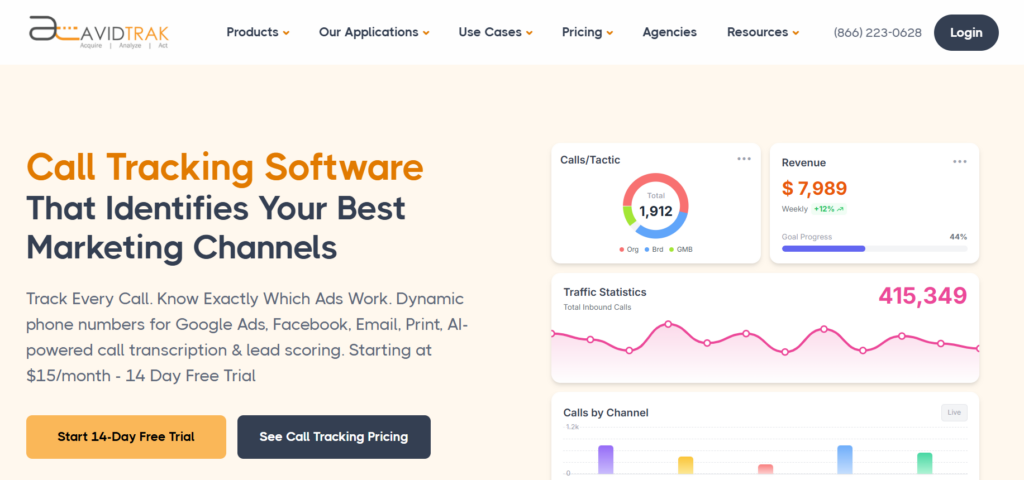 AvidTrak is a call tracking platform for businesses and agencies that need to connect phone inquiries with campaigns and evaluate what happens during those conversations.
Dynamic Number Insertion links website calls with marketing sources, while campaign and keyword attribution support phone-lead reporting. AvidTrak also offers IVR menus, sequential and simultaneous forwarding, and area-code or ZIP-code routing. AI transcription and conversation outcome extraction help teams review caller intent, bookings, pricing requests, and follow-up needs.
For an agency serving local businesses, separate client accounts and branded reporting help keep campaign data organized. AvidTrak documents connections with Google Ads, GA4, HubSpot, Salesforce, and Zoho.
Why consider it instead of WhatConverts? AvidTrak belongs on the shortlist when the buying decision centers on phone attribution, routing, and client reporting.
Pricing: AvidTrak Starter costs $15 per month with five local numbers, 500 local minutes, and 500 recording minutes. Professional costs $30 with ten numbers and 1,500 local minutes. Agency costs $55 with 30 numbers, 2,500 local minutes, and up to 1,000 client accounts. These USD rates apply to the United States and Canada.
2. CallRail: For calls, texts, and optional form attribution
 CallRail is a marketing call tracking platform that combines source attribution with recording, routing, transcription, and automation rules. Dynamic Number Insertion connects website calls with the marketing activity that brought visitors to the site.
CallRail also offers form attribution, making it relevant for businesses that report phone inquiries and website submissions together. However, form tracking requires the appropriate package.
Why consider it instead of WhatConverts? CallRail is worth evaluating when your replacement needs calls, texts, and forms, with a choice between basic conversation insights and premium analysis.
Pricing: The CallRail pricing page advertises Lead Tracking from $50 per month with five numbers and 250 minutes. Lead Tracking Complete is advertised at $95 per month and adds form tracking. Higher packages add premium conversation analysis, and additional usage is billed separately.
3. CTM: For attribution combined with call operations
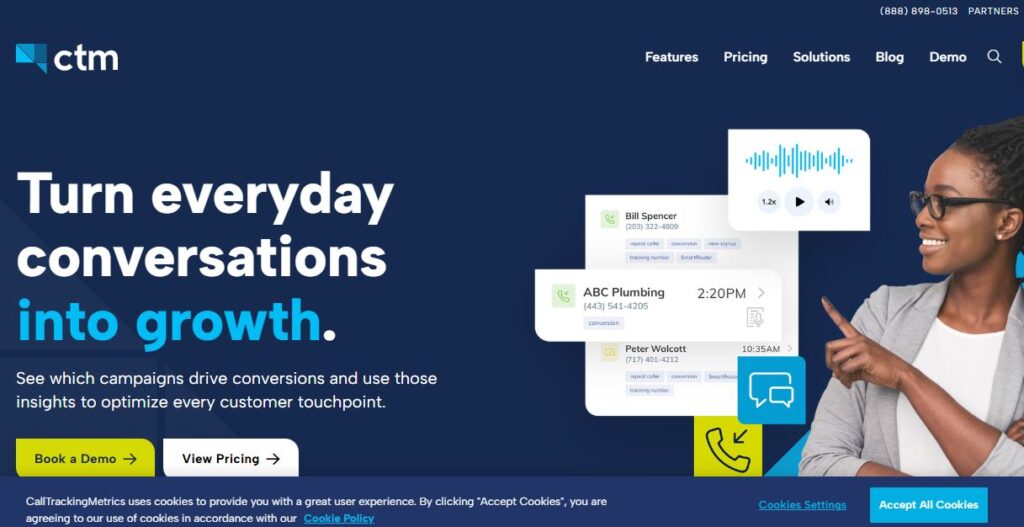 CTM, formerly CallTrackingMetrics, combines marketing attribution with automation and sales call management. It is relevant when the replacement must support both campaign measurement and the team handling incoming calls.
Marketing Lite provides call and text attribution, recording, forwarding, IVR, and integrations with Google Ads, Google Local Services Ads, and GA4. Marketing Pro adds form attribution, subaccounts, white-label options, AskAI analysis, automation, and premium marketing integrations including HubSpot.
Sales Engage adds a softphone, advanced routing, coaching tools, and premium sales integrations including Salesforce.
Why consider it instead of WhatConverts? CTM belongs on the shortlist when attribution is one part of a wider requirement involving call handling, automated actions, and sales-team workflows.
Pricing: CTM’s monthly subscriptions cost $79 for Marketing Lite, $179 for Marketing Pro, and $329 for Sales Engage, plus usage. Annual-prepayment equivalents are lower and represent different commitments.
4. Nimbata: For marketing attribution with answered-call billing
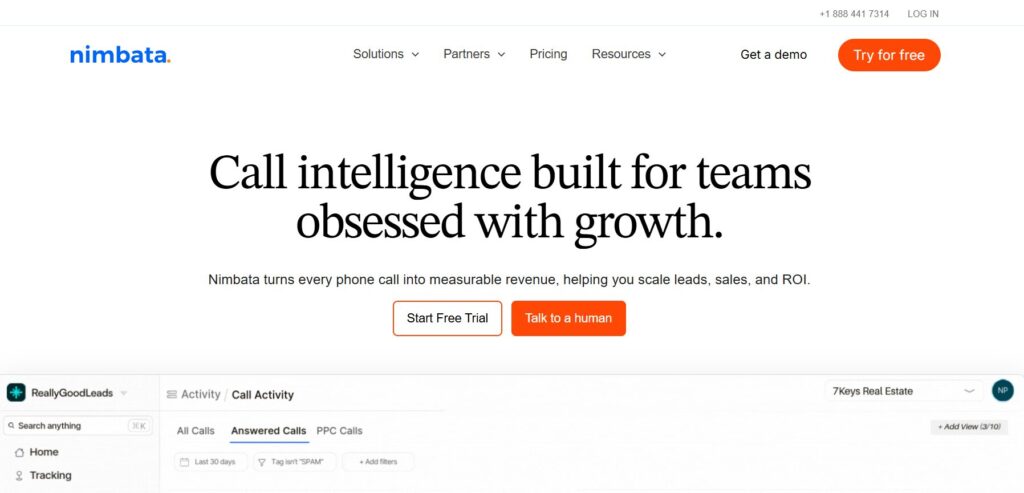 Nimbata is a call attribution platform with reporting, call flows, and AI-supported tagging and scoring. Its answered-call billing model provides a different basis for evaluating usage costs.
Pro adds Dynamic Number Insertion and Google Ads and GA4 connections. Marketing adds form tracking, automation, and CRM integrations. Agency adds further account capacity, Salesforce, API access, and webhooks.
Why consider it instead of WhatConverts? Nimbata is relevant when you want to evaluate call attribution under an answered-call billing model and need marketing-focused integrations.
Pricing: Entry has a $0 subscription plus usage. Pro, Marketing, and Agency are paid tiers. Use the Nimbata pricing calculator or a written quote to confirm the billing commitment, number charges, and answered-call rate for your destination.
5. CallScaler: For call, form, and SMS lead generation
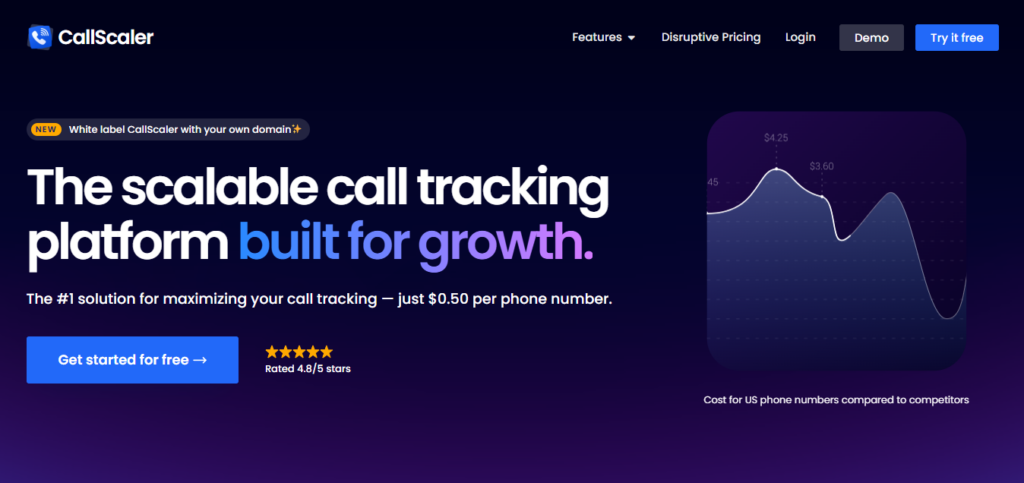 CallScaler combines call tracking, Dynamic Number Insertion, visual call flows, form tracking, and SMS tracking. Its AI functions include transcription, summaries, lead qualification, and scoring.
The separate Pay Per Call offering is relevant to businesses distributing or selling leads to buyers. That requirement is different from simply attributing inquiries for one business.
Why consider it instead of WhatConverts? CallScaler belongs on the shortlist when your workflow combines calls, forms, and SMS, particularly if lead distribution may also become a requirement.
Pricing: For new accounts, the Call Tracking plan costs $95 per month or $65 per month equivalent billed annually. Existing Pro and Agency subscribers retain their earlier plan and price.
The usage schedule lists local numbers at $0.50 per month and local calls at $0.045 per minute. Advanced recording and AI processing have separate metered charges.
Check before switching: Confirm new-account pricing, business and user limits, and any white-label or expanded-account add-ons. A platform subscription with many features is not the same as unlimited included usage.
6. Convirza: For attribution and call-handling analysis
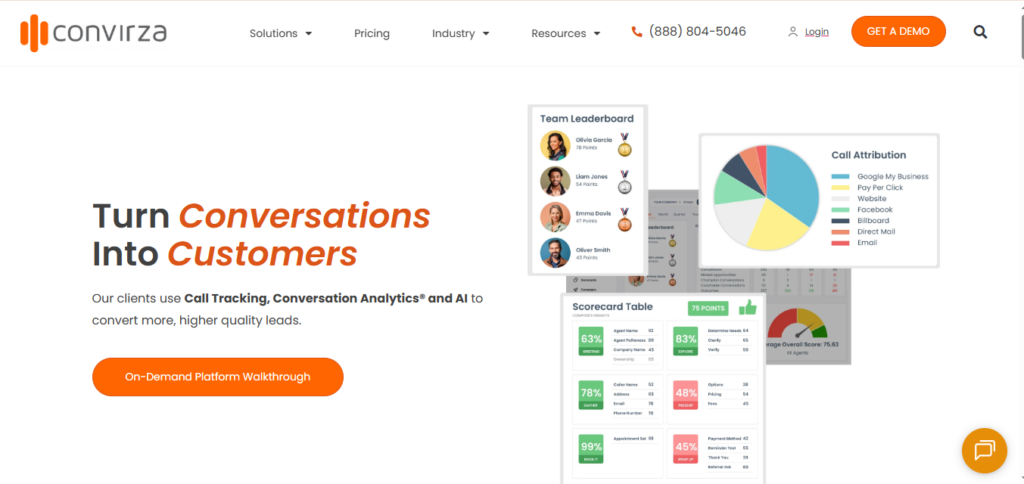 Convirza offers call tracking alongside a separate Conversation Analytics product. The distinction matters for teams investigating whether weak results come from the campaign, the callers, or the intake process.
Conversation Analytics examines caller intent, lead quality, conversion indicators, and agent performance. Automated actions can flag conversations for follow-up and connect results with CRM or advertising workflows.
Why consider it instead of WhatConverts? Convirza is worth evaluating when the switch must support a more detailed review of lead quality and call handling, alongside source attribution.
Pricing: Call Tracking Starter costs $29 per month, with numbers at $3 each and calls at $0.08 per minute. Agency costs $149 per month, with numbers at $1 each and calls at $0.05 per minute. Enterprise requires a quote.
7. Invoca: For enterprise call attribution and revenue execution
 Invoca connects call attribution with conversion outcomes and revenue data. Its product scope is relevant to larger businesses evaluating marketing and contact-center performance together.
The platform supports dynamic numbers, recording, IVR, advertising connections, and offline conversion and revenue imports. Signal AI adds customized analysis of caller intent, topics, and conversation outcomes.
Why consider it instead of WhatConverts? Invoca belongs on the shortlist when the buying decision involves a larger call operation, custom conversation signals, and connections between marketing and contact-center activity.
8. Infinity: For visitor-level attribution and conversation analytics
 Infinity combines visitor-level call tracking with marketing reporting and integrations. Its attribution functions connect phone inquiries with website activity and marketing sources.
Conversation Analytics provides another layer for examining recorded conversations. This is useful to evaluate when a team wants to investigate both which activity generated an inquiry and what happened after the call connected.
Why consider it instead of WhatConverts? Infinity is relevant when visitor-level phone attribution and conversation analysis are central to the replacement decision.
Pricing: The Infinity US pricing page describes Essentials and Pro packages with per-call charges, while Enterprise requires a custom package. Pro provides a wider integration set and Reporting API access.
9. Marchex: For call attribution across multiple locations
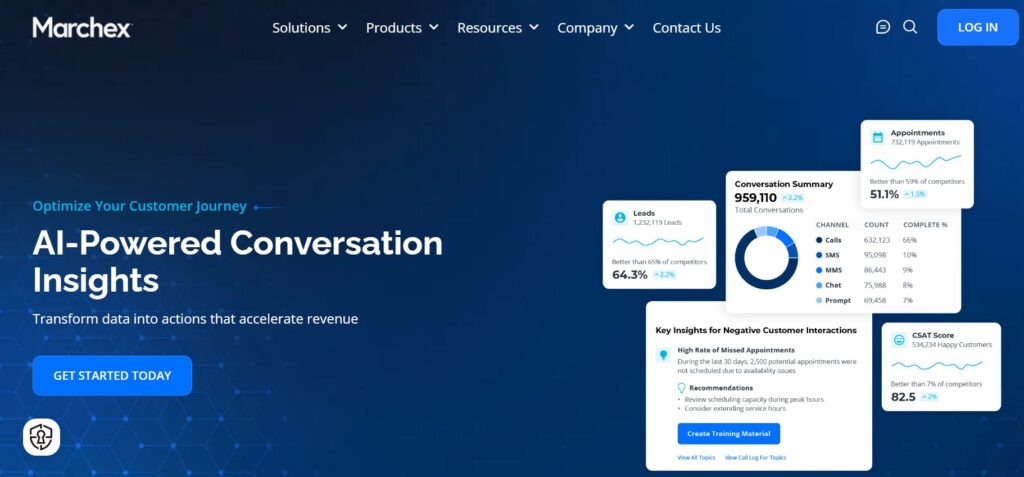 Marchex combines Dynamic Number Insertion, campaign attribution, and conversation intelligence. It is relevant to businesses comparing marketing and call outcomes across branches or dealerships.
Marchex Call Tracking and Attribution provides lead-quality signals and classification by location, channel, duration, and words spoken during calls. That context can help teams investigate why locations receiving similar inquiry volumes produce different results.
Why consider it instead of WhatConverts? Marchex belongs on the shortlist when location-level measurement and call outcomes are major buying requirements, particularly for automotive and home-services businesses.
Pricing: Contact Marchex for a proposal covering the products, locations, and deployment you require.
Check before switching: Confirm the exact integration, reporting, and analysis scope. Marchex documents CRM connections including Salesforce, HubSpot, and VinSolutions, but the presence of an integration does not prove that every field or workflow your business needs is included.
10. Ruler Analytics: For attribution connected with CRM revenue
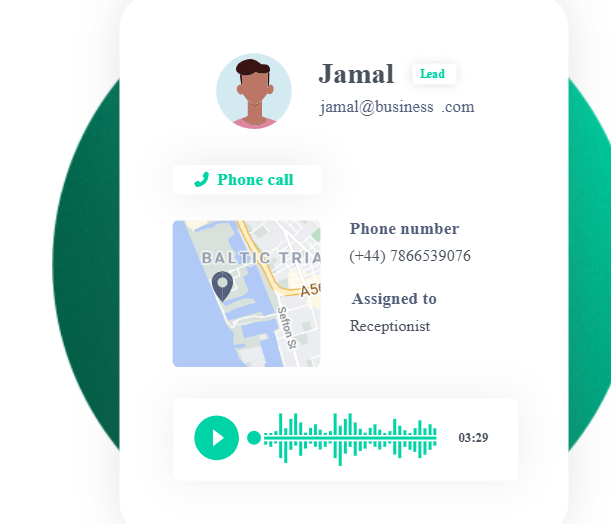 Ruler Analytics addresses a broader attribution question: which marketing activity contributes to leads and eventual revenue?
The platform connects marketing interactions with CRM outcomes through multi-touch attribution and data integrations. It supports conversion types including forms, calls, chats, and other events.
Why consider it instead of WhatConverts? Ruler Analytics is relevant when the primary reason for switching is to connect initial inquiries with opportunities and deals that close later. It should be evaluated as a revenue-attribution option, with call-handling requirements reviewed separately.
Pricing: The Small plan has indicative pricing from $400 per month for up to 10,000 monthly visits. Scope and integration requirements affect the proposal. Call tracking charges are additional.
How to choose the right WhatConverts alternative
Match the replacement to the reason you want to switch
Start with a specific requirement, rather than a general preference for another tool.
For a local-service business relying mainly on phone inquiries, AvidTrak is a sensible starting point for evaluating attribution, routing, and call outcomes.
For calls and website submissions in the same reporting workflow, compare the relevant CallRail, CTM, Nimbata, or CallScaler package. If chats or transactions are also required, test those separately before treating any product as a full replacement.
For larger call operations, evaluate whether CTM, Convirza, Invoca, Infinity, or Marchex provides the combination of routing, analysis, and operational reporting you need.
For marketing tied to deals that close later, include Ruler Analytics in the attribution evaluation. Confirm whether another platform must continue handling telephony.
Separate call volume, lead quality, and revenue
These are different measurement requirements:
- Call volume answers how many calls a campaign generated.
- Lead quality answers whether those callers were suitable prospects.
- Revenue attribution connects the inquiry with a recorded commercial result.
Suppose a campaign produces several long conversations, but most callers ask about a service the business does not provide. Call duration alone gives an incomplete picture of campaign quality.
Similarly, a transcript mentioning an appointment does not establish that the customer attended, paid, or became a closed deal. Decide which outcomes the replacement can identify from the conversation and which require CRM data.
For CRM call tracking, test whether the source, lead details, qualification, and supported outcomes reach the correct record. Compare actual records rather than relying only on an integration logo.
Compare the complete configuration and billing commitment
Ask shortlisted vendors to price the same requirements:
- Include the required client accounts, locations, users, and access controls.
- Include static tracking numbers and website number pools.
- Include local and toll-free usage, where applicable.
- Include recording, transcription, AI analysis, SMS, and form volumes.
- Include branded reporting, integrations, setup, and required add-ons.
- Confirm the billing commitment, cancellation terms, and any deposits.
An annual-equivalent offer should be compared with other annual commitments. A month-to-month offer should be compared with other monthly subscriptions.
Account capacity also needs a separate check. A package allowing many clients may still include a limited shared allowance of numbers or minutes.
When comparing CallRail, WhatConverts, and AvidTrak, evaluate the required lead coverage and call-handling functions alongside the full usage cost.
Ask vendors to demonstrate the hardest part of your workflow
A standard demo may show source reporting without proving the requirement that prompted the switch.
Ask the vendor to demonstrate your actual use case. That might be routing a caller to the correct service area, connecting a form and subsequent call with one customer record, reporting a qualified lead to an advertising platform, or restricting a client’s access to its own data.
Define the expected result before the demonstration. This makes gaps easier to identify and keeps the evaluation focused.
What should you test before switching from WhatConverts?
Pilot one account or campaign before moving the full setup.
- Test attribution. Confirm that the expected tracking number appears for each source, and check both displayed numbers and click-to-call links.
- Test routing. Place calls through the required menus, locations, business-hours rules, and fallback destinations.
- Test every lead type. Submit forms and test any required chat or SMS workflow independently.
- Test reporting and integrations. Confirm that sources, lead details, qualification, and supported outcomes reach the intended reports and records.
- Test repeat interactions. Check how the platform handles a caller who contacts the business again or also submits a form.
- Test conversion counting. Confirm that the same action does not create duplicate conversion events.
- Test automated analysis. Compare a sample of recordings with transcripts and classifications before using the results across all accounts.
For websites using Dynamic Number Insertion, test returning visits and multiple active sessions. Confirm how the provider sizes its number pool and what happens when traffic exceeds that capacity. A static number assigned to each channel should not be treated as equivalent to visitor-level attribution.
Export the historical information you need and agree on the number-transfer process before ending the existing subscription. Keep WhatConverts active until the replacement routing and transfers are complete.
If both tracking scripts run during testing, confirm that they do not overwrite one another’s numbers or send duplicate events.
Frequently asked questions
Can I keep my existing WhatConverts tracking numbers?
Yes, WhatConverts supports transferring numbers to another carrier. For US local numbers, a Master Account user approves the numbers for port-out inside WhatConverts, and the receiving carrier completes the transfer. Toll-free and international numbers use a different support process. Confirm that the replacement provider can accept each number before scheduling the move.
Will historical reports and recordings move with the numbers?
Do not assume that they will. A number transfer changes the carrier handling the number; it does not establish that the new platform imports historical reports, recordings, tags, or attribution data. Export the required information and confirm the receiving provider’s import and storage options before canceling WhatConverts.
Can Google Ads call reporting replace WhatConverts?
Google Ads website call conversion tracking can measure eligible calls associated with ads using Google forwarding numbers. It can address a narrow Google Ads measurement requirement, but it does not reproduce the full reporting workflow for organic traffic, offline campaigns, forms, chats, and client accounts. Compare the scope your team actually uses before replacing WhatConverts with an ads-only setup.
Does Dynamic Number Insertion change the number my staff answers?
Dynamic Number Insertion changes the number displayed to a website visitor. The tracking number normally forwards the call to the destination configured for the business. Your team can therefore retain its answering number while using different displayed numbers for attribution, subject to the provider’s routing configuration.
How can I check whether AI lead scoring fits my business?
Review a sample containing suitable prospects, unsuitable inquiries, support calls, missed calls, and repeat callers. Compare the automated classifications with your team’s assessment and available CRM outcomes. Check whether the scoring criteria reflect your services and sales process, rather than accepting a generic score as proof of lead quality.
Choose a replacement that preserves the lead data you need
The right WhatConverts alternative should solve a specific problem while preserving the attribution, reporting, and call-handling functions your team depends on.
For agencies and businesses prioritizing phone attribution, routing, client reporting, and conversation outcomes, AvidTrak is a practical option to evaluate.
Use the AvidTrak free trial to test a sample campaign, routing configuration, and report before moving the full account. The trial provides $20 in credit for up to 14 days, requires no credit card at signup, and ends when the credit is used or the trial period expires.


