Call Tracking With AI Transcription

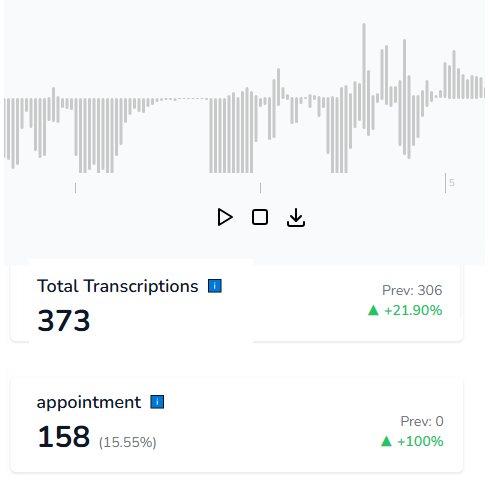
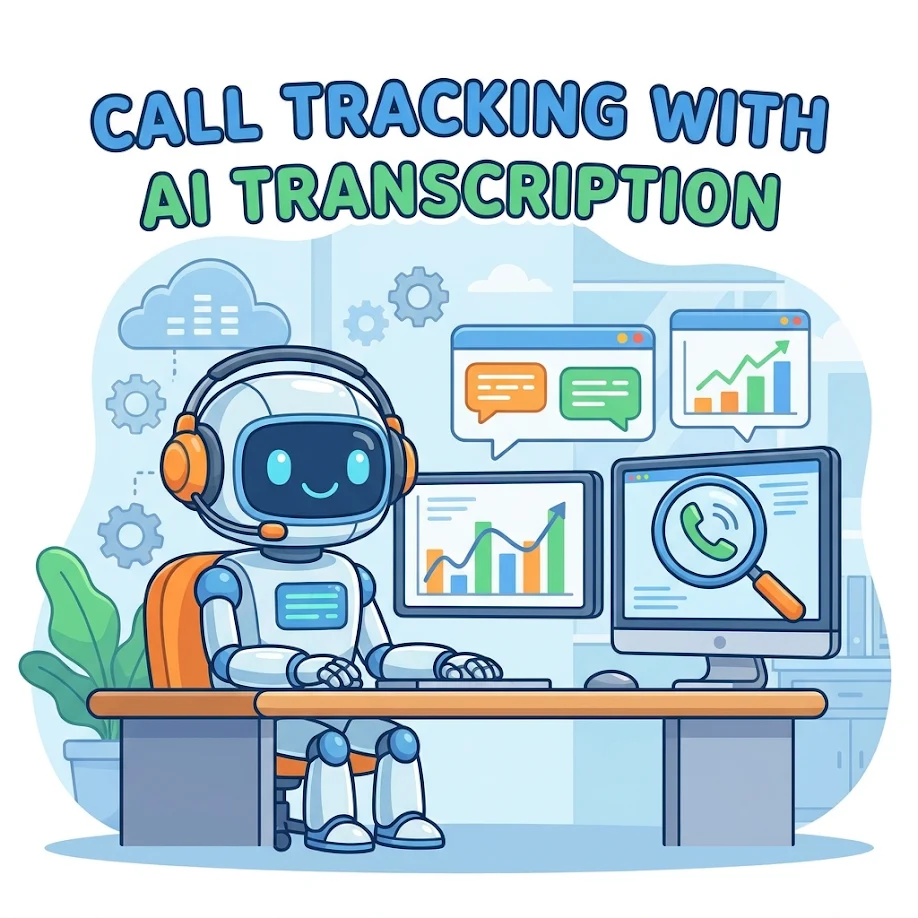
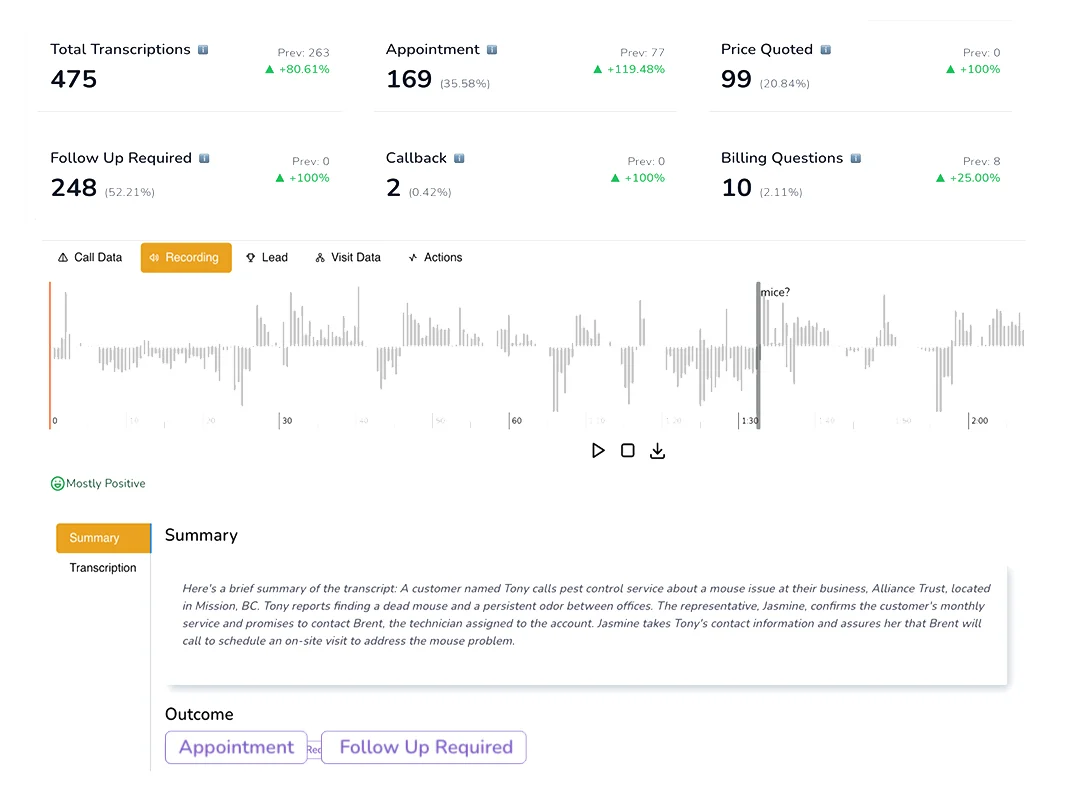
A phone call can tell the marketing and sales team what the caller needed, what the agent said, which questions came up, and whether the conversation created a real opportunity. AvidTrak adds AI-powered transcription to call tracking, so teams can turn recorded calls into searchable text, summaries, tags, QA review data, and downstream reports.

AvidTrak helps connect each call with campaign source, keyword, landing page, caller intent, transcript, summary, sentiment, and outcome data, where configured.
B2B Call Tracking Software for Lead Generation

14 days free trial

No credit card required

No white-label setup fees

What Is Call Tracking With AI Transcription?

Call tracking with AI transcription connects phone calls to marketing sources and turns recorded conversations into searchable text. AvidTrak helps teams review sales call transcripts, identify caller intent, detect keywords, summarize conversations, tag outcomes, review call quality, and send call data into CRM, analytics, and reporting workflows.

This helps marketing, sales, agencies, and support teams understand what happened during each call without listening to every recording manually.

Google Business Profile Call Tracking Number Guidelines

Call Recordings Are Useful, but They Are Hard to Review at Scale

A call recording has important context, but most teams do not have time to replay every call. Sales managers may need to review call quality. Marketers may need to know which campaigns created quote requests. Agencies may need better client reports. Business owners may need to see which calls turned into appointments or missed opportunities.

Without AI transcription for call tracking, teams may miss:

  • Which sales calls included pricing questions
  • Which calls turned into booking or appointment requests
  • Which campaigns created qualified conversations
  • Which agents handled calls well or poorly
  • Which calls mentioned competitors, objections, or service issues
  • Which calls came from support needs instead of new leads
  • Which missed calls deserved faster follow-up
  • Which call topics appeared most often across campaigns
  • Which leads should be pushed into CRM reports

How AvidTrak Adds AI Transcription to Call Tracking

Convert Calls Into Searchable Text

Convert Calls Into Searchable Text

AvidTrak converts recorded calls into searchable transcripts, so teams can find important details without replaying full recordings. This helps users check caller questions, pricing requests, service needs, appointment details, objections, and follow-up notes faster.

Generate Automatic Conversation Summaries

Generate Automatic Conversation Summaries

AvidTrak can provide automatic call summaries, giving teams a faster way to understand the main points of a conversation. Summaries help sales managers, marketers, and agencies review call context before checking the full transcript.

Tag Calls by Keywords and Topics

Tag Calls by Keywords and Topics

AvidTrak can flag keywords and important phrases inside call transcripts. Teams can track terms such as pricing, quote, appointment, booking, refund, cancellation, competitor names, service issues, or product-specific questions.

Identify Caller Intent and Outcomes

Identify Caller Intent and Outcomes

AvidTrak’s AI-powered conversation outcome extraction helps classify what happened during a call. Teams can review outcomes such as booking requests, pricing inquiries, sales inquiries, support needs, appointment requests, and lead qualification, where configured

Support Call QA Review

Support Call QA Review

AvidTrak helps managers review call quality with transcripts, summaries, sentiment, outcomes, and keyword mentions. This helps teams check whether agents asked the right questions, explained the offer clearly, captured next steps, and handled objections properly.

Send Transcript Data Into Reports

Send Transcript Data Into Reports

AvidTrak supports CRM, analytics, spreadsheets, dashboards, API, and webhook workflows. This helps teams use transcript-based data in downstream reporting instead of keeping call details locked inside recordings

Metrics Tracked From Sales Call Transcripts

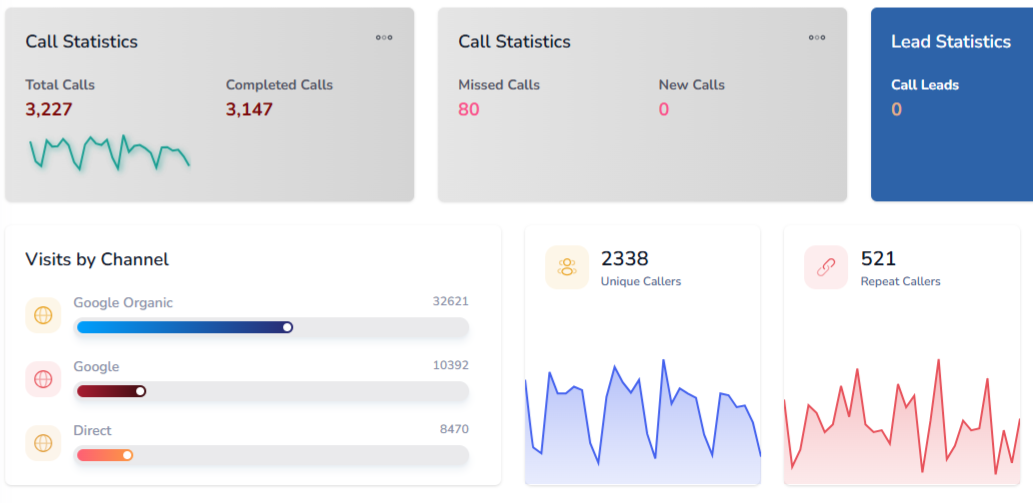
Sales call transcripts give teams more context than call duration or total call count. AvidTrak helps teams track conversation signals that show lead quality, sales intent, customer questions, and follow-up needs.

Transcript Metric
What It Shows
Caller intent Whether the caller wanted pricing, booking, support, a quote, a demo, or general information
Conversation outcome Whether the call resulted in an appointment request, sales inquiry, support need, or other configured outcome
Keyword mentions Which words or phrases appeared during calls, such as price, quote, cancel, urgent, book, or competitor names
Sentiment Whether the call tone was positive, neutral, or negative
Summary themes The main topics that came up during the conversation
Objections Whether callers raised concerns about pricing, timing, features, service area, availability, or trust
Buying signals Whether callers asked about next steps, availability, pricing, packages, appointments, or timelines
Follow-up needs Whether the caller needed a callback, quote, document, appointment, demo, or internal handoff
Lead quality Helps separate qualified calls from spam, support calls, wrong numbers, and low-fit inquiries
Campaign context Connects transcript data with campaign source, keyword, landing page, and channel where configured
AI Transcription

Use Summaries and Tags to Review Calls Faster

A full transcript is useful, but a summary and clear tags make call review faster. AvidTrak can help teams summarize calls, identify key topics, and tag important outcomes so users do not need to read every transcript from start to finish.

AvidTrak can help tag calls for:

  • Pricing questions
  • Booking requests
  • Appointment requests
  • Quote requests
  • Sales inquiries
  • Support needs
  • Product questions
  • Service questions
  • Competitor mentions
  • Cancellation concerns
  • Refund mentions
  • Urgent needs
  • Lead qualification
  • Follow-up required
Use AI Transcripts

Use AI Transcripts for Call Quality Assurance

Call quality assurance is easier when managers can review transcripts, summaries, sentiment, and outcomes together. AvidTrak helps teams check what happened during a sales or service call without relying only on memory, manual notes, or random call sampling.

Teams can review whether agents:

  • Answered the caller clearly.
  • Asked the right qualifying questions.
  • Confirmed the caller’s need.
  • Explained pricing or next steps properly.
  • Handled objections with the right context.
  • Booked the appointment or passed the lead to the right person.
  • Captured follow-up details.
  • Missed a strong sales opportunity.

This helps teams spot training needs, improve scripts, and review customer conversations based on actual transcript data.

Send AI Transcript Data Into CRM and Marketing Reports

Call transcript data becomes more useful when the team can connect it with CRM records, ad campaigns, analytics tools, and reporting dashboards. AvidTrak helps teams use call data beyond the call tracking dashboard by supporting CRM, analytics, spreadsheet, API, and webhook workflows.

AvidTrak can help teams connect transcript data with:

  • Campaign source
  • Keyword data where configured
  • Landing page data
  • Caller details
  • Call recording
  • Transcript text
  • Conversation summary
  • Sentiment
  • Caller intent
  • Conversation outcome
  • Lead status
  • Follow-up notes
  • CRM activity
  • Sales or marketing reports

This helps marketers, agencies, and sales teams report on call quality, not just call volume.

Use AI Transcripts

Ask Avidia Questions About Transcript-Based Call Data

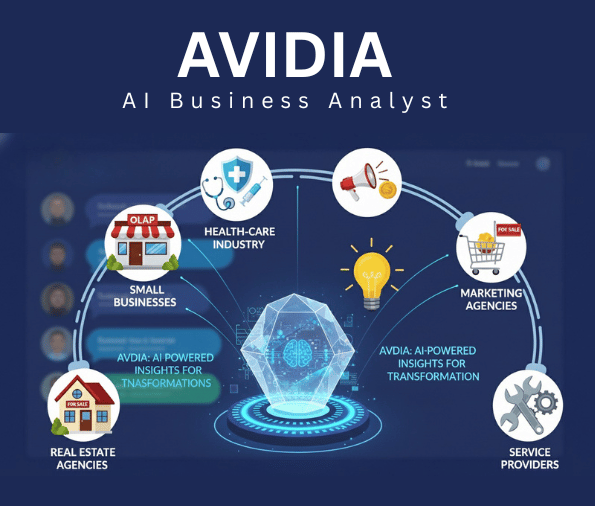
Avidia is AvidTrak’s AI data analyst that can answer natural-language questions using AvidTrak call tracking data and CRM data, where connected. Teams can use Avidia to ask which campaigns generated the most qualified calls, which calls included pricing questions, or which sources created more booked calls.

Where Call Tracking With AI Transcription Helps Most

Marketing Attribution

Marketing Attribution

AvidTrak helps marketers connect transcript data with campaigns, keywords, landing pages, and sources where configured. This helps teams see which campaigns create pricing questions, bookings, quote requests, and qualified calls.

Sales Follow-Up

Sales Follow-Up

Sales teams can use transcripts and summaries to review caller needs before a follow-up. This helps reps understand what was discussed, what the caller asked for, and what the next step should be.

Agency Reporting

Agency Reporting

Agencies can use AI transcripts, summaries, tags, and outcomes to show clients which campaigns created real conversations. This gives client reports more value than basic call volume charts.

Call QA and Coaching

Call QA and Coaching

Managers can use transcripts to review how calls were handled. This helps teams identify script gaps, missed opportunities, recurring objections, and better coaching moments.

Lead Qualification

Lead Qualification

AvidTrak helps teams separate qualified calls from spam, support questions, wrong numbers, low-fit inquiries, and repeat customer calls. This gives teams cleaner lead reporting.

Connect Transcribed Calls With CRM, Ads, and Reports

Google Ads

Google Ads

Microsoft Advertising

Microsoft Advertising

Google Marketing Platform

Google Marketing Platform

Google Analytics 4

Google Analytics 4

Google Looker Studio

Google Looker Studio

Zoho

Zoho

Hubspot

Hubspot

Salesforce

Salesforce

Start Using AI Transcription Without Heavy Platform Costs

Starter

Starter

$15 mo
  • 5 Numbers
  • 500 Minutes
  • 500 Call Recording Minutes
  • 500 CNAME Lookup Calls
  • -
Choose Plan
Professional

Professional

$30 mo
  • 10 Numbers
  • 1500 Minutes
  • 1500 Call Recording Minutes
  • 100 CNAME Lookup Calls
  • -
Choose Plan
Agency

Agency

$55 mo
  • 30 Numbers
  • 2500 Minutes
  • 2500 Call Recording Minutes
  • 300 CNAME Lookup Calls
  • 1000 Client Accounts
Choose Plan

Stop Letting Sales Call Details Stay Hidden in Recordings, Start With AvidTrak

Use AvidTrak to turn tracked calls into searchable transcripts, summaries, tags, QA review data, sentiment signals, and outcomes. Connect those call details with campaigns, keywords, landing pages, CRM activity, and reports so the team can understand which calls deserve action.

Start Free Trial

Frequently Asked Questions

Call tracking with AI transcription connects phone calls to marketing sources and turns recorded calls into searchable text. AvidTrak helps teams review caller intent, summaries, keywords, sentiment, and outcomes.

AI transcription helps teams review calls faster by converting recordings into searchable transcripts. AvidTrak also supports summaries, keyword detection, sentiment analysis, and outcome extraction for better call reporting.

Sales call transcript metrics can include caller intent, keyword mentions, sentiment, conversation outcomes, objections, buying signals, follow-up needs, lead quality, and campaign source, where configured.

Yes. AvidTrak supports automatic conversation summaries. Summaries help teams review call context without reading full transcripts every time.

Yes. AvidTrak can detect keywords, identify caller intent, and support AI-powered conversation outcome extraction. This helps teams tag calls for pricing, bookings, support needs, and lead qualification.

Yes. AI transcripts help managers review how calls were handled. AvidTrak gives teams searchable transcripts, summaries, sentiment, keywords, and outcomes that can support QA review and coaching.

Yes. AvidTrak supports CRM and reporting workflows with Salesforce, HubSpot, Zoho, Google Sheets, Google Looker Studio, API, and webhooks, so transcript data can support downstream reporting.

Yes. AvidTrak can flag keywords in call transcripts. Teams can track pricing mentions, booking requests, quote requests, competitor names, cancellation concerns, and other important phrases.

Call recording stores the audio conversation. AI transcription turns that recording into searchable text, making it easier to review calls, summarize conversations, tag outcomes, and report on lead quality.

AvidTrak is a strong fit because teams can track calls, review AI-powered transcripts, generate summaries, detect sentiment, tag outcomes, support QA review, and connect call data with reports.

NEED MORE DETAILS?

Contact us to schedule your demo today.

Learn About Intelligent Call Tracking