


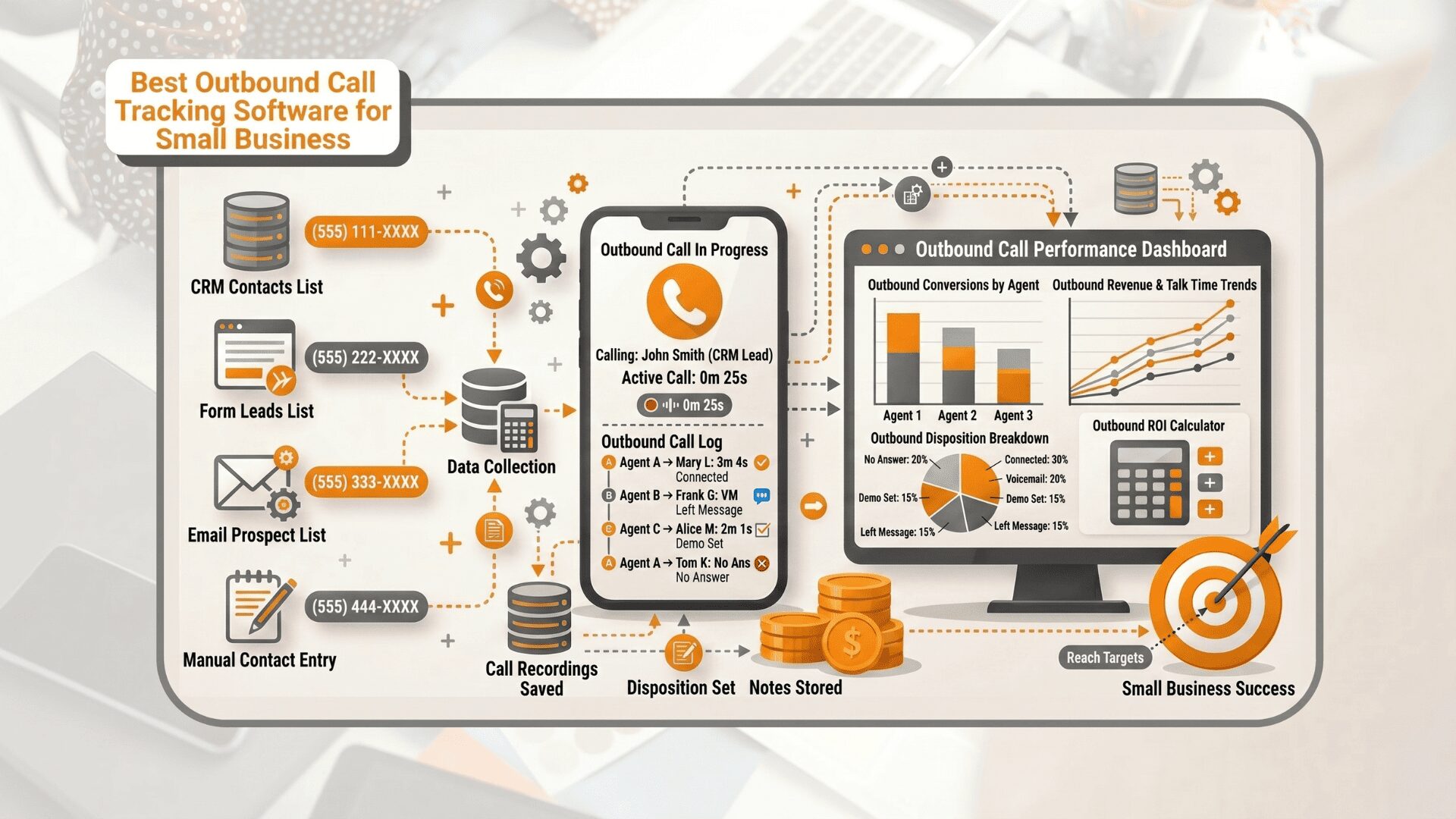
Outbound call tracking software helps businesses measure outbound calling activity and connect calls with campaign performance, agent results, follow-ups, appointments, and sales opportunities.
The right platform can show which campaigns generate qualified conversations, which agents perform best, which leads need another call, and which outcomes contribute to the sales pipeline.
After comparing outbound dialing, campaign management, call dispositions, reporting, AI conversation analysis, CRM support, pricing, and business fit, here are the 10 of the best outbound call tracking software options.
Best Outbound Call Tracking Software at a Glance
| Software | Best For | Outbound Dialing | Dispositions | AI Conversation Analysis | CRM Support | Pricing Approach |
| AvidTrak | Outbound campaigns plus attribution | Auto and manual modes | Yes | Yes | Yes | Outbound call charges apply; no separate software and dialer fee for campaign setup |
| JustCall | AI-assisted sales teams | Power and predictive options | Yes | Yes | Yes | Published plans start at $29 per user/month |
| CallTrackingMetrics | Attribution plus outbound workflows | Outbound sales tools | Yes | Yes | Yes | Tiered plans |
| Kixie | CRM-first revenue teams | Power and parallel dialing | Yes | Yes | Yes | Contact vendor |
| CloudTalk | Distributed outbound teams | Preview, power, and parallel modes | Yes | Yes | Yes | Published plans start at €19 per user/month annually |
| PhoneBurner | High-activity prospecting | Power dialing | Yes | Reporting and coaching tools | Yes | Published plans available |
| Aircall | CRM-connected calling teams | Power Dialer | Yes | Yes | Yes | Region and plan dependent |
| Ringover | Power dialing and local presence | Power Dialer and campaigns | Yes | Yes | Yes | Published plans start at $15 per user/month annually |
| RingCentral RingCX | Enterprise contact centers | Enterprise outbound workflows | Yes | Yes | Yes | Contact sales |
| Squaretalk | Predictive dialing at scale | Predictive dialing | Yes | Yes | Yes | Published pricing available |
What Is Outbound Call Tracking Software?
Outbound call tracking software records and measures calls initiated by agents, sales teams, contact center teams, or automated campaigns. Depending on the platform, a business can track call attempts, connected calls, agent activity, recordings, dispositions, follow-up requirements, appointments, conversions, and other outcomes.
Some platforms focus mainly on dialing productivity. Others focus on contact center operations. A smaller group connects outbound campaign activity with broader call tracking and marketing attribution.
Outbound Call Tracking Software vs Outbound Dialers
An outbound dialer and outbound call tracking software solve related but different problems.
| Area | Outbound Dialer | Outbound Call Tracking Software |
| Primary purpose | Helps agents place calls more efficiently | Measures calls, campaigns, agents, and outcomes |
| Dialing | May support power, predictive, preview, parallel, or automatic dialing | May include dialing or work alongside another calling workflow |
| Outcomes | Often records basic statuses | Tracks dispositions, lead quality, appointments, conversions, and follow-up |
| Reporting | Usually focuses on call volume and agent activity | Connects calling activity with campaign and outcome reporting |
| AI analysis | Depends on the platform | May transcribe, summarize, score, or classify conversations |
| Attribution | Often limited | Some platforms connect calls with campaigns, ads, sources, and other marketing data |
For a team that only needs to place more calls, a dialer may be enough. For a business that needs to understand which campaigns, agents, and conversations lead to measurable results, broader tracking and reporting become more important.
Some platforms in this comparison support both requirements.
How AvidTrak Compared the Software
Rather than treating every business phone system as an equal fit, AvidTrak gave greater consideration to capabilities directly related to outbound operations.
The comparison reviewed:
- outbound dialing and campaign controls;
- call dispositions and outcome tracking;
- agent and campaign reporting;
- call recording and conversation analysis;
- CRM support and workflow connections;
- DNC and administrative controls;
- pricing structure and minimum commitments;
- the type and size of business each platform fits.
A platform can be excellent for high-speed sales dialing without offering deep marketing attribution. Another platform can connect calls with campaigns and revenue data while offering fewer specialized dialing modes. The ranking reflects those differences.
1. AvidTrak – Best for Outbound Campaign Tracking and Attribution
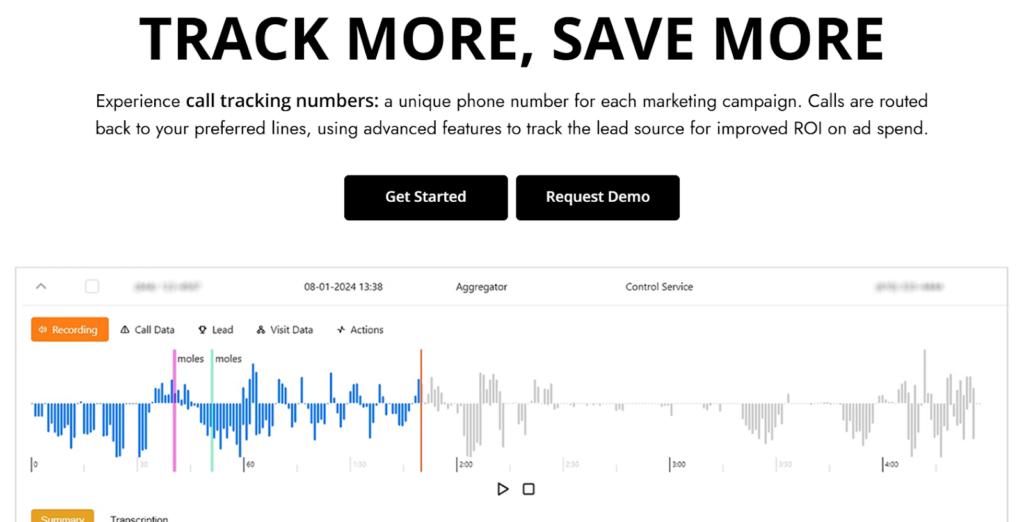 For businesses that want outbound campaign activity connected with call outcomes, conversation intelligence, and broader attribution, AvidTrak is the strongest overall fit in this comparison.
With AvidTrak, businesses can create campaign details, set start and end dates, assign agents or teams, upload campaign-specific scripts and greetings, and run campaigns in automatic or manual mode.
For automatic campaigns, AvidTrak supports agent assignment, pacing ratios, live campaign data, notes, and call outcomes or dispositions. For manual campaigns, agents can initiate calls to selected leads, record notes, assign outcomes, and mark contacts for DNC handling when requested.
AvidTrak’s advantage is that the outbound workflow does not sit in isolation. AvidTrak also supports call tracking, recording, transcription, scoring, tagging, dashboards, CRM connections, and marketing attribution.
That combination helps a business answer not only how many calls agents placed, but also what happened during those calls and how the activity fits into wider marketing and sales performance.
Key outbound capabilities
- AvidTrak supports automatic and manual campaign modes.
- AvidTrak lets businesses assign campaigns to specific agents or teams.
- AvidTrak supports pacing ratios for automatic campaigns.
- Agents can record notes and call outcomes or dispositions.
- Businesses can use campaign-specific scripts and greetings.
- AvidTrak supports DNC handling within outbound workflows.
- Live campaign data helps teams review activity as campaigns run.
- AvidTrak connects outbound activity with broader call tracking and reporting.
Best for: Businesses that want outbound campaigns, call outcome tracking, and attribution in the same platform.
Main limitation: A team focused solely on maximum-speed parallel prospecting may prefer a dedicated sales dialer designed to call multiple numbers simultaneously.
Pricing: AvidTrak offers three plans;
- Starter: $15/month
- Professional: $30/month
- Agency: $55/month
All plans include allocated tracking numbers, call minutes, call recording minutes, and CNAME lookup calls, with higher limits available on larger plans.
Verdict: AvidTrak is the best overall option when the business requirement extends beyond placing more calls. By connecting outbound campaigns with dispositions, call intelligence, tracking, and attribution, AvidTrak gives marketing and sales teams a clearer view of what happens from campaign activity to conversation outcome.
2. JustCall – Best for AI-Assisted Sales Teams
 For sales teams that want outbound dialing, CRM workflows, and AI-based coaching, JustCall is one of the strongest options.
JustCall supports sales dialing, predictive dialing, call dispositions, automatic call scoring, transcription, sentiment analysis, moment analysis, agent analytics, and CRM connections. The platform also supports workflows for teams that need calling and messaging activity connected with sales processes.
Key outbound capabilities
- Power and predictive dialing options
- Call dispositions
- AI call transcription
- Automatic call scoring
- Sentiment and moment analysis
- Agent analytics
- CRM workflows
- More than 100 listed integrations
Best for: Sales teams that want dialing productivity and AI-assisted coaching.
Main limitation: JustCall focuses more heavily on sales communications and coaching than detailed marketing attribution. A team that needs ad-, keyword-, or source-level call attribution may require a separate tracking layer.
Pricing: JustCall’s plans start at $29 per month, with final costs depending on the selected suite, billing term, region, and capabilities.
Verdict: JustCall is a strong choice for sales organizations where the main requirements are outbound activity, CRM-connected workflows, conversation analysis, and agent development.
3. CallTrackingMetrics – Best for Attribution Plus Outbound Workflows
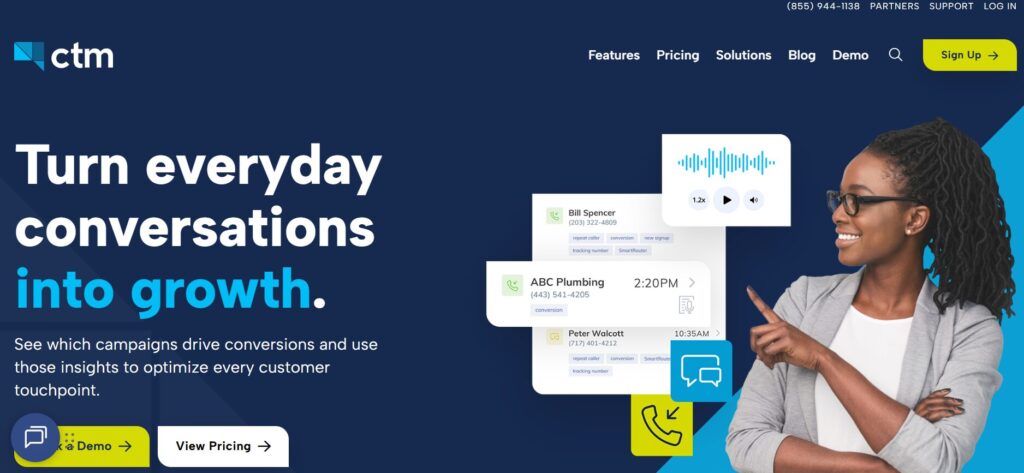 For businesses that need serious marketing attribution alongside sales and outbound workflows, CallTrackingMetrics is one of the closest competitors to AvidTrak in this comparison.
CallTrackingMetrics connects calls and other customer interactions with campaigns and conversions while supporting sales-focused workflows. The platform includes call recording, transcription, AskAI, call scoring, coaching insights, workflow automation, a customizable softphone, call routing, and tools for both inbound and outbound teams.
This combination makes CallTrackingMetrics a strong option for organizations that need marketing and sales teams to work from connected conversation, campaign, and conversion data.
Key outbound capabilities
- Outbound team workflows
- A customizable softphone
- Call scoring and coaching insights
- Transcriptions and AI analysis
- Automated triggers and follow-up workflows
- Lead and call routing
- Campaign attribution
- CRM and analytics connections
Best for: Businesses that need attribution and advanced sales workflows within one broad platform.
Main limitation: The range of capabilities may be more than a small team needs, and higher-level sales or contact center requirements can increase the total cost.
Pricing: CTM starts at $79 per month on the Marketing Lite plan, or $65 per month with annual prepayment. For teams that need more advanced outbound sales capabilities, the Sales Engage plan costs $329 per month, or $274 per month with annual prepayment. Additional usage fees may apply.
Verdict: CTM is a good option for businesses that need both marketing attribution and substantial outbound or sales workflow support. The main considerations are platform depth and total cost.
4. Kixie – Best for CRM-First Revenue Teams
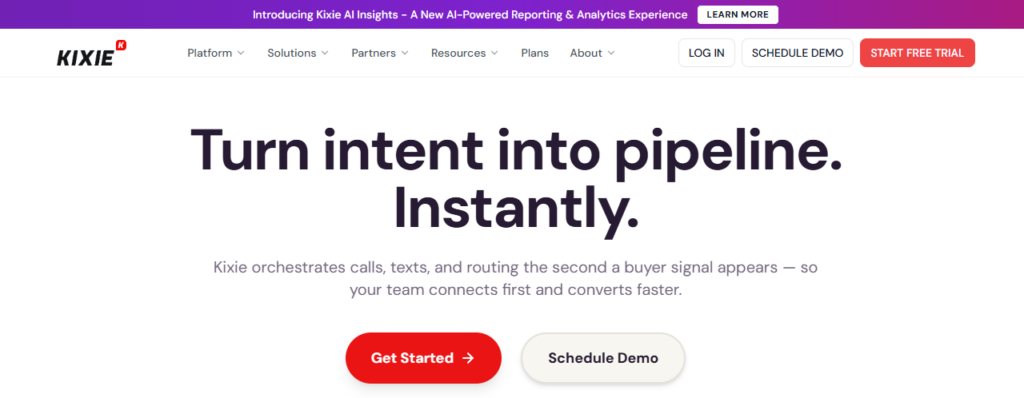 For inside sales, business development, and revenue teams that depend heavily on outbound calling, Kixie is a strong option for increasing dialing speed and managing sales conversations.
The platform includes a Power Dialer that can call up to 10 numbers in parallel, along with AI-powered analytics, conversation intelligence, call management, business SMS, and integrations with platforms such as HubSpot, Salesforce, Zoho, and Pipedrive.
This mix makes Kixie particularly relevant for sales teams that want faster outbound activity, connected CRM workflows, and more visibility into call performance.
Key outbound capabilities
- A Power Dialer with parallel dialing
- CRM-connected calling
- AI-powered reporting and analytics
- Conversation intelligence
- Call management
- Business SMS
- Sales-team and revenue-operations use cases
Best for: CRM-first revenue teams that want high-volume dialing connected with sales systems.
Main limitation: Kixie is more sales-dialer-focused than marketing-attribution-focused. A business that needs to connect phone activity with paid search, source, keyword, or wider campaign data may need another system.
Pricing: Kixie offers Professional, Single-Line PowerDialer, and Multi-Line PowerDialer plans, with custom pricing based on the selected setup. AI Human Detection is available as a premium add-on for $30 per month. Teams focused on high-volume outbound calling should compare the PowerDialer plans rather than the base Professional option.
Verdict: Kixie deserves a high position because the software directly matches outbound sales intent. For teams where CRM activity and faster prospect contact matter most, Kixie is one of the strongest options.
5. CloudTalk – Best for Distributed Outbound Teams
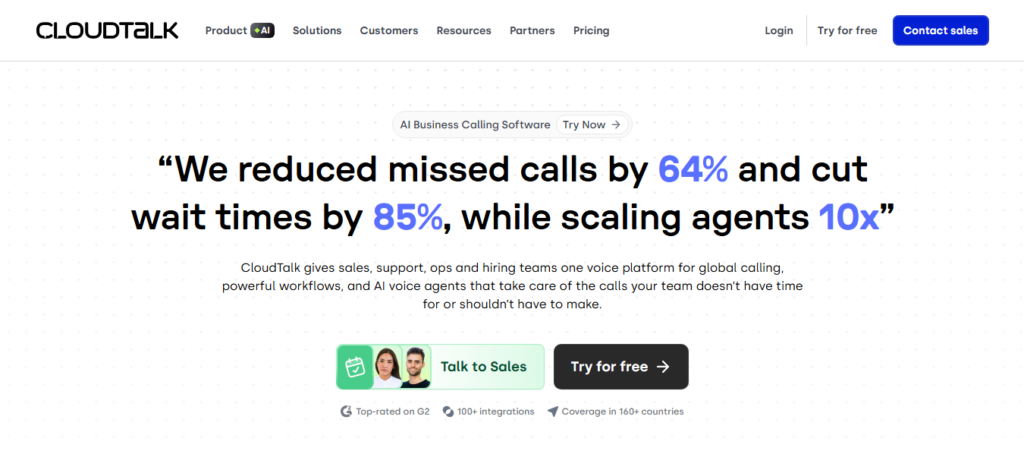 For distributed and international sales teams that need flexibility across different outbound campaigns, CloudTalk offers a broad range of dialing modes and conversation analysis tools.
The platform includes preview dialing, power dialing, parallel dialing, answering machine detection, voicemail drop, click-to-call, and an AI Sales Dialer. Its Parallel Dialing Mode can call up to 10 lines at once and connect an agent with the first person who answers. CloudTalk also supports AI call summaries, call scoring, topic extraction, AI notes, sentiment analysis, and multilingual transcription.
This range makes CloudTalk particularly relevant for remote sales teams that want to adjust dialing methods as campaign volume, lead quality, and outreach requirements change.
Key outbound capabilities
- Preview dialing
- Power dialing
- Parallel dialing
- Answering machine detection
- Voicemail drop
- Call outcomes
- AI summaries and scoring
- CRM connections
Best for: Distributed sales teams that want several outbound dialing modes.
Main limitation: Several advanced dialing and AI capabilities may affect the total cost. Businesses should compare the full configuration rather than the base subscription alone.
Pricing: CloudTalk starts at €19 per user per month for the Lite plan when billed annually. The Starter plan costs €25 per user per month, Essential costs €29 per user per month, and Expert costs €49 per user per month with annual billing. Custom pricing is available for more specialized requirements.
Verdict: CloudTalk is a strong option when dialing flexibility matters. The range from preview to parallel calling gives outbound teams more choice than many general call platforms.
6. PhoneBurner – Best for High-Activity Prospecting
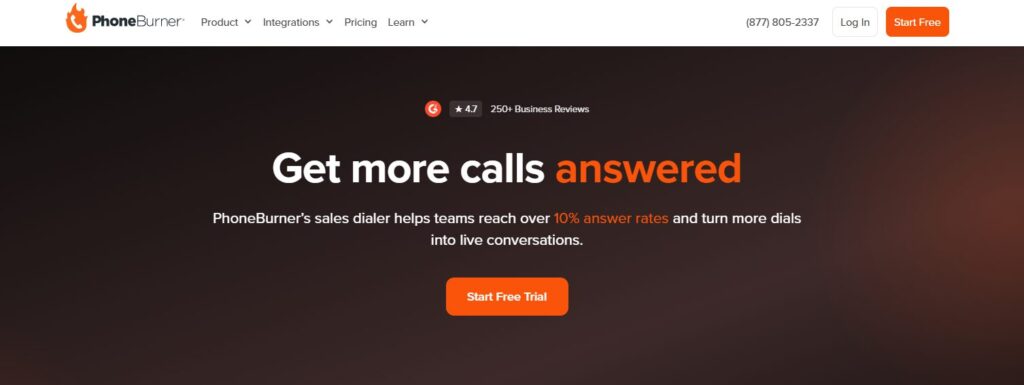 For sales teams that spend much of the day prospecting, PhoneBurner provides an outbound calling environment focused on dialing productivity, answer rates, workflow automation, and sales activity.
The platform combines a Power Dialer with call analytics, CRM functionality, workflow automation, lead distribution, live dashboards, coaching, call recordings, and over 150 integrations. It also emphasizes phone-number reputation and contactability through ARMOR and Connect Scores, helping teams monitor reputation and prioritize contacts more likely to answer.
This makes PhoneBurner well suited for outbound teams looking to improve calling efficiency while maintaining strong follow-up workflows and agent performance.
Key outbound capabilities
- Power dialing
- Call deliverability tools
- Workflow automation
- Lead distribution
- Reporting and analytics
- Live coaching
- CRM support
- Broad integration coverage
Best for: Prospecting teams that care about call activity, answer rates, and repeatable post-call workflows.
Main limitation: PhoneBurner is less focused on marketing attribution than AvidTrak or CTM. A marketing team that needs campaign-source reporting may need another platform.
Pricing: PhoneBurner starts at $140 per user per month for the Standard plan when billed annually, or $165 with monthly billing. The Professional plan costs $165 per user per month annually or $195 monthly, while the Premium plan costs $183 per user per month annually or $215 monthly.
Verdict: PhoneBurner is a strong fit when outbound prospecting is the primary job. The software has a clearer sales-dialer identity than many general business phone tools.
7. Aircall – Best for CRM-Connected Calling Teams
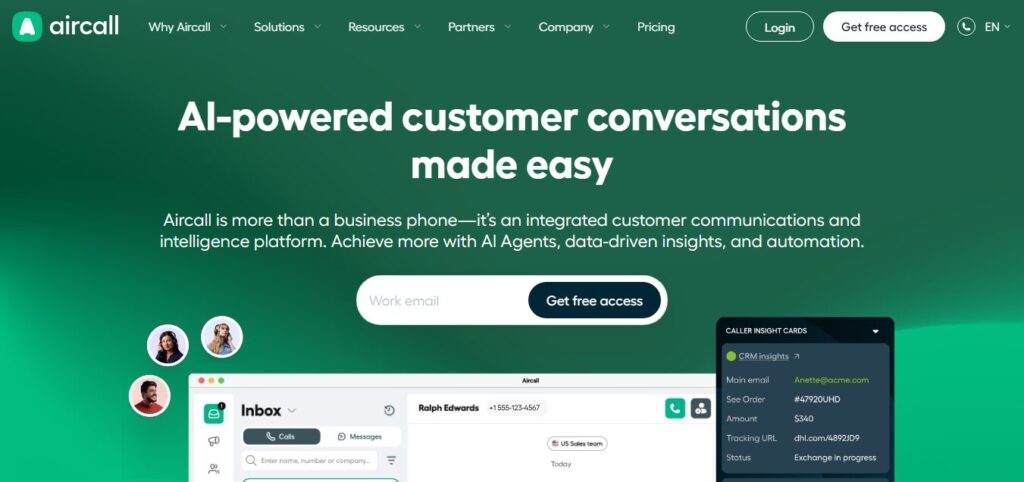 For sales teams that work extensively within CRM systems, Aircall provides a cloud-based calling platform that integrates outbound activity with the tools representatives already use.
The platform combines a Power Dialer, Voicemail Drop, click-to-dial, call routing, call recording, analytics, live monitoring, AI-generated call summaries, and conversation insights. Aircall also connects with more than 250 business applications, including CRM and help desk platforms, helping sales teams keep call activity and customer context connected across their workflows.
This makes Aircall particularly relevant for teams that want outbound calling, CRM connectivity, performance visibility, and AI-supported conversation analysis within one calling environment.
Key outbound capabilities
- Power Dialer
- Voicemail Drop
- Mandatory call tagging
- Advanced analytics
- Live monitoring
- AI Assist features
- CRM connections
- Broad integration coverage
Best for: Sales teams that prioritize CRM-connected calling and business communications.
Main limitation: Aircall is not primarily a marketing attribution platform. Teams that need keyword-, ad-, or source-level call attribution may require dedicated call tracking software.
Pricing: Aircall starts at $30 per user per month for the Essentials plan, billed annually. The Professional plan costs $50 per user per month annually and includes outbound sales features such as the Power Dialer and Voicemail Drop. Custom pricing is available for larger or more specialized deployments, and standard plans require a minimum of three licenses.
Verdict: Aircall is a strong option for teams that want calling activity connected with CRM workflows and a broad communications stack. For attribution-heavy use cases, another platform may fit better.
8. Ringover – Best for Power Dialing and Local Presence
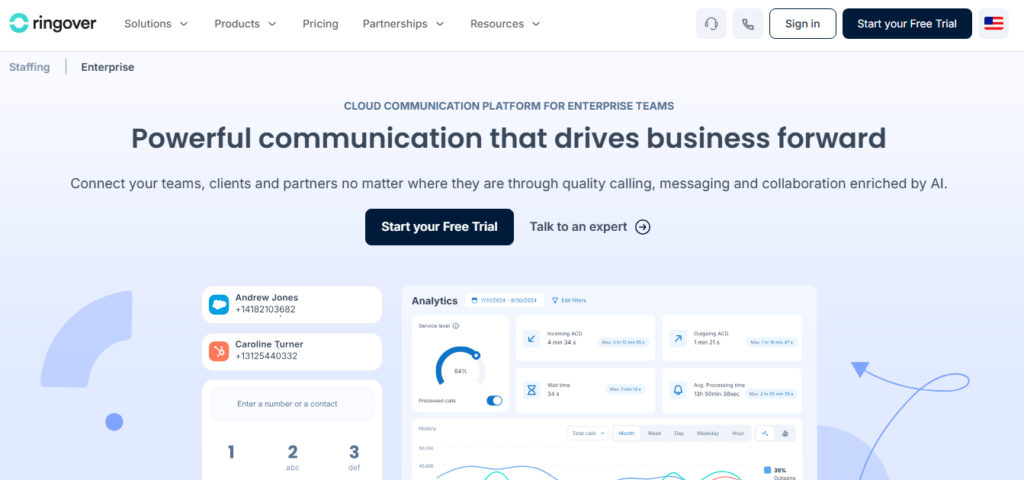 For multi-region sales teams, Ringover combines outbound dialing, local presence, campaign management, CRM integrations, and call analytics.
It includes power dialing, call campaigns, Local Presence Dialing, voicemail drop, click-to-call, call scripts, transcription, AI summaries, call tags, analytics, coaching tools, and 100+ integrations.
This makes it well suited for regional and international teams looking to scale outbound activity while adapting workflows and caller identity across markets.
Key outbound capabilities
- Power Dialer
- Call campaigns
- Local Presence Dialing
- Call transcription
- AI summaries
- CRM connections
- Coaching and monitoring
- International number coverage
Best for: Sales teams that need dialing tools and local-presence options across markets.
Main limitation: Several important outbound capabilities sit on higher plans or as add-ons. The full cost can be materially higher than the entry-level telephony price.
Pricing: Ringover starts at $15 per user per month (Talk, annual). The Business plan is $47 per user per month annually and includes the Power Dialer, integrations, analytics, and coaching. The Advanced plan has custom pricing and adds call campaigns, voicemail drop, and Local Presence Dialing. Automated calls cost an additional $0.08 per minute.
Verdict: Ringover is a strong fit for regional or international sales teams that value power dialing, CRM connections, and local-presence options.
9. RingCentral RingCX – Best for Enterprise Contact Centers
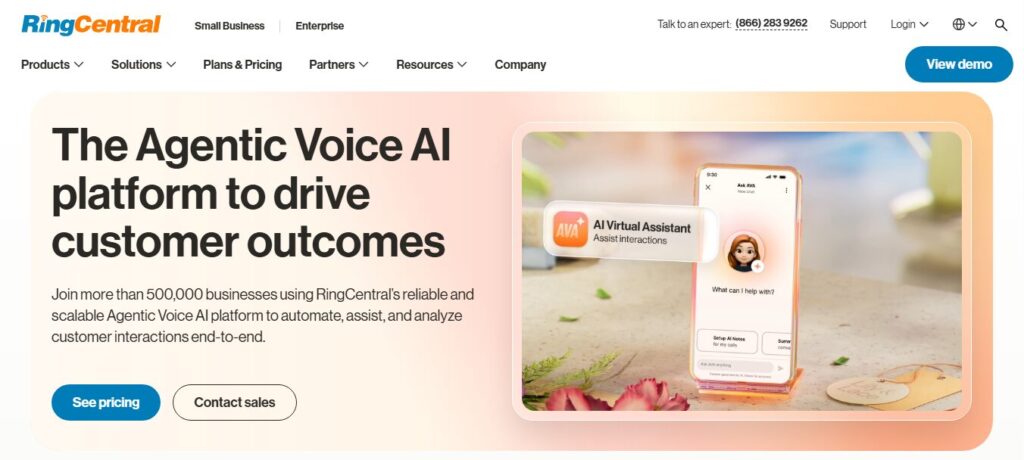 For large organizations managing complex outbound and customer engagement operations, RingCentral RingCX combines campaign dialing, omnichannel communications, AI assistance, analytics, and supervisor tools in one contact center platform.
RingCX supports preview, progressive, predictive, and voice broadcast dialing, along with campaign management, 20+ digital channels, live dashboards, 250+ pre-built reports, call recordings, AI Quality Management, AI Interaction Analytics, and real-time agent and supervisor assistance.
This makes RingCX well suited for enterprises where outbound activity is part of a larger operation spanning sales, service, digital channels, quality management, and performance monitoring.
Key outbound capabilities
- Enterprise contact center operations
- AI interaction analytics
- AI quality management
- Agent assistance
- Omnichannel workflows
- Enterprise system connections
- Supervisor tools
- Large-scale reporting
Best for: Large enterprises with complex contact center requirements.
Main limitation: RingCX can be excessive for a small sales team. The platform also does not replace dedicated campaign attribution where a marketing team needs ad-, source-, or keyword-level call tracking.
Pricing: RingCX starts at $65 per user per month and includes unlimited minutes, core contact center features, and AI tools. Organizations with advanced routing, workforce engagement, specialized integrations, or more complex deployment requirements may need a custom configuration.
Verdict: RingCX is the best option in this list for enterprise contact center operations, but the platform is not the natural first choice for a small outbound team or a marketing-led attribution requirement.
10. Squaretalk – Best for Predictive Dialing at Scale
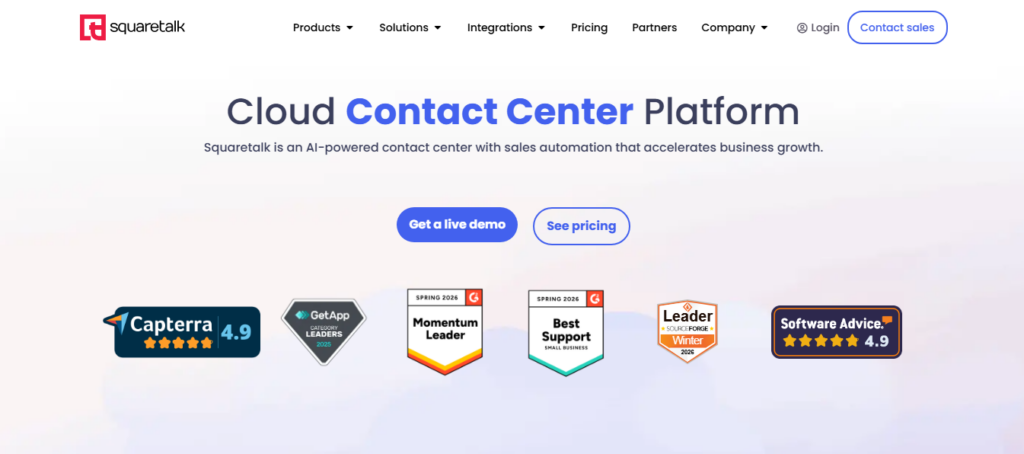 For structured outbound teams handling high call volumes, Squaretalk combines predictive dialing with campaign controls, lead management, routing, automation, and real-time performance monitoring.
The platform includes smart predictive dialing, answering machine detection, intelligent outbound routing, lead recycling, campaign and list management, disposition-based redials, timezone dialing rules, CRM integrations, live dashboards, advanced reporting, transcription, call summaries, and sentiment analysis.
This makes Squaretalk well suited for outbound operations that need automated dialing and centralized control over campaigns, leads, agents, and call outcomes.
Key outbound capabilities
- Predictive dialing
- Automated dialing
- Contact center workflows
- CRM connections
- AI transcription
- Automatic summaries
- Sentiment analysis
- Real-time reporting
Best for: Structured outbound teams that need predictive dialing and contact center operations.
Main limitation: Squaretalk is a more specialized contact center choice than a simple small-business call tracker. Businesses should assess implementation requirements and the exact pricing model before committing.
Pricing: Squaretalk’s Predictive Dialer starts at $30 per user per month for the Engage plan with an annual contract and an eight-user minimum. The monthly option costs $45 per user per month. The Maximize plan is available with custom pricing for teams of 30 or more users.
Verdict: Squaretalk is a strong option for higher-volume outbound operations where predictive dialing and centralized contact center reporting matter more than marketing attribution.
What Is the Best Outbound Call Tracking Software for Small Businesses?
For most small businesses, the best outbound call tracking software depends on whether the primary need is campaign tracking, sales dialing, CRM connectivity, or a low starting commitment.
AvidTrak is the best option for a small business that wants outbound campaign controls connected with call dispositions, reporting, call intelligence, and broader attribution. JustCall is better suited to a sales team focused on dialing and AI-assisted coaching, while CloudTalk can work well for a small distributed team that values flexible dialing options.
| Small-Business Need | Best Fit | Why |
| Outbound campaigns plus attribution | AvidTrak | Connects campaign controls, dispositions, call intelligence, and wider tracking |
| Sales dialing plus AI coaching | JustCall | Combines dialing with transcription, scoring, and sales workflows |
| CRM-first outbound calling | Kixie | Focuses on revenue teams and CRM-connected dialing |
| A small distributed calling team | CloudTalk | Offers a one-license minimum on the published Lite plan |
| Simple telephony with a path to power dialing | Ringover | Provides a lower-cost entry plan and higher outbound tiers |
Rather than choosing the lowest advertised subscription, a small business should calculate the total cost of the actual workflow. Seat minimums, calling charges, AI add-ons, phone numbers, dialer add-ons, CRM connections, and messaging fees can materially change the monthly cost.
What Should You Look for in Outbound Call Tracking Software?
Before selecting a platform, compare the software against the outcome the business needs to measure.
1. The Right Dialing Mode
A small team may need only manual dialing or click-to-call. A high-volume sales operation may require power, predictive, parallel, or automatic dialing.
The fastest dialer is not automatically the best option. A team should consider call quality, lead value, agent preparation, and campaign volume.
2. Clear Campaign Controls
For campaign-based outreach, look for ways to organize calls by campaign, lead list, agent, team, schedule, or business objective.
Without campaign structure, a business may see total calling activity without understanding which outreach program produced the result.
3. Consistent Call Dispositions
A completed call should lead to a clear recorded outcome.
Useful dispositions may include:
- no answer;
- callback required;
- qualified prospect;
- not qualified;
- appointment booked;
- pricing requested;
- sales opportunity;
- DNC request.
Consistent dispositions make agent and campaign reports far more useful.
4. Conversation Analysis That Reduces Manual Review
Depending on the platform, AI can transcribe calls, create summaries, identify topics, score interactions, detect sentiment, or classify outcomes.
The best feature is the one that solves a real management problem. Before paying for AI, a business should ask whether the capability reduces manual review or improves follow-up decisions.
5. CRM Connections That Support the Actual Workflow
An integration logo does not prove that a CRM connection will meet the team’s needs.
Before choosing software, confirm:
- which call fields move into the CRM;
- whether dispositions sync;
- whether follow-up tasks can be created;
- whether recordings or transcripts remain accessible;
- whether contact records update automatically;
- whether data moves in one direction or both.
6. A Clear Total Cost
Compare the full monthly cost rather than the base subscription.
Depending on the vendor, additional costs may include:
- calling minutes;
- phone numbers;
- AI analysis;
- power or parallel dialing;
- CRM connectors;
- SMS;
- recording storage;
- minimum seat commitments.
Which Outbound Call Tracking Metrics Matter Most?
The most useful metrics depend on the campaign objective, but call volume alone rarely tells the full story.
For outbound campaigns, consider tracking:
- call attempts;
- pickup rate;
- connection rate;
- qualified conversation rate;
- disposition completion rate;
- callback rate;
- appointment rate;
- conversion rate;
- follow-up response time;
- agent-level conversion rate.
For a broader measurement framework, AvidTrak’s guide to call tracking metrics and KPIs can help teams build a more detailed reporting model.
Frequently Asked Questions
1. What is outbound call tracking software?
Outbound call tracking software measures calls initiated by agents, sales teams, contact center teams, or outbound campaigns. Depending on the platform, the software can track call attempts, connected calls, recordings, dispositions, agent activity, follow-up requirements, conversions, and campaign results.
2. What is the difference between outbound call tracking software and an outbound dialer?
An outbound dialer primarily helps agents place calls more efficiently. Outbound call tracking software measures what happens across those calls, including activity, outcomes, dispositions, agent performance, and conversions. Some platforms combine both functions.
3. Which outbound call tracking software is best for a small business?
AvidTrak is a strong choice for small businesses that need outbound campaigns, dispositions, reporting, call intelligence, and attribution. JustCall suits sales teams focused on dialing and AI coaching, while CloudTalk can fit smaller distributed teams that need flexible outbound calling options.
4. Can outbound call tracking software connect with a CRM?
Yes. Many outbound platforms connect with CRM systems so call activity can appear alongside contacts, leads, opportunities, and follow-up data. Before selecting software, confirm which fields sync, whether dispositions transfer, and whether the connection supports the team’s actual workflow.
5. Can outbound call tracking software record and analyze conversations?
Yes. Many current platforms provide call recording, while several also offer transcription, summaries, scoring, sentiment analysis, topic detection, or other AI-based analysis. Availability often depends on the selected plan or add-on.
6. How should businesses handle DNC requests during outbound campaigns?
A business should maintain a clear process for recording and respecting do-not-call requests. Some platforms provide DNC tags, suppression controls, or related workflow features. Software does not replace legal advice or the business’s responsibility to follow applicable consent, privacy, and telemarketing requirements.
7. Is dynamic number insertion used for outbound call tracking?
Dynamic number insertion mainly supports inbound website call attribution by changing the displayed phone number according to a visitor’s source, campaign, or session. Outbound call tracking focuses on calls initiated by agents or campaigns. A business may use both methods, but each solves a different measurement problem.
Choose Outbound Call Tracking Software Around the Outcome You Need to Measure
The best outbound call tracking software is not simply the platform that places the most calls.
For a prospecting team, dialing speed may matter most. For a sales manager, agent activity and coaching may be the priority. For a contact center, routing, supervision, and scale may drive the decision. For a marketing and sales team working together, the more important requirement may be connecting outbound activity with campaign data, conversation outcomes, and wider attribution.
AvidTrak is the strongest overall fit for businesses that need that connection.
Through automatic and manual outbound campaign modes, agent assignments, pacing controls, dispositions, DNC handling, live campaign data, call tracking, conversation intelligence, and attribution reporting, AvidTrak helps teams understand more than how many calls were placed.
AvidTrak helps teams see which outbound activity produced meaningful outcomes and what should happen next.
Start a free trial to test AvidTrak against a real outbound campaign before changing the wider sales workflow.


