

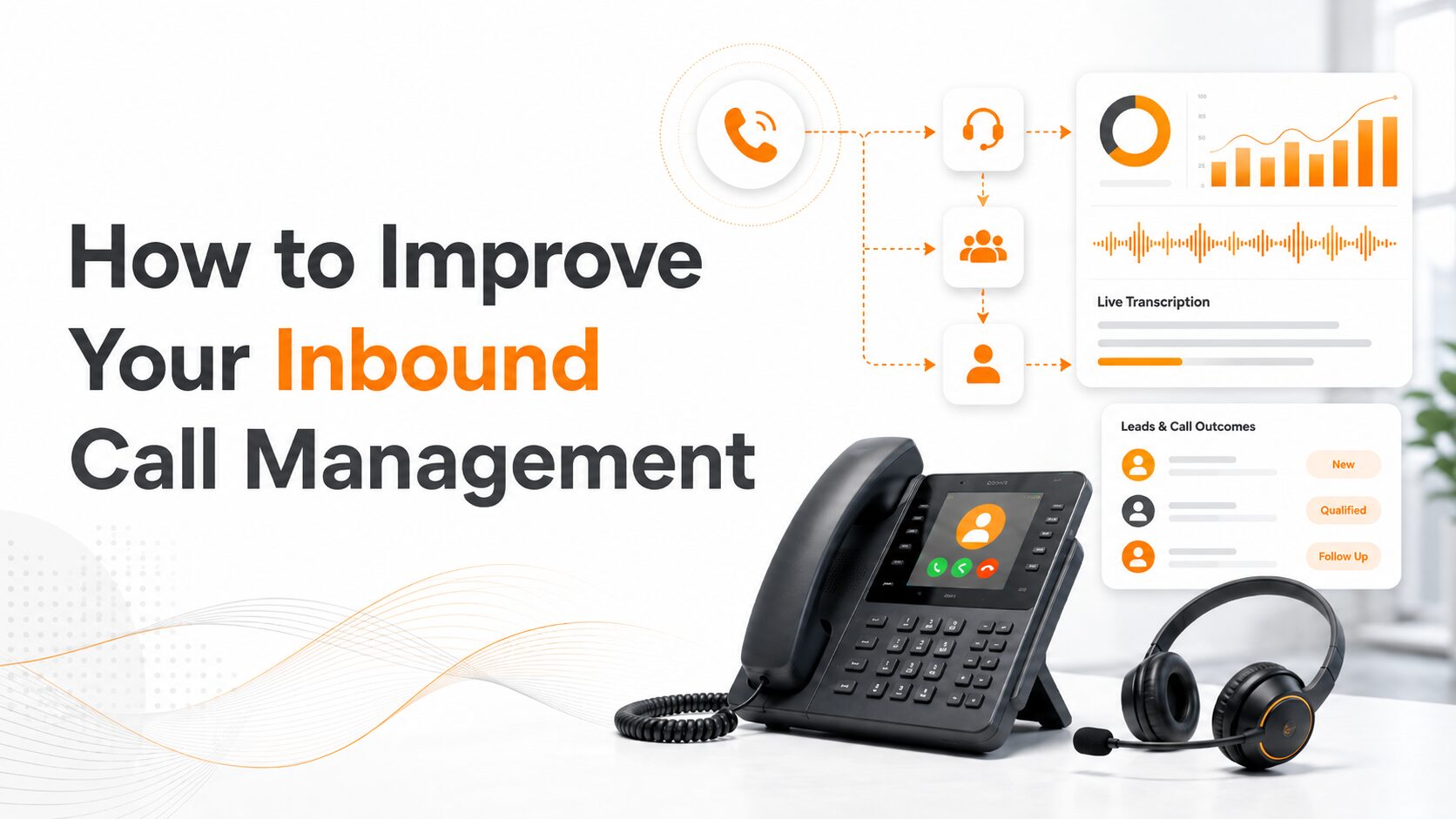
Inbound call management is the process of tracking, routing, reviewing, and following up on every inbound call.
A missed or poorly handled call can mean a lost lead, wasted ad spend, and unclear campaign data. A caller may ask for pricing or request an appointment, but without the right system, your team may not know where the call came from or what happened next.
Here are the steps to improve your inbound call management process.
Track Every Inbound Call Source
The first step is to stop measuring phone calls as one general lead bucket. A call from Google Ads, a call from organic search, and a call from a print campaign may all reach the same phone number, but they do not have the same marketing value.
Call tracking software helps connect each inbound call to the campaign, channel, keyword, landing page, or offline source that drove it. This gives your team a clearer view of which marketing efforts are generating real conversations.
For example, a campaign with fewer clicks may generate more qualified calls than a campaign with higher traffic. Without call tracking, that insight stays hidden. With call tracking, your team can compare call volume, call quality, and call outcomes by source.
AvidTrak helps businesses track phone leads across digital and offline campaigns, including search, social, display, organic, email, print, radio, TV, and billboard advertising. That matters because call management starts before the phone rings. It starts with knowing what created the call.
Use Dynamic Number Insertion for Website Calls
Dynamic Number Insertion, also called DNI, shows different tracking numbers to website visitors based on how they reached your site. A visitor from Google Ads can see one number, while a visitor from organic search, email, or social media can see another.
This helps your business connect calls to website sessions and marketing sources. It is especially useful when several campaigns send traffic to the same website or landing page.
For PPC teams, DNI can show which campaigns, ad groups, keywords, and landing pages generate inbound calls. For SEO teams, it can show which organic pages turn visitors into callers. For business owners, it can show which channels are worth more attention.
AvidTrak’s keyword-level call tracking connects inbound calls to PPC keywords, campaigns, ad groups, and search-driven sessions. This gives marketers a better way to measure phone leads beyond clicks and forms.
Route Calls Based on Intent, Location, and Availability
A caller should not have to explain the same issue to multiple people. Poor routing creates delays, frustration, and missed opportunities.
Call routing sends inbound calls to the right person, team, department, or location based on rules. These rules can be based on:
- Caller location
- Business hours
- Department selection
- Campaign source
- Sales or support intent
- Agent availability
- Service area
- Call priority
For example, a home service business may route calls by zip code. A franchise may route calls to the nearest location. A legal firm may route consultation calls to intake staff. A marketing agency may route calls by client campaign.
AvidTrak’s advanced call routing supports smarter inbound call flows so businesses can send callers to the right agent, location, or department. This reduces friction and gives each caller a better chance of reaching the person who can help.
Add Call Queues for Peak Hours
Many businesses lose calls when agents are busy. This usually happens during peak hours, lunch breaks, seasonal spikes, or campaign launches.
A call queue places callers in line until the right person becomes available. Instead of sending callers straight to voicemail, your business can keep them in an organized queue.
A call queue is useful when:
- Several callers contact your business at once.
- Sales calls need priority handling.
- A department receives more calls than expected.
- A business has multiple agents answering the same call type.
- A caller should wait for the right team instead of being transferred randomly.
AvidTrak’s call queues and transfer features help businesses assign calls to queues by department or caller request. This supports a more controlled call experience when call volume increases.
Use IVR Without Making the Caller Work Too Hard
An IVR system can help direct callers, but only if it stays simple. Too many menu options can frustrate callers and increase drop-offs.
A good IVR flow should help callers reach the right person quickly. It should not feel like a barrier. Keep the menu short, use clear language, and match options to the most common caller needs.
For example:
- Press 1 for sales.
- Press 2 for customer support.
- Press 3 for billing.
- Press 4 for locations.
AvidTrak’s multi-level IVR system can support call queues, warm transfers, sequential ringing, and phone routing management. This makes IVR useful for businesses with multiple departments, locations, or service lines.
Record Calls for Training and Quality Review
Call recording helps your business understand what actually happens during phone conversations. Without recordings, managers rely on memory, notes, or incomplete feedback.
Recorded calls can show whether agents:
- Answer calls quickly and professionally
- Ask the right qualifying questions
- Explain services clearly
- Handle objections well
- Mention pricing correctly
- Book the next step
- Follow the expected call script
- Miss important buying signals
Call recordings are not only useful for managers. Marketing teams can also learn what callers ask before they convert. Sales teams can learn which objections come up most often. Support teams can identify repeated customer issues.
Before recording calls, your business should review the call recording consent laws that apply to your location and industry.
Use AI Call Transcription to Review Conversations Faster
Call recordings are valuable, but listening to every recording takes too much time. AI call transcription makes call review faster by turning phone conversations into searchable text.
With AI call transcription software, your team can search transcripts for important words and phrases, such as:
- Appointment
- Quote
- Pricing
- Estimate
- Cancellation
- Complaint
- Competitor
- Emergency
- Follow up
- Booked
This helps managers and marketers review calls without listening to every full recording. It also helps sales teams understand what happened before they follow up.
AvidTrak’s AI-powered call transcription converts call recordings into searchable text and helps teams identify keywords, caller intent, summaries, sentiment, and call outcomes. That gives your team more usable call data from each conversation.
Track Call Outcomes, Not Just Call Volume
Call volume does not equal lead quality. A campaign may produce many calls, but some may be spam, support requests, wrong numbers, or low-intent inquiries. Another campaign may produce fewer calls but better prospects.
Call outcome tracking helps your team understand what happened during each conversation. Common outcomes may include:
- A booked appointment
- A pricing request
- A quote request
- A sales inquiry
- A support issue
- A missed call
- A spam call
- An unqualified caller
- A follow-up needed
- A closed sale
AvidTrak’s AI-powered conversation outcome extraction helps identify key moments in calls, such as booking requests, pricing discussions, and qualified lead signals. This gives your team better insight into call quality, not just call quantity.
For marketing teams, this is especially useful. Instead of asking, “Which campaign generated the most calls?” the better question becomes, “Which campaign generated the most qualified calls?”
Filter Spam and Low-Quality Calls
Spam calls can distort marketing reports and waste agent time. If your reporting counts every call as a lead, your team may overvalue a campaign that generated a large number of low-quality calls.
Spam filtering helps keep call reports cleaner. It also helps agents spend more time with real prospects and customers.
AvidTrak’s call tracking tools include spam and robocall filtering options that help businesses keep nuisance calls out of lead reports. This improves reporting quality and gives your team a more accurate view of campaign performance.
Use an AI Receptionist for Missed and After-Hours Calls
Not every valuable call arrives during office hours. Some prospects call after work, during weekends, or when your team is already busy. If those calls go unanswered, your business may lose the lead before the next morning.
An AI receptionist can answer calls, collect caller details, ask basic qualifying questions, filter spam, and send summaries to your team.
Leena by AvidTrak is an AI receptionist and voice assistant built to manage inbound calls, support after-hours call handling, collect caller information, transcribe conversations, and help teams review call details. This is useful for businesses that cannot afford to miss high-intent phone leads outside standard hours.
An AI receptionist should not replace every human conversation. It should protect the business from missed opportunities when the human team is unavailable.
Connect Call Data to CRM and Marketing Platforms
Inbound call management becomes more useful when call data connects to the tools your team already uses. If call data stays in a separate dashboard, sales and marketing teams may not act on it properly.
A good setup should connect call data to:
- CRM records
- Google Ads
- GA4
- Microsoft Ads
- HubSpot
- Salesforce
- Zoho
- Looker Studio
- Google Sheets
- Reporting dashboards
AvidTrak’s call tracking integrations help connect call logs, recordings, call conversions, and call attribution data to CRM, analytics, and advertising platforms.
This helps your team connect the full path from marketing source to phone lead to sales follow-up.
Use Call Tracking API for Custom Workflows
Some businesses need more than standard reporting. Agencies, franchises, multi-location brands, and enterprise teams may need custom routing, CRM updates, internal dashboards, webhook alerts, or reporting workflows.
The AvidTrak Call Tracking API helps teams manage tracking numbers, routing rules, IVR menus, DNI, call events, recordings, transcripts, outcomes, and CRM sync through custom workflows.
This is useful when your business wants to:
- Send call events into internal systems
- Trigger alerts after important calls
- Sync call outcomes with a CRM
- Build client dashboards
- Apply routing logic across many locations
- Pull recordings and transcripts into reporting tools
A call tracking API is especially helpful when inbound calls are part of a larger sales or operations system.
Build a Clear Follow-Up Process
Many inbound leads are not lost during the call. They are lost after the call because nobody follows up quickly enough.
Every important call should have a clear next step. That next step may be:
- Sending a quote
- Booking an appointment
- Calling the lead back
- Assigning the lead to sales
- Adding notes to the CRM
- Sending a payment link
- Scheduling a consultation
- Sending a service estimate
- Escalating the issue to support
Call summaries, transcripts, and outcome tags make follow-up easier because the next person can see what happened without asking the caller to repeat everything.
A strong rule is simple: every qualified call should leave the system with an owner, an outcome, and a next action.
Review Call Reports Every Week
Inbound call management improves when your team reviews call data regularly. A weekly review can show what is working, what is wasting time, and where leads are being lost.
Your team should review:
- Missed calls
- Call answer rate
- Average wait time
- Call source
- Campaign-level call volume
- Keyword-level call quality
- Call outcomes
- Agent performance
- Repeat caller patterns
- Spam call percentage
- Follow-up speed
- Booked appointments
- Calls by hour and day
This review helps marketing teams adjust budgets and helps sales managers improve call handling. It also helps business owners see whether phone leads are being handled properly.
Match Your Call Workflow to the Buyer’s Intent
A caller who wants a price should not be handled the same way as a caller who needs support. A caller from a high-cost PPC keyword should not be treated like a general inquiry. A caller asking for an emergency service should not sit in the same queue as a routine request.
Better inbound call management means matching the call flow to the caller’s intent.
Here are a few examples:
| Caller intent | Better call management action |
| The caller wants pricing | Route to sales and tag the call as a pricing request |
| The caller wants an appointment | Route to booking staff and mark the call as a booked or pending appointment |
| The caller needs support | Route to customer support instead of sales |
| The caller came from PPC | Track the campaign, ad group, keyword, and landing page |
| The caller is after-hours | Send the call to Leena or an after-hours flow |
| The caller is from a service area | Route by zip code or location |
| The caller is spam | Filter and exclude from lead reporting |
This makes the call process more useful for both the caller and the business.
Common Inbound Call Management Mistakes
Treating all calls as leads
Not every call is a lead. Some calls are spam, support requests, wrong numbers, or vendor calls. Outcome tracking helps your team separate real opportunities from general call activity.
Measuring campaigns by clicks only
Clicks do not show the full value of a campaign when prospects prefer to call. PPC call tracking helps connect paid clicks to real phone conversations.
Sending too many calls to voicemail
Many callers do not leave voicemail messages. Call queues, routing rules, and an AI receptionist can help reduce missed opportunities.
Making IVR menus too long
A long IVR menu can frustrate callers. Keep the menu short and direct so callers can reach the right person faster.
Ignoring call recordings
Call recordings should not sit unused. Managers can use them for training, quality review, script improvement, and customer insight.
Failing to follow up
A strong call can still become a lost sale if nobody follows up. Every qualified call should have a clear owner and next action.
How AvidTrak Helps Improve Inbound Call Management
AvidTrak helps businesses improve inbound call management by connecting call tracking, routing, call queues, call recording, AI transcription, outcome extraction, integrations, and AI receptionist support in one call tracking platform.
With AvidTrak, your business can:
- Track inbound calls by campaign, keyword, ad group, channel, and landing page
- Use Dynamic Number Insertion for website and PPC attribution
- Route calls by department, location, business hours, and caller intent
- Use call queues and transfers to manage peak call volume
- Record calls for training and quality review
- Convert call recordings into searchable AI transcripts
- Identify call outcomes such as bookings, pricing requests, and qualified leads
- Filter spam and low-quality calls
- Use Leena to manage after-hours and missed calls
- Sync call data with CRMs, GA4, Google Ads, and reporting tools
- Use the Call Tracking API for custom workflows and dashboards
This gives your business a clearer way to manage each inbound call from the first ring to the final follow-up.
FAQs About Inbound Call Management
1. What is inbound call management?
Inbound call management is the process of answering, routing, tracking, recording, analyzing, and following up on incoming business calls. It helps businesses manage phone leads more effectively and understand which calls come from marketing campaigns, website visits, ads, or offline sources.
2. How can a business improve inbound call management?
A business can improve inbound call management by using call tracking, Dynamic Number Insertion, call routing, call queues, call recording, AI transcription, outcome tracking, CRM integration, and a clear follow-up process. These steps help teams answer faster, route callers properly, and act on qualified leads.
3. Why is call tracking important for inbound calls?
Call tracking is important because it shows which campaign, keyword, landing page, or channel generated each inbound call. This helps marketing teams measure phone leads accurately and understand which sources are producing qualified opportunities.
4. What is the difference between call tracking and call management?
Call tracking identifies where calls come from and connects them to marketing sources. Call management controls how calls are answered, routed, reviewed, and followed up. A strong inbound call process usually needs both.
5. How does call routing improve inbound call handling?
Call routing sends callers to the right person, department, or location based on rules such as business hours, caller location, department selection, or agent availability. This reduces delays and helps callers reach the right team faster.
6. How can AI transcription help with inbound call management?
AI transcription turns call recordings into searchable text. This helps managers review calls faster, find important keywords, identify caller intent, train agents, and understand what happened during sales or support conversations.
7. What are call outcomes?
Call outcomes are the results of phone conversations. Examples include booked appointments, quote requests, pricing discussions, support issues, missed calls, spam calls, and qualified leads. Tracking outcomes helps teams measure call quality, not only call volume.
8. How can businesses reduce missed inbound calls?
Businesses can reduce missed inbound calls by using call queues, routing rules, overflow handling, after-hours flows, and an AI receptionist. These tools help callers reach support even when the main team is busy or unavailable.
9. Can inbound call data improve PPC performance?
Yes. Inbound call data can show which paid campaigns, ad groups, keywords, and landing pages produce qualified phone leads. This helps PPC teams adjust bids, reduce wasted spend, and focus on campaigns that create better call outcomes.
10. Does AvidTrak help with inbound call management?
Yes. AvidTrak helps with inbound call management through call tracking, Dynamic Number Insertion, advanced call routing, call queues, call recording, AI transcription, conversation outcome extraction, CRM integrations, PPC attribution, and Leena, AvidTrak’s AI receptionist and voice assistant.
Final Thoughts
Improving inbound call management means giving every phone lead a better path from first ring to next step. Your business needs to know where the call came from, who should answer it, what happened during the conversation, and how the team should follow up.
AvidTrak helps businesses manage that process with call tracking, routing, queues, AI transcription, outcome extraction, integrations, and Leena for missed or after-hours calls. When those pieces work together, inbound calls become easier to track, easier to review, and easier to turn into real opportunities.


