


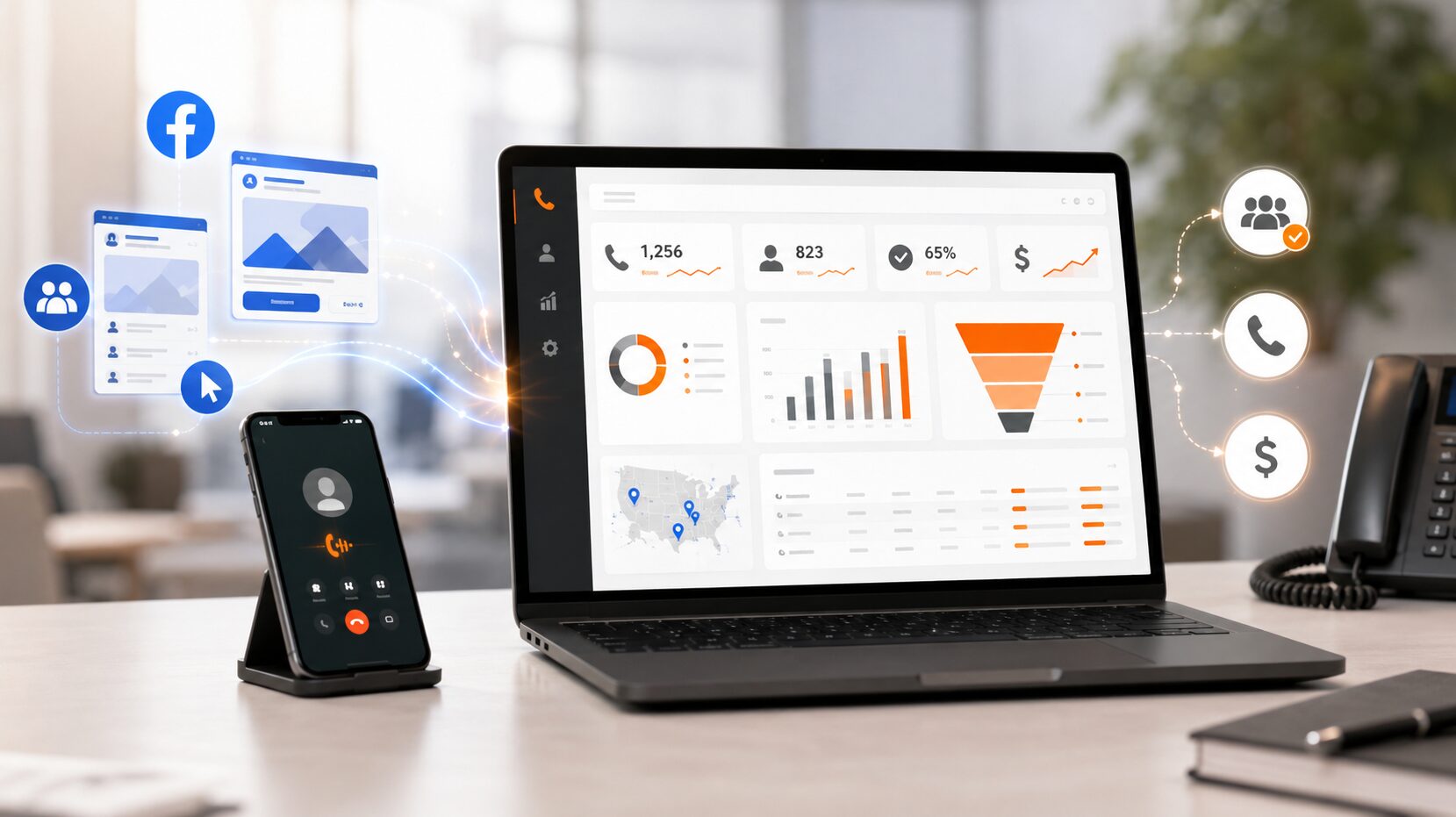
A Facebook ad can get attention, send traffic to a landing page, and make the phone ring. That sounds like a win until the reporting starts.
Imagine a local service business running several Facebook and Instagram campaigns. One campaign gets the most clicks. Another campaign gets fewer clicks, but the sales team says the phone leads are better. A third campaign brings in calls, but half of them are quick hang-ups, spam, or people asking about the wrong service.
Meta Ads Manager can tell part of the story. It can show call actions and campaign activity. The missing piece is what happened after someone decided to call.
That is where Facebook ads call tracking matters. It helps a business connect phone calls to Meta campaigns, landing pages, ads, and lead quality. With AvidTrak social media call tracking, marketers can see which social media campaigns generate phone leads, which calls show buying intent, and which campaigns deserve more budget.
What Is Facebook Ads Call Tracking?
Facebook ads call tracking is the process of connecting inbound phone calls to the Facebook or Instagram campaign that influenced the call.
Instead of only asking, “How many people clicked the ad?”, call tracking helps answer better questions:
- Which Facebook campaign generated the call?
- Which ad or landing page brought in the caller?
- Was the call answered or missed?
- How long did the call last?
- Was the caller asking for pricing, service, availability, or a booking?
- Did the call sound like a real lead?
For businesses that depend on phone leads, this matters a lot. A click can show interest, but a call can show intent. When a person picks up the phone, that person may be much closer to becoming a customer.
AvidTrak helps connect inbound calls to campaigns, channels, keywords, and landing pages through call tracking software, dynamic number insertion, call recordings, AI-powered transcription, outcome extraction, and reporting.
Why Facebook Ads Need Call Tracking Beyond Clicks
Facebook ads often play a strong role in lead generation, especially for service businesses, agencies, healthcare practices, law firms, real estate teams, automotive businesses, franchises, and home service companies.
The challenge is that Facebook ad reporting can look healthy even when the phone lead quality is weak.
A campaign may have:
- A high click-through rate.
- A low cost per landing page view.
- Many call button taps.
- A low cost per lead.
- A high number of short calls.
Those numbers can look good on the surface. The problem is that they do not always prove that the campaign produced qualified phone leads.
A business needs to know whether the caller had a real need, reached the right team, asked a sales-related question, or booked an appointment. AvidTrak helps fill that reporting gap by connecting call activity with source data, call handling, recordings, transcripts, and call outcomes.
That gives marketers a better way to judge Facebook campaigns. The goal is not just more calls. The goal is more calls that are worth answering.
What Meta Ads Manager Can Track for Call Ads
Meta offers call-focused ad options that can encourage people to call a business from Facebook or Instagram. Meta’s own documentation explains that call ad reporting can include metrics such as estimated call confirmation clicks, calls placed, 20-second calls, 60-second calls, and callback requests.
These metrics are useful because they show whether people are taking call-related actions from an ad. They can help a marketer compare call activity across campaigns, audiences, and offers.
Here is a simple way to think about Meta’s native call metrics:
| Meta Call Metric | What It Can Tell You |
| Estimated call confirmation clicks | A person clicked to confirm a call action. |
| Calls placed | A call was placed from the ad experience. |
| 20-second calls | A connected call lasted at least 20 seconds. |
| 60-second calls | A connected call lasted at least 60 seconds. |
| Callback requests | A person requested a callback from the business. |
These metrics can help, but they are not the full picture.
A 60-second call may be a qualified lead, or it may be a customer asking a support question. A call placed from an ad may connect, but the business still needs to know what the caller wanted, whether the call was handled well, and whether the campaign created real business value.
What Meta Ads Manager Cannot Fully Tell You About Calls
Meta Ads Manager is built for ad reporting. It is not built to review the full phone conversation.
That means a business can still miss important details, such as:
- What the caller asked about.
- Whether the call was a new lead or an existing customer.
- Whether the call was missed.
- Whether the call was routed to the right person.
- Whether the caller asked for pricing.
- Whether the caller requested an appointment.
- Whether the call was spam or a wrong number.
- Whether the call should count as a qualified conversion.
This is where AvidTrak can add value. AvidTrak can help marketers review call source, call duration, recordings, AI-powered transcription, caller intent, and call outcomes. Instead of treating every call as equal, a business can see which calls were actually useful.
That changes the way Facebook ads are judged. A campaign that produces fewer calls may still be the better campaign if those calls are longer, cleaner, and more likely to turn into booked work.
How Facebook Ads Call Tracking Works
Facebook ads call tracking can work in a few different ways, depending on the campaign setup.
A business may send people directly to a call action. A business may also send people to a landing page where they read the offer and then call from the page. For many businesses, the second path is common because the landing page gives the visitor more context before the call.
A typical call tracking setup works like this:
- A person clicks a Facebook or Instagram ad.
- The ad sends the person to a landing page.
- The landing page URL includes tracking parameters.
- AvidTrak’s dynamic number insertion shows a tracking number based on the visitor source.
- The visitor calls the tracking number.
- AvidTrak forwards the call to the business.
- The call is logged with source, campaign, page, duration, recording, transcript, and outcome data.
- The marketer reviews which campaign produced better phone leads.
This setup helps connect the ad click to the real phone call. It also helps the business move beyond surface-level reporting.
How to Set Up Facebook Ads Call Tracking With URL Parameters
URL parameters help keep Facebook ad traffic organized after a click. Meta provides dynamic URL parameters, and Google Analytics supports UTM parameters that help identify which campaigns refer traffic.
For Facebook ads call tracking, URL parameters are useful because they help the landing page and reporting setup understand where a visitor came from.
A simple Meta ad URL setup may include parameters like:
- utm_source=facebook
- utm_medium=paid_social
- utm_campaign={{campaign.name}}
- utm_content={{ad.name}}
- fb_campaign_id={{campaign.id}}
- fb_adset_id={{adset.id}}
- fb_ad_id={{ad.id}}
The exact naming system can depend on the reporting setup, but the goal is simple. A marketer wants campaign, ad set, and ad data to stay attached to the landing page visit.
A clean setup can help AvidTrak match Facebook ad traffic with the phone calls that happen after the click. This is especially useful when a business has several ads, locations, offers, or service pages running at the same time.
For more background, Meta explains how to add URL parameters to ads, and Google explains how UTM parameters help measure campaign traffic in Analytics through custom campaign URLs.
How Dynamic Number Insertion Tracks Facebook Landing Page Calls
Dynamic number insertion, often called DNI, changes the phone number shown on a website based on the visitor’s source.
For Facebook ads, this means a visitor from a Meta campaign can see a tracking number tied to that campaign, source, landing page, or traffic group. When the visitor calls, the call is connected to the marketing source instead of being mixed with calls from SEO, Google Ads, direct traffic, referrals, or offline campaigns.
AvidTrak’s call tracking numbers can help businesses assign unique numbers to channels, campaigns, and ad groups. AvidTrak can also use dynamic call tracking numbers to change the number shown on a page based on the visitor’s keyword, ad, campaign, or source.
This matters because many people do not call directly from the ad. They click first, read the page, compare the offer, check the business, and then call. Without DNI, that phone call may appear as a normal website call with no clear Facebook campaign connection.
With DNI, the business can see that the call came from Facebook traffic and can review which campaign or page helped generate it.
How to Track Facebook Ad Calls With AvidTrak
AvidTrak can be used as the call tracking layer between Meta campaigns and phone lead reporting.
Here is a practical setup flow.
1. Create or assign tracking numbers for Facebook traffic
A business can start by assigning tracking numbers for Facebook ad campaigns, landing pages, ad groups, or specific campaign types. This helps separate Meta traffic from other channels.
For example, a home service business may want one tracking setup for a seasonal Facebook offer and another for a location-specific campaign. An agency may want separate tracking numbers for each client account.
2. Add DNI to the Facebook landing page
AvidTrak can use dynamic number insertion so the landing page number changes based on the visitor source. When a person arrives from a Facebook campaign, that person can see the correct tracking number.
This is important for attribution because the user may not call right away. The call may happen after the user reads reviews, checks pricing details, or scrolls through the service page.
3. Use clean URL parameters in Meta ads
A marketer should add clean URL parameters at the ad level in Meta Ads Manager. This keeps campaign and ad data more organized after the click.
A consistent naming pattern can help avoid messy reporting later. It also helps teams compare performance by campaign, ad set, ad creative, offer, or landing page.
4. Route calls to the right team
Tracking the call is only one part of the process. The call still needs to reach the right person.
AvidTrak supports call routing options that can send callers to the right team, location, office, department, or agent. This helps businesses handle Facebook ad calls faster and reduces the chance that a paid lead gets missed.
5. Review recordings, transcripts, and outcomes
AvidTrak can record calls, create AI-powered transcripts, and flag outcomes such as pricing questions, booking requests, service needs, or other high-intent moments.
This is where Facebook ads call tracking becomes much more useful than basic call counting. A business can see not only which ad generated a call, but also what happened during the conversation.
6. Review campaign performance by call quality
After the data starts coming in, marketers can compare campaigns by more than call volume.
AvidTrak can help review:
- Call source.
- Call duration.
- First-time callers.
- Repeat callers.
- Missed calls.
- Call recordings.
- Call transcripts.
- Call outcomes.
- Spam or low-quality calls.
- Landing pages that generate phone leads.
The business can then shift budget toward campaigns that bring in stronger conversations.
What Facebook Call Tracking Data Should You Review?
Not every call is equal. A good call tracking report should help a business separate useful calls from weak signals.
Here are the key data points to review.
| Call Tracking Data | Why It Matters |
| Source | It shows whether the call came from Facebook, Instagram, Google Ads, SEO, direct traffic, or another channel. |
| Campaign | It helps compare Facebook campaigns by call volume and lead quality. |
| Ad set | It helps review audience, placement, or targeting performance. |
| Ad creative | It shows which message or offer brought in phone leads. |
| Landing page | It shows which page helped convert visitors into callers. |
| Call duration | It helps separate quick calls from longer conversations. |
| First-time caller | It helps identify new leads. |
| Repeat caller | It helps identify returning prospects or existing customers. |
| Missed call | It shows where paid leads may be slipping away. |
| Call recording | It helps review the actual conversation. |
| Call transcript | It makes calls easier to search and review. |
| Caller intent | It helps identify pricing, booking, service, or sales inquiries. |
| Outcome | It connects calls to business value. |
| Spam status | It keeps reporting cleaner. |
| Routing path | It shows whether the call reached the right team or location. |
A business should avoid treating every phone call as a conversion. A better approach is to count qualified calls based on rules that match the sales process.
For example, a qualified Facebook call may be one that lasts longer than 60 seconds, comes from a first-time caller, includes a pricing question, and ends with a booking request.
How to Send Qualified Call Data Back Into Ad and Analytics Platforms
Call tracking becomes even more useful when qualified call data can be connected to ad and analytics reporting.
Google explains that phone call conversion tracking helps advertisers understand how ad clicks lead to different types of phone calls. For Facebook campaigns, a similar idea applies. The business should know which campaigns generate phone calls that matter.
AvidTrak’s call tracking integrations can help advertisers import call conversions into Google and Facebook Ads. AvidTrak can also connect call tracking data with platforms such as GA4, Salesforce, HubSpot, Zoho, and Twilio.
The key point is that a business should be selective with call conversion data.
Sending every call back as a lead can create inflated reporting. A short hang-up, wrong-number call, or spam call should not carry the same value as a real pricing inquiry.
A better setup is to use call quality rules, such as:
- Minimum call duration.
- First-time caller status.
- Specific call outcome.
- Booking request.
- Pricing inquiry.
- Sales-related keyword.
- CRM lead status.
- Closed deal value, when available.
This gives campaign reporting a stronger signal. Meta campaigns can then be judged by the calls that match the business goal, not by every phone ring.
Facebook Ads Call Tracking for Agencies
Agencies need call tracking because clients often care about leads, not ad platform metrics alone.
A client may ask:
- How many phone leads came from Facebook?
- Which campaign generated the calls?
- Did the calls turn into real opportunities?
- Were calls answered?
- Which locations received the most calls?
- Which ads brought in pricing questions or booking requests?
- Which campaigns should get more budget next month?
AvidTrak’s call tracking for agencies can help agencies organize call data by client account, track campaign performance separately, and report phone lead value more clearly.
This is useful when an agency manages paid social campaigns for several clients. Without clean call attribution, Facebook campaign reporting may stop at clicks and form fills. With call tracking, the agency can show how paid social contributes to real phone conversations.
AvidTrak can also support white-label reporting, client-level access, and multi-account reporting needs. This helps agencies give clients a clearer view of campaign performance without mixing data across accounts.
Common Facebook Ads Call Tracking Mistakes
Facebook ads call tracking works best when the setup is clean from the start. These are the mistakes that often create bad reporting.
| Mistake | Better Approach |
| Tracking only clicks | Track calls, call duration, lead quality, and call outcomes. |
| Using one phone number everywhere | Use source-specific tracking numbers or DNI. |
| Ignoring landing page calls | Track calls that happen after a Facebook ad click. |
| Skipping URL parameters | Add clean UTM and campaign parameters to ad URLs. |
| Treating every call as a conversion | Use quality rules based on duration, outcome, or lead status. |
| Ignoring missed calls | Track missed calls and follow-up speed. |
| Not filtering spam | Keep spam, robocalls, and wrong numbers out of performance reporting. |
| Reporting only call volume | Report qualified calls, caller intent, and business outcomes. |
| Not connecting call data to other platforms | Connect call data with ad, analytics, or CRM reporting when possible. |
| Not reviewing call recordings | Use recordings and transcripts to understand what callers actually need. |
The biggest mistake is assuming that a call click equals a lead. A call click is only a starting point. The real value comes from knowing what happened after the person called.
AvidTrak for Facebook Ads Call Tracking
AvidTrak helps businesses and agencies connect Facebook ad traffic to inbound phone leads.
With AvidTrak’s call tracking software, marketers can assign tracking numbers, use dynamic number insertion, route calls, record conversations, review AI-powered transcripts, detect outcomes, and report on campaign performance from one call tracking system.
For Facebook ads, this can help answer the questions that ad reports do not fully answer:
- Which Facebook campaign generated the call?
- Which landing page helped convert the visitor?
- Which calls were real sales opportunities?
- Which calls were missed?
- Which calls included pricing, service, or booking intent?
- Which campaigns should receive more budget?
- Which campaigns are bringing low-quality calls?
AvidTrak’s social media call tracking page is a natural next step for teams that want to measure which social media campaigns generate phone leads. The page focuses on campaign conversion data, social media attribution, and better ad spend decisions.
For teams that want more reporting control, AvidTrak also offers a call tracking dashboard where marketers can review call activity, campaign attribution, lead outcomes, transcription summaries, and performance across campaigns.
FAQs About Facebook Ads Call Tracking
1. What is Facebook ads call tracking?
Facebook ads call tracking connects inbound phone calls to the Facebook or Instagram campaign that helped generate them. It helps marketers see which ads, landing pages, audiences, and offers are producing real phone leads.
2. Can Meta Ads Manager track phone calls?
Meta Ads Manager can report call-related metrics for call ads, such as calls placed, 20-second calls, 60-second calls, and callback requests. These metrics are useful, but they do not always explain call quality, caller intent, or sales outcome.
3. Why is a call click not the same as a qualified call?
A call click only shows that someone tried to call. It does not prove that the call connected, lasted long enough, reached the right team, or turned into a real lead. A qualified call should be judged by factors such as duration, caller intent, outcome, and lead status.
4. How do URL parameters help with Facebook call tracking?
URL parameters help identify campaign traffic after a person clicks a Facebook ad. They can pass source, campaign, ad set, and ad data into analytics and call tracking systems. This helps connect landing page calls back to the campaign that generated the visit.
5. What is dynamic number insertion in Facebook ads call tracking?
Dynamic number insertion changes the phone number shown on a landing page based on the visitor source. If a person arrives from a Facebook ad, the person can see a tracking number connected to Facebook traffic. When the person calls, the call can be linked to that source.
6. Can AvidTrak track calls from Facebook landing pages?
Yes. AvidTrak can use tracking numbers and dynamic number insertion to connect landing page calls to Facebook ad traffic. AvidTrak can also record calls, transcribe conversations, identify outcomes, and show campaign attribution in reports.
7. Is Facebook ads call tracking useful for agencies?
Yes. Agencies can use Facebook ads call tracking to prove which campaigns generate phone leads for clients. AvidTrak can help agencies organize call data by client account, review call quality, and report on campaign performance with more context than clicks alone.
8. What call data should be sent back as a conversion?
A business should avoid sending every call as a conversion. A better setup is to send qualified calls based on rules such as minimum duration, first-time caller status, pricing intent, booking request, sales outcome, or CRM lead status.
9. Should every Facebook call count as a lead?
No. Some calls are spam, support requests, wrong numbers, or short hang-ups. A business should define what counts as a qualified call before reporting call conversions.
10. How can call tracking improve Facebook ad ROI?
Call tracking helps marketers see which Facebook campaigns produce real phone leads. That makes it easier to reduce spend on weak campaigns, invest more in campaigns that create qualified calls, and improve landing pages, offers, and follow-up.
Final Thoughts
Facebook ads can drive valuable phone leads, but clicks and call actions do not tell the full story.
A business needs to know which campaigns make the phone ring, which calls are worth counting, and which conversations show buying intent. AvidTrak helps connect Facebook ad traffic with call attribution, dynamic number insertion, routing, recordings, AI-powered transcription, outcome extraction, and reporting.
If phone calls matter to the sales process, Facebook ads call tracking should not be treated as an optional extra. It should be part of the campaign setup from the start.


