


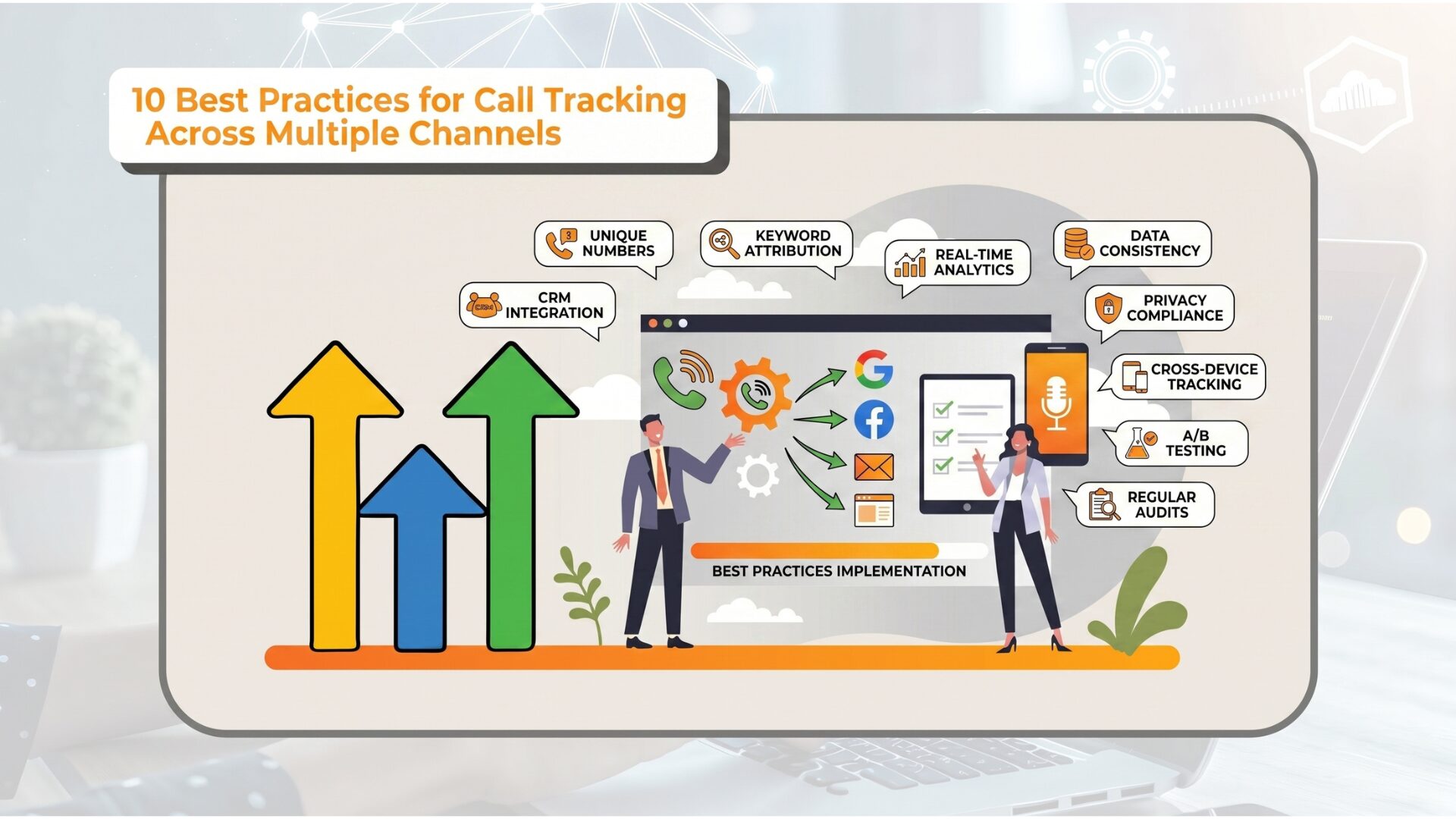
Call tracking becomes much more useful when it reflects how marketing actually works across channels.
Many businesses run paid search, SEO, local SEO, social ads, display campaigns, email, landing pages, and offline promotions at the same time. However, when all call data is grouped into one broad view, it becomes much harder to see which channels are driving qualified demand and where the budget should shift next.
If all call data is pushed into a single broad bucket, the team loses the ability to see which channel is driving demand, which is generating better calls, and where the budget should move next.
That is why call tracking across multiple channels needs more than a phone number and a basic dashboard. It needs a structured system that clearly separates sources, filters call quality, and connects phone activity to real outcomes.
What Is Call Tracking Across Multiple Channels?
Call tracking across multiple channels helps businesses identify which marketing sources drive phone calls, qualified leads, and better outcomes. With a platform such as AvidTrak, teams can separate channels clearly, review call quality, and connect calls to the marketing tactics driving real results.
Start with the right mindset
The first best practice is simple: do not treat all channels the same.
Different channels influence calls in different ways:
- paid search often drives urgent or high-intent calls
- SEO may create strong consideration-stage calls
- local SEO may drive location-based calls
- paid social may influence earlier-stage interest
- remarketing may assist later calls
- email may drive repeat-customer or warm-lead calls
- offline promotions may create direct-response call behavior
A strong setup respects those differences instead of flattening them.
A Practical Framework for Multi-Channel Call Tracking
A strong multi-channel call tracking setup comes down to four core layers. If one layer is weak, reporting becomes unreliable.
Layer 1: Source capture
Identify where the call came from.
Layer 2: Quality filtering
Separate real lead calls from spam, wrong numbers, and support inquiries.
Layer 3: Outcome tracking
Measure what happened after the call, such as a booked appointment, qualified lead, or sale.
Layer 4: Reporting consistency
Evaluate every channel using a fair and consistent model.
When these four layers are structured properly, call data becomes much easier to trust, compare, and act on.
With this foundation in place, the following top 10 best practices help refine the setup and improve how each channel is measured and optimized.
1. Define Channel Categories Clearly Before Launch
A lot of call tracking confusion begins with weak naming and weak source structure. Before campaigns go live, decide how calls will be categorized across:
- paid search
- organic search
- Google Business Profile
- paid social
- display
- referral
- direct
- offline
- remarketing
- branded
- non-branded
If channel definitions are unclear at the start, reporting becomes harder to trust later. A standard channel map should be used across campaigns, landing pages, dashboards, and reports so every team is working from the same structure.
Quick tip: Build a standard channel map and use it across campaigns, landing pages, dashboards, and reports.
2. Use Dynamic Number Insertion Where Website Attribution Matters
Dynamic number insertion helps businesses identify which website sessions, pages, and marketing channels lead to phone calls, giving teams cleaner attribution across multiple digital sources.
When several digital channels send visitors to your website, dynamic number insertion helps tie the phone call back to the session source more accurately. This is especially important for paid search, SEO, local SEO, remarketing, and campaign landing pages.
Without dynamic number insertion, many web-driven calls can end up grouped under broad labels such as direct or general website traffic, which weakens attribution and makes channel comparisons less reliable.
3. Separate Branded and Non-Branded Channels
This is one of the most useful ways to improve call tracking reports. Branded search and non-branded acquisition usually behave very differently, so combining them can hide what is actually driving new demand.
Branded calls often convert better because the caller already knows the business. Non-branded calls are more useful for evaluating how well your marketing is generating new interest.
Breakout reporting for:
- Branded paid search
- Non-branded paid search
- Branded organic search
- Non-branded organic search
This gives a much clearer view of channel performance and makes reporting more honest.
4. Track Calls by Landing Page, Not Just by Channel
A channel may drive the visit, but the landing page often plays a major role in whether the visitor decides to call. That is why multi-channel call tracking should go beyond source-level reporting.
Track:
- Calls by landing page
- Qualified calls by landing page
- Call outcomes by landing page
- Revenue by landing page, where possible
Why this matters?
One page may generate high call volume but weak lead quality, while another may generate fewer calls but better appointment or sales outcomes. Looking at landing-page performance helps teams find which pages are actually moving prospects to call.
5. Build Call Quality Rules Early
Not every inbound call should be counted in channel performance reports. When spam calls, wrong numbers, customer service calls, and poor-fit inquiries stay mixed with real lead calls, reporting becomes much less reliable.
Define call quality filters early, such as:
- Spam
- Wrong number
- Support call
- Repeat caller
- Qualified sales call
- Appointment-related call
- Quote request
- Low-fit inquiry
Cleaner call classification leads to more accurate channel comparisons and better budget decisions. AvidTrak’s AI-powered transcription and conversation outcome extraction can also help teams review calls faster and identify which ones belong in lead reporting.
6. Match Call Reporting to Channel Intent
A common mistake in multi-channel reporting is expecting every channel to prove value in the same way. That usually does not reflect how channels actually work.
A better approach is to evaluate each channel based on the type of call behavior it is most likely to influence.
| Channel | Stronger Primary Signal |
| Paid search | Qualified calls, appointment calls, urgent lead capture |
| SEO | High-intent service calls, local-intent calls, call-assisted conversions |
| Local SEO | Location calls, direction calls, consultation calls |
| Paid social | Assisted calls, remarketing lift, offer-driven call behavior |
| Repeat-customer calls, reactivation calls, warm lead calls | |
| Offline campaigns | Direct-response calls, market-level tracking |
This does not mean every channel should be removed from revenue accountability. It means the early reporting signals should match the role that the channel plays in the buying journey.
7. Include Missed-Call Tracking In Every Channel Review
A channel can generate strong call demand and still underperform if the business misses too many calls.
This is why multi-channel call tracking should always include:
- answer rate
- missed call rate
- voicemail rate
- after-hours call share
- callback response time
Why this matters
Otherwise, the business may blame the channel when the real issue is response failure after the call comes in.
8. Track Location-Level Performance for Multi-Location Businesses
This is especially important for businesses with multiple branches or territories, such as:
- Clinics
- Dealer groups
- Franchise brands
- Home services businesses
- Education groups
- Other multi-location service businesses
If several channels drive calls across several locations, reporting should show:
- Which location received the call
- How that location handled the call
- How call quality compares by market
- Where missed calls are highest
- Which markets convert best by channel
Without location-level reporting, channel analysis stays too broad and hides market-level differences.
9. Connect Channels to Downstream Outcomes
Many teams stop at call attribution, but the stronger approach is to connect each channel to what happens after the call. Tracking outcomes such as qualified leads, appointments, consultations, opportunities, and closed sales gives a much clearer picture of performance.
A channel that drives a high volume of calls may still be weaker than one that generates fewer calls but better outcomes. That is why reporting should go beyond volume and include quality and progression through the sales process.
A more useful view looks at volume by channel, call quality by channel, and how those calls progress through each stage after the conversation. This provides a more complete and reliable way to evaluate channel performance.
10. Audit the Setup on a Schedule
Multi-channel call tracking should not be treated as a one-time setup. Campaigns change, pages change, routing changes, and reporting structures can drift over time.
Common changes that affect tracking:
- New landing pages
- New campaigns
- Routing updates
- Location changes
- Phone number changes
- Sales process changes
- CRM field updates
Monthly or quarterly audit checklist:
- Confirm number swapping works across paid and organic landing pages
- Review channel naming consistency
- Check that branded and non-branded separation is still accurate
- Review missed-call patterns by channel
- Test location routing logic
- Confirm call quality rules still match the business
- Check CRM or offline outcome syncing
- Review gaps caused by new campaigns or pages
Recommended Setup Checklist for Multi-Channel Call Tracking
Use this checklist to review whether your multi-channel call tracking setup is built for accurate attribution and better reporting.
Multi-Channel Call Tracking Checklist
- Define channel categories before launch
- Use dynamic number insertion for web-driven sessions
- Separate branded and non-branded traffic
- Track calls by landing page as well as by channel
- Filter spam, support calls, and wrong-number calls out of core reports
- Review answer rate and missed call rate by channel
- Compare channel quality, not just channel volume
- Track local performance where multiple locations are involved
- Connect call data to CRM or sales stages where possible
- Audit the setup regularly as campaigns and pages change
A Practical Example
A multi-location home services business runs paid search, SEO, local SEO, Facebook remarketing, and email promotions. At first, it only sees total inbound calls.
After improving its setup, the team learns that paid search drives the most urgent calls, SEO location pages bring strong booking calls, and one market is missing too many after-hours leads. That gives the business a clearer way to improve reporting, budget allocation, and call handling.
With the right structure in place, AvidTrak helps businesses turn multi-channel call data into a more accurate view of source, call quality, and downstream outcomes.
Final Thoughts
Best practices for call tracking across multiple channels come down to one principle: structure the system in a way that matches how the business actually acquires leads.
That means clean source definitions, better session-level tracking, clear quality rules, location-aware reporting, and stronger ties to downstream outcomes.
When that structure is in place, teams can compare channels more fairly, find weak points faster, and make better decisions based on what phone leads are actually doing. If your business needs a simpler way to track calls across channels, measure outcomes, and improve reporting accuracy, AvidTrak is built to help. Try it today!
Frequently Asked Questions
1. What is multi-channel call tracking?
Multi-channel call tracking is the process of measuring phone calls from different marketing sources, such as paid search, SEO, social media, email, and offline campaigns. It helps businesses understand which channels are generating calls, qualified leads, and better sales outcomes.
2. Why is call tracking across multiple channels important?
It gives businesses a clearer view of where phone leads are coming from and which channels are driving better results. Without it, calls from different sources can get grouped together, which makes reporting less accurate and budget decisions harder.
3. What is dynamic number insertion in call tracking?
Dynamic number insertion replaces the phone number shown on a website based on the visitor’s traffic source or session. This helps connect a call back to the page, campaign, or channel that influenced it.
4. Should branded and non-branded calls be reported separately?
Yes. Branded calls usually come from people who already know the business, while non-branded calls are more useful for measuring new demand. Separating them creates a more accurate view of channel performance.
5. What should businesses track besides total call volume?
Businesses should also track call quality, missed calls, answer rate, landing page performance, location-level handling, and downstream outcomes such as qualified leads, appointments, consultations, and closed sales. Total call volume alone does not show the full picture.
6. How does AvidTrak help with multi-channel call tracking?
AvidTrak helps businesses track calls by source, review call quality, measure outcomes, and improve reporting across channels. It also supports features such as dynamic number insertion, call routing, AI-powered transcription, conversation outcome extraction, and CRM integrations for stronger attribution and lead tracking.


