


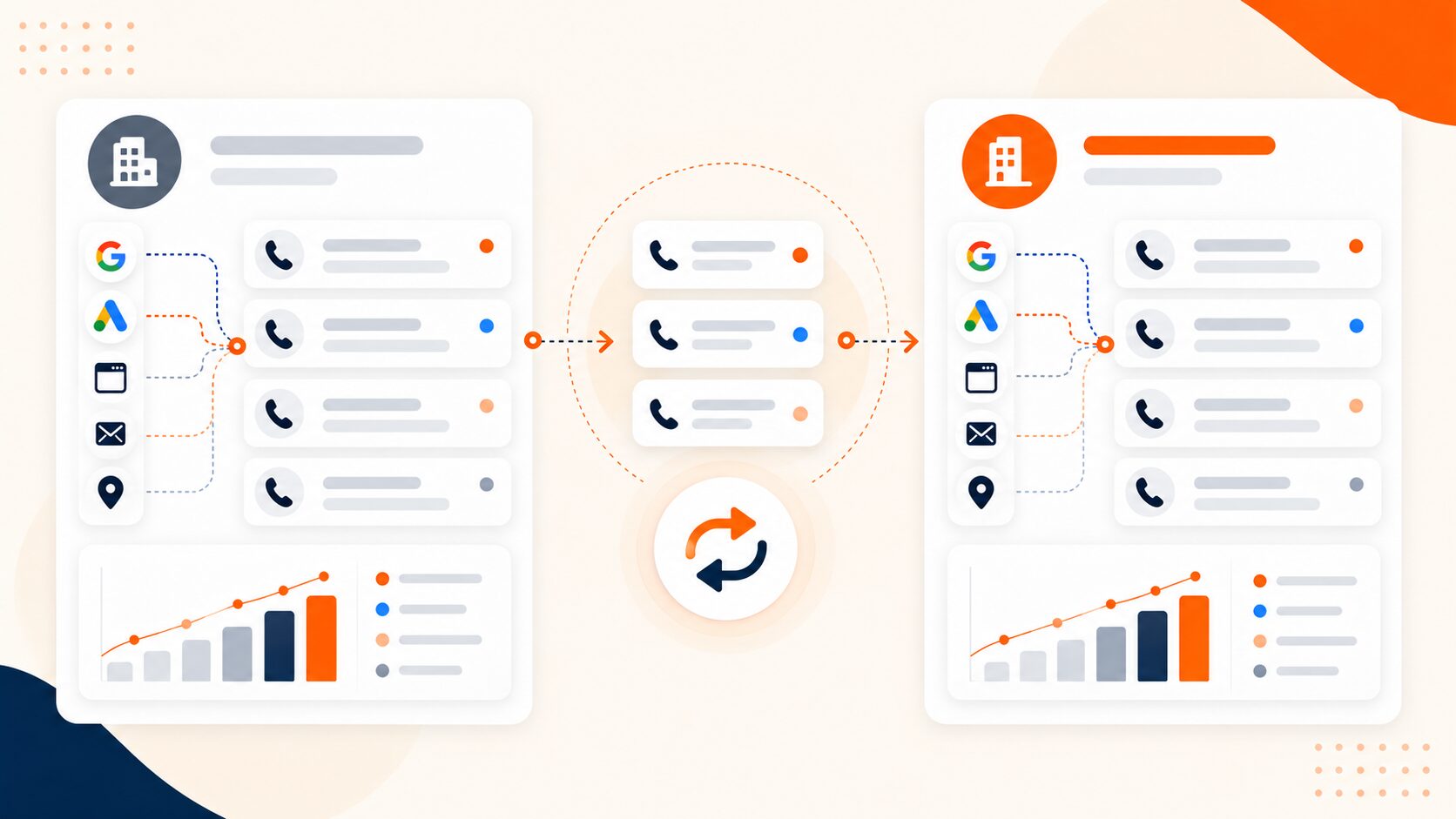
To switch call tracking providers, keep the old service active, confirm how each number will move, export the records you need, rebuild the tracking rules, and test the new setup before closing the old account.
Keeping the same phone numbers and preserving attribution are separate jobs. A number port changes the service handling a number; it does not automatically move historical calls, recordings, visitor assignments, or conversion settings into the new platform.
The goal is to keep customers reaching the business, retain usable records, and assign new calls only to sources supported by evidence. Where old session data cannot carry over, document that limit rather than inventing continuity.
Set three release gates before you start
Protect the phone service, the measurement rules, and the historical evidence. Each needs its own readiness check.
Assign one migration owner, with named contacts for the providers, website, CRM, and advertising accounts. Use these release gates:
| Decision | Proceed only when |
| Authorize the number transfer | Eligibility and authority are confirmed; the initial archive is validated; replacement routing has been tested through a supported test arrangement; recovery limits are understood |
| Switch website tracking and live integrations | The numbers that will be displayed are active; source rules and destinations are tested; event-reporting ownership is defined |
| Close the old account | Every intended transfer is verified; final exports are usable; delayed outcomes have an owner; remaining number dependencies are resolved |
Record the number transfer, website release, and reporting handover separately, with timestamps and timezone. A scheduled date is not proof of completion.
1. Inventory your numbers and choose how each will move
Start with a register of your call tracking numbers. Include the business or client, location, current provider, number type, source assignment, answering destination, and every place the number is published.
Record who controls each number and whether it handles voice, messaging, or both.
| Number or setup | Likely migration approach | What to protect |
| Fixed number on a profile, directory, ad, or printed campaign | Port it where supported, or agree a supported alternative | The published digits and original placement assignment |
| Website session-pool numbers | Decide which to retain, port, or replace; plan old-session handling separately | Working callbacks and reliable visitor attribution |
| Business answering line used as a destination | Often stays with its existing phone provider | The route reaching the intended business |
| Numbers in a business-controlled carrier account | Check whether the new platform supports that account or needs a transfer | Account control, routing configuration, and access |
| Google Ads forwarding number | Review the Google Ads configuration rather than treating it as a business-owned number | The underlying business destination and conversion setup |
Google controls its forwarding numbers, which can change or be reassigned. They should not be copied into your permanent number inventory as numbers you own and can move between tracking services.
Do not assume that every number needs porting. A tracking number and the business line it forwards to perform different jobs.
2. Confirm portability, authorization, and the handover window
Ask the receiving provider to check every number’s eligibility before committing to the move. Availability can depend on the country, number type, current carrier, receiving carrier, and service requirements. Twilio, for example, provides a portability check before a port request.
Gather the documents the providers require. These may include:
- The authorized account holder’s details.
- A current bill or Customer Service Record, often called a CSR.
- Account information and a transfer PIN where required.
- A Letter of Authorization or equivalent approval.
- The exact numbers and services included in the request.
Match the current carrier’s records rather than assuming the public business address is the billing address. CallTrackingMetrics’ porting instructions identify bills and CSRs as sources for this information.
Confirm who can approve the release. Access to a client’s dashboard does not necessarily mean an agency user can authorize a port. Ask the provider which paperwork or instruction starts an irreversible stage, and complete the first release gate before giving it.
Keep the existing numbers and service active until completion is confirmed. CallRail and Twilio explicitly warn against closing or disconnecting service before the port finishes.
Agree the expected window, completion notifications, escalation contact, treatment of calls already in progress, and any restrictions on changing or canceling the request. Do not promise an immediate reversal if something goes wrong.
3. Export history and make it usable outside the old dashboard
Request an export early enough to inspect it before the account closes.
Open the export and check its date range, filters, row count, and required fields. Reconcile selected number-and-day totals against the old dashboard using the same definitions. Trace sample records through their source, destination, CRM reference, and recording where available.
| Record group | Preserve where available | Why it matters |
| Call identity | Original provider, call ID, tracking number, timestamp, timezone | Trace records and investigate discrepancies |
| Marketing context | Original source, campaign, landing page, referral details, supported advertising identifiers | Interpret the attribution actually recorded |
| Call handling | Destination, routing result, status, duration, location | Compare service and routing behavior |
| Business result | Qualification, tags, booking or sale outcome, value, related CRM IDs | Keep calls connected with business results |
| Conversation files | Required recordings and transcripts, with their call references | Retain usable evidence beyond dashboard access |
| Configuration | Number assignments, routing, schedules, website rules, integration settings | Rebuild the setup accurately |
CallRail offers account-level exports while the account is open. CallTrackingMetrics also supports configurable activity-log exports. Their formats and available fields should be checked separately.
For recordings, verify that you have playable files or durable authorized access—not just links that depend on an account you plan to close. Retain only the data the business is authorized to keep.
Ask the new provider what can be imported and how imported records appear. An archive, a reporting import, and native historical records are different outcomes.
For an accepted historical import, verify that it will not trigger live lead creation, notifications, or conversion uploads unless an intentional replay has been planned. Importing old calls should not silently report them as new activity.
Keep original source labels alongside any normalized reporting labels. Leave unavailable fields explicitly unknown instead of manufacturing a match. Preserve the old provider name with its call IDs so identifiers from two platforms cannot be confused.
Plan a final incremental export for calls and outcomes that arrive after the first export.
4. Rebuild routing and website attribution before switching traffic
Recreate the actual call flow
Configure destinations, opening hours, IVR choices, ring groups, voicemail, notifications, and fallback routes.
Use a temporary test number or another supported test arrangement to check the new platform before live numbers move. Confirm that staff can answer and that both parties can hear each other.
Keep a copy of the old configuration. If you use a business-controlled carrier account, document the routing or webhook settings that will change.
Stage the website script
Map the old website rules to the new provider’s supported behavior:
- Which pages and phone elements are replaced.
- Which sources qualify for tracking.
- How returning visits are handled.
- What happens when a pool has no available number.
- Whether both displayed numbers and click-to-call links change.
- How consent, redirects, caching, and related domains affect the setup.
Dynamic number insertion may assign pool numbers temporarily to visitors or sessions. Assignment duration and reuse rules matter when moving the setup.
Test in a controlled environment first. When switching the live pages, avoid leaving two scripts competing to replace the same phone elements.
Protect calls to numbers shown before the switch
Old visitor assignments need an explicit plan.
For example, a visitor sees Number A before the move. After Number A is ported, the new system assigns it to another visitor. If the first visitor then calls, the new assignment could produce the wrong source.
Porting Number A does not transfer the original website session. Retaining an old cookie or call log also does not prove the new platform can interpret that assignment.
Ask whether a reproducible match to the old assignment can be preserved under documented rules. The last source associated with a number is not sufficient evidence by itself.
Where continuity cannot be verified, a conservative option is to:
- Use a separate pool for new website visits.
- Keep retained old pool numbers reachable and out of unrelated new-session assignments during an agreed transition.
- Report calls to those numbers separately as legacy-pool activity.
- Restore a specific historical source only when reliable matching evidence supports it.
This is a migration design choice to agree with the providers. It may require extra numbers and will not recover evidence that was never retained.
Do not label unresolved legacy calls “direct” merely to fill a reporting field.
5. Decide which system reports each conversion
Rebuild the integration rules before allowing the new platform to write into production systems.
For CRM call tracking, check contact matching, existing lead IDs, source fields, outcome definitions, and whether a call creates a new record or updates one.
For Google Ads and analytics, document:
- The destination account, property, and conversion action.
- What qualifies as a conversion.
- Which system sends it.
- The event timestamp, value, and currency.
- Available matching identifiers.
- Duplicate handling and retry behavior.
Choose a clear reporting owner for each eligible event. During overlap, allocate delayed records using the original call or lead record and the agreed handover rule, rather than upload time alone.
For example, a lead may call before the switch and book afterward. Name the system responsible for reporting that booking and preserve its link to the original lead. The same booking should not be sent independently by both providers. A call and a later sale may still be separate, intentionally defined conversion events.
Google Ads supports duplicate handling under defined conditions. The same transaction ID can identify duplicates within the same conversion action; offline imports also have specific matching rules. Do not assume different provider IDs or different conversion actions will automatically collapse into one result.
Where supported and equivalent, keep the existing conversion action rather than creating a replacement solely because the tracking provider changed. Confirm that the new integration can use it correctly.
Where a separate validation conversion action is needed, review its role in campaign goals. A secondary action can still affect bidding when included in a custom goal.
Recreating a conversion action with the same name does not prove that its behavior matches the old one.
6. Run the handover and verify each number
At the agreed handover window, keep provider contacts available and the website release ready. Record pass/fail decisions for the affected numbers rather than relying on overall account status.
Use this sequence for each number or batch:
- Check the provider’s actual transfer status.
- Confirm the new number assignment and destination.
- Publish the corresponding website or integration changes when their prerequisites are met.
- Place controlled calls and inspect the resulting records.
- Record the actual completion time and any exceptions.
A partial transfer needs per-number handling. Do not switch every source to “new provider” because one number has completed.
The website release and legacy-number port do not have to occur at the same moment. For example, a new website pool can be activated separately while retained old numbers continue through their agreed routes. Document the dependency and reporting rule for each stage.
| Test | What must work | Evidence to retain |
| Each moved published number | Correct destination and two-way audio | Dialed number, time, receiving team, call record |
| Branch and after-hours routes | Intended location, schedule, and fallback | Observed route and matching result |
| New website visit | Correct displayed number, dialed number, and supported source assignment | Page, test source, call ID, attribution record |
| Returning visit or saved old number | Planned legacy handling without an unsupported source match | Assignment evidence or explicit unresolved label |
| CRM connection | Correct existing or new record, source, and outcome mapping | Call-to-CRM reference |
| Advertising or analytics delivery | Intended eligible event reaches the right destination without duplicate reporting | Delivery status, event identifier, destination record |
| Messaging, if used | Agreed inbound and outbound behavior | Message delivery evidence |
Use an independent test phone. Where practical, test incoming calls from more than one originating network after a port.
A direct test call checks routing. A source-specific website test checks attribution. Advertising delivery requires its own eligible-event and integration checks; an ordinary phone call may not supply the matching data that an ad conversion requires.
Remove or mark tests in operational reports so they are not counted as customer leads.
7. Reconcile records before closing the old account
Keep a migration note alongside your call tracking reports. Include number-level handover times, website release times, source-map changes, and known measurement gaps.
Compare equivalent definitions:
- Calls versus call attempts.
- Connected calls versus confirmed human conversations.
- First-time calling numbers versus new customers.
- Duration-based conversions versus qualified inquiries.
- Original source labels versus normalized reporting categories.
Compare records using the same time basis, such as call start time or confirmed outcome time. A new attribution model, qualification rule, timezone, or duplicate filter can change totals even when marketing performance has not changed.
Close the old account only after:
- All intended number transfers are confirmed and tested.
- Required records and conversation files are accessible.
- Final exports include late calls and outcomes.
- Delayed reporting jobs and pending outcomes have been transferred to the agreed owner or completed.
- Remaining published or saved numbers have a retention plan.
- Provider-specific cancellation and billing requirements are understood.
Save a closeout record containing the final number register, test results, archive location, outstanding reporting responsibilities, and cancellation confirmation. Remove obsolete integrations and revoke old access after their remaining jobs are resolved.
Budget for any overlap in service, number retention, usage, and export access. The appropriate transition period depends on the setup; there is no universal number of days that guarantees all old callers have finished.
What to do if the handover fails
Recovery depends on what has already changed.
| Failure | Immediate response | Limit |
| Port has not completed and the new setup is unready | Contact the providers about holding or rescheduling; keep the old route working | Cancellation or rescheduling may be restricted |
| Port completed but calls route incorrectly | Repair the receiving provider’s destination or use a supported fallback | Restoring the old website script does not reverse the number port |
| Calls work but attribution is missing | Preserve call records, correct the tracking rules, and mark affected records | Missing session evidence may not be recoverable |
| Both systems report the same result | Stop the unintended writer for the affected event set; reconcile delivered records | Turning an integration off does not remove records already sent |
Agree the recovery options before initiating the port. CallTrackingMetrics’ port-away documentation, for example, warns that its port-away process cannot be canceled or reversed once underway.
For an incident handoff, provide the affected numbers, current transfer status, timestamp and timezone, expected route, observed result, call IDs, website release version, and integration delivery evidence.
How AvidTrak supports a provider switch
AvidTrak’s published migration process includes number porting, campaign assignments, CRM and marketing connections, and testing. Confirm number eligibility and which historical fields or files can be imported, archived, or linked for your setup before scheduling the move.
For businesses with their own Twilio account, AvidTrak also offers a Twilio call tracking integration. Whether a carrier port, account change, or configuration change is appropriate depends on the current arrangement.
To plan a move to AvidTrak, start with the number register, routing map, website tracking rules, export sample, and integration list.
Frequently asked questions
How long does switching call tracking providers take?
The schedule depends on number eligibility, authorization, carrier coordination, configuration, exports, and testing. Ask for an estimate for your actual numbers and a confirmed handover plan. Account setup being complete does not mean number porting is complete.
What if a published number cannot be ported?
Ask both providers to explain the restriction and available alternatives. Keeping the number with the current service and forwarding it may be possible, but it retains a dependency on that service and may limit attribution. If replacement is necessary, plan updates and continued handling of calls to the old number before releasing it.
Will SMS move at the same time as voice calls?
Do not assume that it will. Voice and messaging arrangements, routing, registration, and provider capabilities need separate confirmation. Test incoming and outgoing messages where used. Twilio’s porting guidance, for example, treats messaging setup and readiness as additional requirements.
Do I need to change my Google Business Profile phone number?
If the same number remains assigned to the profile and is successfully moved, the migration does not inherently require changing its published digits. Still, test the live call action and destination. Review profile, website, and linked advertising configurations separately if any assigned number changes.
Can paid campaigns stay live during the switch?
They can remain live where the call route, landing page, attribution, and conversion reporting are ready. Validate the planned handover and fallback for each campaign. If an affected campaign would send customers to an untested or broken route, resolve that route or pause the affected activity before continuing.


