


Nimbata alternatives are call tracking and conversation analytics platforms that connect phone leads to marketing sources and help teams understand what happened during each call. The right replacement depends on what your business needs to change: billing, client reporting, lead coverage, sales operations, or call distribution.
Suppose an agency manages campaigns for several home-service companies. One client wants call attribution and branded reports. Another needs calls, forms, and chats in one lead report. A third wants its sales team to answer and review calls inside the platform. Those businesses should not automatically choose the same Nimbata competitor.
This guide compares ten Nimbata alternatives, explains their strongest use cases, and shows how to narrow the list for 2027.
Why consider an alternative to Nimbata?
Start by identifying a requirement that Nimbata no longer meets. Its current paid plans already offer DNI, AI tagging and scoring, and call summaries. Marketing adds form tracking and CRM integrations; Agency includes unlimited projects and seats, Salesforce, API access, and webhooks. White labeling is listed separately at $55/month.
That means “has AI,” “tracks forms,” or “supports multiple clients” is not a sufficient reason to switch.
More useful reasons include:
- You prefer a different billing structure. Included minute allowances may fit your workload differently from answered-call charges.
- Your reports need a broader lead mix. Calls, forms, and chats may need to be reviewed together.
- Your sales team needs more operational tools. A softphone, agent routing, and coaching may matter alongside attribution.
- Your organization needs deeper analysis. Branch comparisons, custom call indicators, or recurring customer objections may require a different workflow.
- Your business distributes leads to buyers. Buyer selection and call trading introduce requirements beyond ordinary campaign reporting.
Nimbata’s answered-call billing also has a duration condition. Its published terms allow fair-use overages when average call duration per destination exceeds 3.5 minutes. Long consultations therefore deserve a workload-specific estimate under both answered-call and minute-based models.
If the existing setup meets your reporting, routing, and cost requirements, keeping Nimbata remains a reasonable choice.
The 10 Nimbata alternatives compared
Pricing reference: The offers below reflect October 2026 information for 2027 planning. Starting fees do not represent complete bills. Usage, add-ons, billing terms, and regional rates can change the amount paid. Use the quoted currency for your operating country.
Comparison method: Products were selected for relevant call attribution, lead reporting, call handling, or conversation analysis capabilities. Recommendations reflect those documented capabilities, not hands-on testing. AvidTrak publishes this guide and appears first; the numbering is editorial rather than a performance or cost ranking.
| Alternative | Most useful fit | Published starting fee or model | Important limitation |
| AvidTrak | Agencies needing call attribution, routing, and branded client reporting | $15/month Starter; $55/month Agency for US/Canada | Confirm client-level usage allocation and overages |
| CallRail | Local-service teams choosing call, form, and premium analysis packages | Lead Tracking advertised from $50/month, plus usage | Another product page lists $55; confirm the applicable offer |
| WhatConverts | Agencies reporting calls, forms, and chats together | $30/month Call Tracking; $60/month Plus | Agency pricing differs from single-account pricing |
| CTM | Teams combining attribution with staff calling and coaching | $79/month Marketing Lite, plus usage | Sales operations and agency features require suitable tiers |
| CallScaler | Lead-generation businesses considering account and network workflows | $95/month for new Call Tracking accounts; $65/month billed yearly | Capacity and branding add-ons can change the total |
| Convirza | Businesses evaluating lead quality and agent performance | Call tracking from $29/month, plus usage | Conversation Analytics pricing needs separate confirmation |
| Invoca | Enterprises connecting marketing, revenue, and contact-center data | Custom quote | Required AI modules and integrations affect scope |
| Infinity | Marketing teams analyzing intent, objections, and recurring call themes | Regional package fees plus per-call charges | The complete local offer and analysis scope need confirmation |
| Marchex | Multi-location operations needing branch and multilingual call analysis | Request a quote | Deployment requirements determine the proposal |
| Ringba | Pay-per-call businesses routing leads to buyers | $147/month Business, billed monthly, plus usage | Advanced buyer distribution is tier dependent |
1. AvidTrak
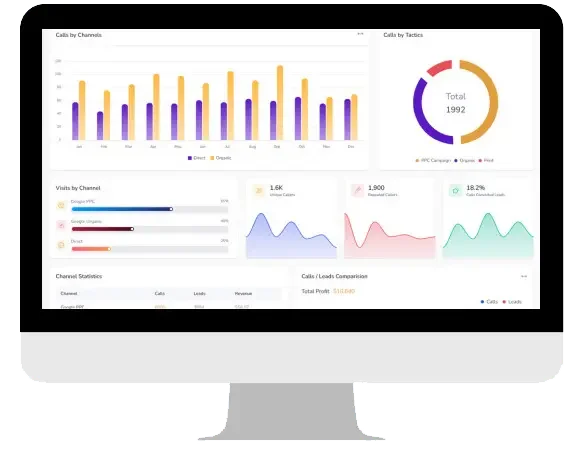 Best fit: Agencies that need call attribution, client reporting, and routing for local-service or multi-location businesses.
AvidTrak’s call tracking platform combines DNI and campaign attribution with recording, AI transcription, and conversation outcome analysis. Routing includes IVR menus, area-code and ZIP-code rules, and sequential or simultaneous forwarding.
Its agency call tracking tools provide separate client access and branded dashboards showing sources, keywords, recordings, transcripts, and lead outcomes. This is a useful configuration when an agency wants to explain both where calls originated and which calls deserve follow-up.
The clearest reason to compare AvidTrak with Nimbata is its call-focused agency workflow and published usage bundles. Nimbata also supports agency accounts; the decision should turn on reporting requirements and actual usage.
Pricing: Starter is $15/month with five local numbers, 500 local minutes, and 500 recording minutes. Professional is $30/month. Agency is $55/month with 30 local numbers, 2,500 local minutes, 2,500 recording minutes, and 1,000 client accounts. Overage charges apply. Paid accounts use a refundable deposit and automatic recharge.
2. CallRail
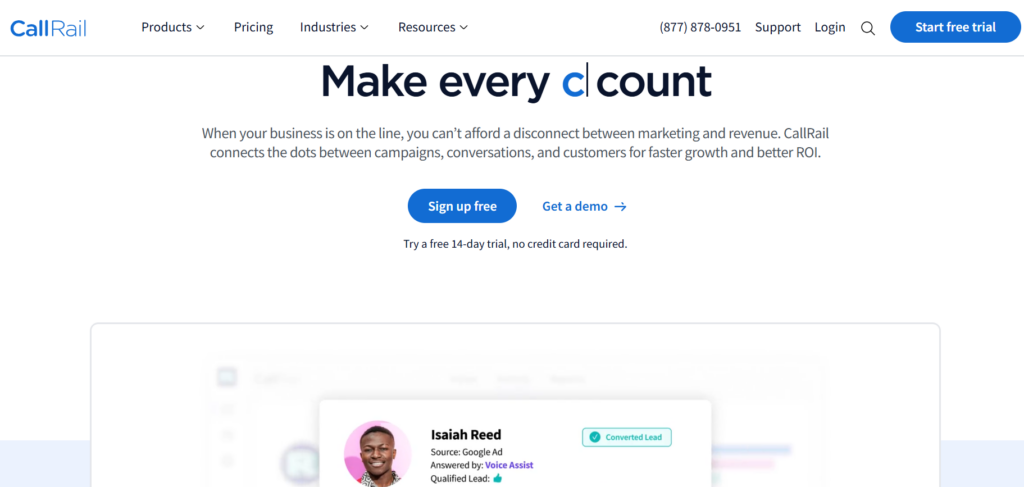 Best fit: Local-service marketers who want a choice of call and text attribution, form reporting, and premium conversation tools.
CallRail organizes these requirements into Lead Tracking and Lead Conversion packages. Entry features include call and text attribution, recording, routing, transcription, and automation. Higher packages add form attribution or premium analysis, including summaries, sentiment, conversation trends, and conversion tagging.
For a Nimbata customer, CallRail is worth considering when the team prefers that package structure and wants attribution linked to a defined set of lead-conversion tools. The relevant comparison is the package that includes the entire working setup.
Pricing: The main pricing page advertises Lead Tracking from $50/month; the call tracking product page lists a $55 starting offer. Lead Tracking Complete is listed at $95/month, Lead Conversion at $150/month, and Lead Conversion Complete at $195/month. Usage is additional. Confirm the applicable offer and billing term.
3. WhatConverts
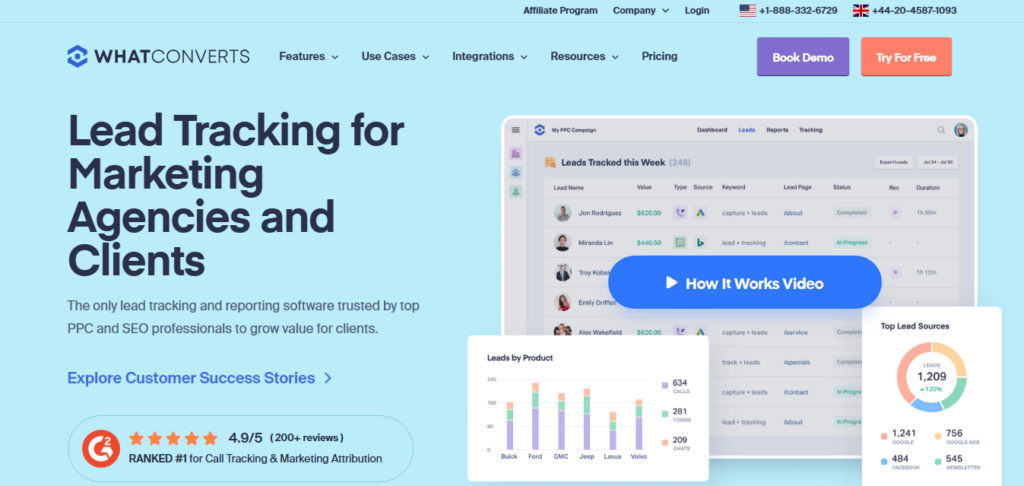 Best fit: Agencies whose client reports must combine different types of leads.
WhatConverts Plus tracks calls, forms, and chats with campaign and keyword reporting. Its lead-management tools also support qualification and lead values, while higher tiers add custom reporting, call flows, and multi-click attribution.
The reason to shortlist WhatConverts is the reporting workflow around the whole lead mix. A client asking “Which campaigns produced useful inquiries?” may need one view containing phone calls, quote forms, and chat conversations.
Nimbata already tracks forms on eligible plans. WhatConverts should therefore be evaluated for how it organizes and reports those inquiries, rather than treated as the only option with form attribution.
Pricing: Single-account Call Tracking starts at $30/month with $30 in usage credit. Plus starts at $60/month, Pro at $100/month, and Elite at $160/month. Unlimited-account agency packages use separate pricing.
4. CTM, formerly CallTrackingMetrics
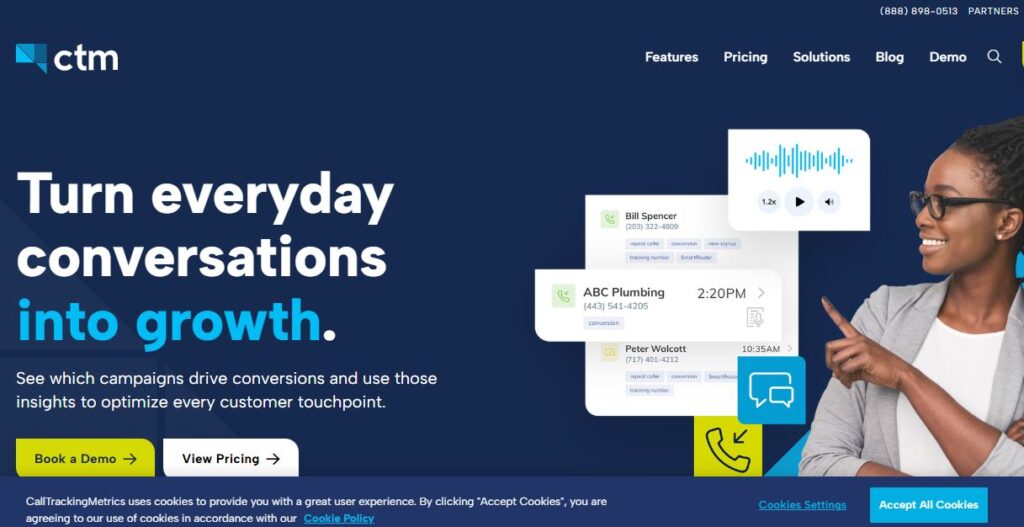 Best fit: Businesses that want marketing attribution and staff calling workflows in the same platform.
CTM’s Marketing Pro adds client subaccounts, form tracking, integrations, automation triggers, and custom AskAI analysis. Sales Engage extends the platform with a softphone, skills-based and weighted routing, call scripts, live coaching, and team-performance reporting.
That operational scope is the main reason to consider CTM instead of a primarily attribution-led setup. For example, a company may need to assign calls to suitable agents and assess their handling while preserving the marketing source.
Pricing: Monthly plan fees are $79 for Marketing Lite, $179 for Marketing Pro, and $329 for Sales Engage, plus usage. Annual billing has different rates. Full white labeling and some AI services carry additional charges.
5. CallScaler
 Best fit: Lead-generation businesses evaluating ordinary call tracking alongside buyer and publisher workflows.
CallScaler offers DNI, call flows, transcription, AI scoring, and client portals. Its recent product updates also cover buyer and publisher accounts and connections that let external AI assistants query calls, campaigns, and reports.
It is relevant when the business is expanding from reporting leads for clients into managing a lead-generation network. Those network functions involve separate product scope; ordinary call tracking does not imply that all pay-per-call features are included.
Pricing: New Call Tracking accounts start at $95/month, or $65/month billed yearly. An unlimited-users-and-businesses add-on is $95/month, and new white-label activations are $65/month. Usage is separate. Existing Pro and Agency subscribers retain legacy offers.
6. Convirza
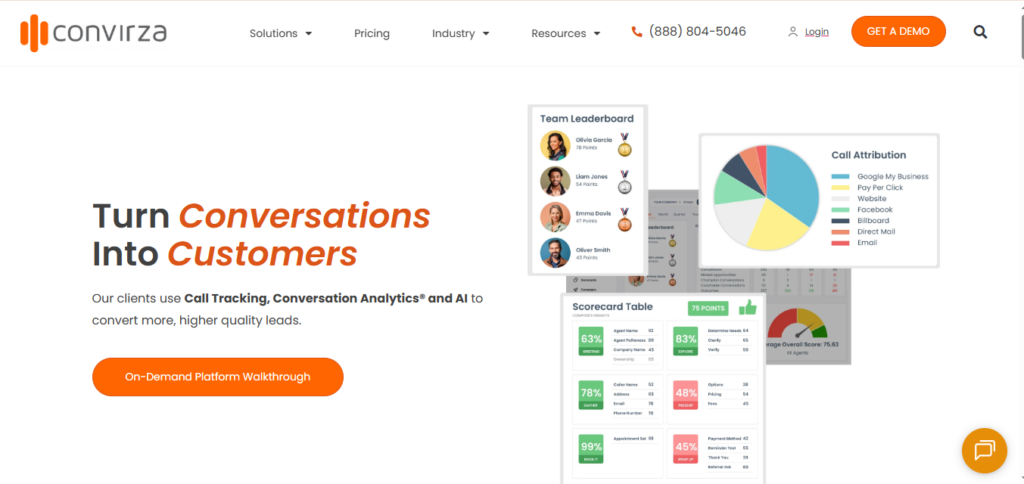 Best fit: Teams that want call indicators for both lead quality and agent performance.
Convirza’s Conversation Analytics evaluates caller intent, sentiment, lead quality, and agent behavior. It supports standard and custom call indicators and can trigger follow-up actions or send information to CRM and advertising platforms.
This makes Convirza relevant when the question is why qualified callers do not reach the intended sales outcome. A team might want to distinguish poor-fit inquiries from conversations where an agent missed an appointment request.
Nimbata already has AI analysis. Convirza’s fit depends on whether its indicators and review process match the organization’s definitions more closely.
Pricing: Call Tracking Starter is $29/month, with numbers at $3/month and minutes at $0.08. Agency starts at $149/month with different usage rates. Confirm the required Conversation Analytics package and charges separately.
7. Invoca
 Best fit: Enterprises that need shared call data across marketing, revenue operations, and contact-center teams.
Invoca’s documented capabilities include session-level attribution, call recording, IVR, and importing offline conversions and revenue. Its Enterprise tier adds features such as SAML single sign-on and broader advertising integrations. Signal AI, quality management, and premium integrations depend on the selected package or modules.
The reason to shortlist Invoca is organizational scope. A larger business may need centralized access controls, revenue connections, and a contact-center analysis program alongside campaign attribution.
Pricing: Custom quote. The proposal should identify platform scope, call usage, AI modules, integrations, and implementation.
8. Infinity
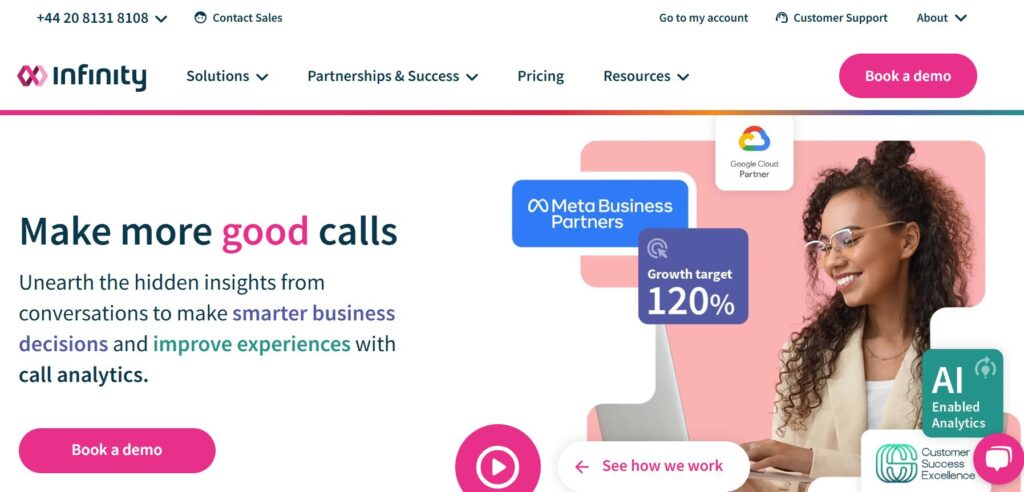 Best fit: Marketing teams that want to use conversations to understand customer intent and improve campaign messages.
Infinity’s Conversation Analytics identifies themes such as questions, objections, intent, and conversion barriers. It also supports Voice of Customer analysis, using calls to examine recurring customer needs and concerns.
This is a useful angle when Nimbata’s attribution reports show where inquiries originate, but the business wants a repeatable process for studying why customers hesitate or which concerns marketing should address.
Pricing: Regional offers combine package fees and per-call charges. Essentials and Pro have different integration scope; Pro includes a Reporting API. Enterprise is quoted. Obtain the complete offer for the operating country, including conversation analysis.
9. Marchex
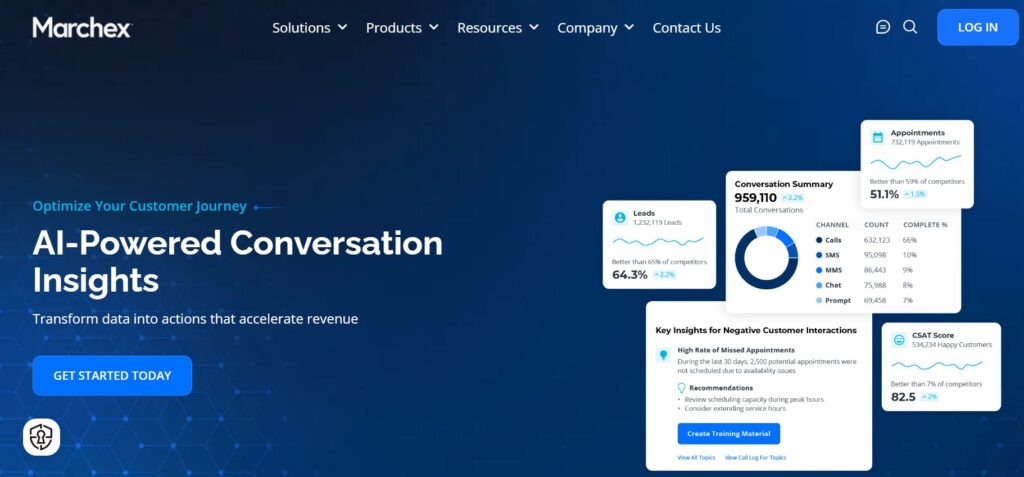 Best fit: Multi-location businesses needing branch-level call outcomes and multilingual analysis.
Marchex combines DNI with call classification by location, duration, advertising channel, and spoken keywords. Its product documentation also describes transcribing and translating Spanish and French conversations into English, including calls that switch languages.
Those capabilities make it relevant to a dealership group or service network whose central team needs to review calls consistently across branches and languages.
Nimbata already supports multiple projects and locations. The stronger reason to consider Marchex is a defined branch-analysis or language-review requirement, rather than multiple locations alone.
Pricing: Request a proposal for the deployment, including attribution, analysis, usage, and integrations.
10. Ringba
 Best fit: Pay-per-call operators that distribute incoming leads to buyers.
Ringba’s Business plan includes call tracking, call flows, pixels, webhooks, and partner users. Professional adds Ring Trees and predictive routing; Enterprise adds real-time bidding and Ping/Post call trading.
The reason to consider Ringba is the economics of call distribution. A lead-generation business may need to choose among buyers and relate delivery decisions to revenue, rather than simply forward every call to one office.
Pricing: Business is $147/month billed monthly, or $127/month billed annually, plus usage. Professional is $297/month billed monthly, or $197/month billed annually. Numbers, minutes, recording, transcription, and other services can add charges.
Which Nimbata alternatives should you shortlist first?
Choose two or three products around the requirement that prompted the search:
- Call-focused agency reporting: Start with AvidTrak and CallRail. Add CTM if clients also need more operational call handling.
- Calls, forms, and chats in client reports: Start with WhatConverts. Compare the required lead mix with Nimbata’s existing form-tracking workflow before switching.
- Staff calling, routing, and coaching: Start with CTM. Include Invoca when enterprise access controls and contact-center requirements are part of the brief.
- Call quality and recurring customer issues: Compare Convirza for call indicators, Infinity for conversation themes, and Marchex for branch and language requirements.
- Buyer and publisher operations: Compare Ringba and CallScaler using their applicable network plans.
These are use-case recommendations based on the documented capabilities above. They are not claims that a provider will produce better results without a workload-specific evaluation.
How to compare the finalists without losing useful tracking
Price the same workload
Collect one representative month of answered calls, total minutes, recording minutes, active numbers, and average duration by destination. Add required client accounts, users, integrations, and analysis.
Ask each finalist to price that same workload. A call-heavy business with short inquiries and a consultation business with lengthy conversations can receive very different estimates under the same advertised plans.
For a focused comparison of those two providers, the CallRail vs. Nimbata guide examines their pricing and features. Keep this shortlist centered on the complete configuration your team needs.
Preserve attribution detail
Separate fixed campaign numbers from session-level DNI. A tracking number assigned to one source answers a different question from a number temporarily assigned to a website visitor.
Nimbata’s documentation relates DNI pool size to concurrent visitors and session length. A pool should therefore be sized for website traffic, not simply for the number of marketing channels.
For each finalist, follow a test visit from its known source through the displayed number, completed call, and resulting attribution record.
Check what reaches the CRM and advertising accounts
An integration logo does not explain the data transfer. Identify whether the connection creates a lead, updates a contact, attaches call details, or sends a qualified outcome.
The CRM call tracking workflow matters because marketing and sales need the same call attached to the correct record. Test a new caller and a repeat caller, then inspect the resulting CRM records and advertising events.
Test the outcome that staff need to act on
Prepare examples of appointment requests, unsuitable inquiries, existing-customer calls, cancellations, and missed calls. Have a person label them before checking the platform’s analysis.
An attractive summary is less useful if it consistently confuses support calls with new sales opportunities. Evaluate whether staff can correct classifications and whether the resulting labels support the intended reports and follow-up actions.
Pilot one client or location
Use one representative account to check routing, number display, reporting, permissions, notifications, and integrations. Record the pass criteria before launching.
The pilot should show that customers reach the intended destination and that the team receives the required attribution and outcome data. Expand after those checks succeed.
Frequently asked questions
Can I keep my existing Nimbata tracking numbers?
Possibly, through number porting. Ask Nimbata and the receiving provider to confirm eligibility for each number type and country, ownership requirements, fees, and timing. Keep the existing service active until the transfer is completed and test calls reach the correct destination.
Will historical reports and recordings transfer automatically?
Do not assume they will. Export the reports and recordings you need, then ask the receiving provider which historical fields and files it can import. Confirm retention and continued access with Nimbata before closing the account. Moving a phone number and moving historical call data are separate tasks.
Why might conversion counts change after switching?
Providers can use different attribution rules, qualification filters, or reporting settings. Ad-platform counts can also differ because of missing click identifiers, conversion eligibility, or processing delays. Compare the same date range and conversion definition before deciding that a change means better or worse tracking.
Can Google Ads call tracking replace Nimbata?
It may be sufficient for a requirement limited to supported Google Ads call conversions. Google’s website call tracking uses forwarding numbers and a call-duration threshold to measure calls following ad clicks. Broader requirements, such as cross-channel reporting, agency accounts, and conversation analysis, should be evaluated separately.
Do employees need a new number to answer calls?
Usually, the tracking number forwards to the existing business number. Customers see the attribution number, while staff can continue answering at the intended destination. Confirm forwarding compatibility and test extensions, IVR, and existing phone-system rules before launch.
Choose the platform that solves your specific replacement need
For a call-focused agency, AvidTrak is a practical starting point for attribution, routing, and branded client reporting. WhatConverts deserves attention when the lead mix drives the reporting requirement. CTM fits a broader staff calling workflow, while enterprise analysis and buyer-distribution needs call for different shortlists.
The deciding question is whether the replacement improves the required workflow at an acceptable complete cost while preserving useful attribution.
Start an AvidTrak free trial to evaluate a representative client or campaign. The trial provides $20 in credit for up to 14 days, ending when either limit is reached, with no credit card required at signup.


