Manage Support Calls, Queues, and Service Workflows With AvidTrak

AvidTrak's call tracking for help desks and support teams routes every inbound call to the right agent, keeps queues moving, captures missed calls with voicemail alerts, and gives supervisors a clear view of service activity — without the complexity or cost of enterprise support platforms.
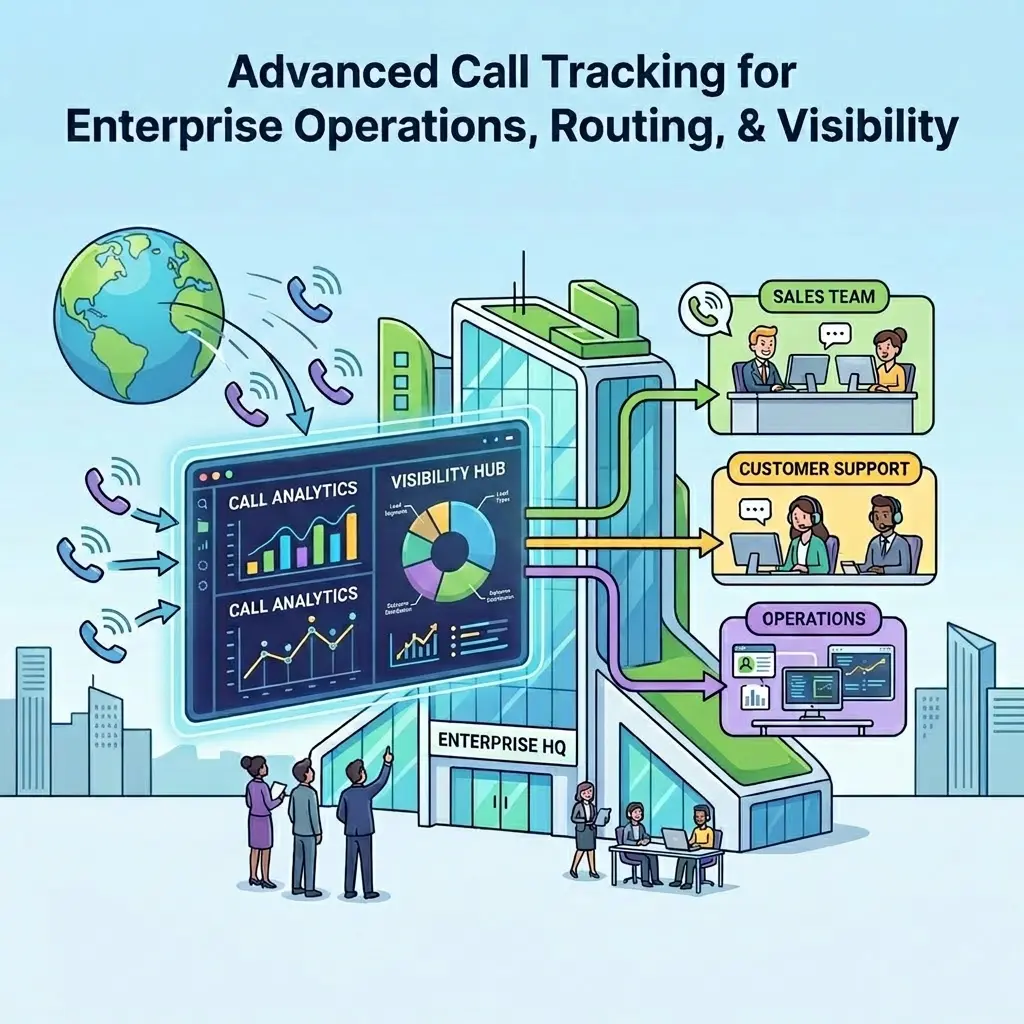
Call Tracking for Help Desks and Support Teams

14 days free trial

No credit card required

No white-label setup fees

Why Help Desks and Support Teams Need Call Tracking

A phone line takes calls. It does not tell you which ones went unanswered, which callers gave up in the queue, which agents are struggling with volume, or where service quality is breaking down.

Help desks and support teams need call routing, queue management, callback workflows, and supervisor visibility in one place. AvidTrak brings all of that into a single platform, without the setup complexity or enterprise price tag that most support-call-handling tools require.

What Changes When Support Teams Use AvidTrak's Call Tracking

Route Calls to the Right Support Team

Route Calls to the Right Support Team

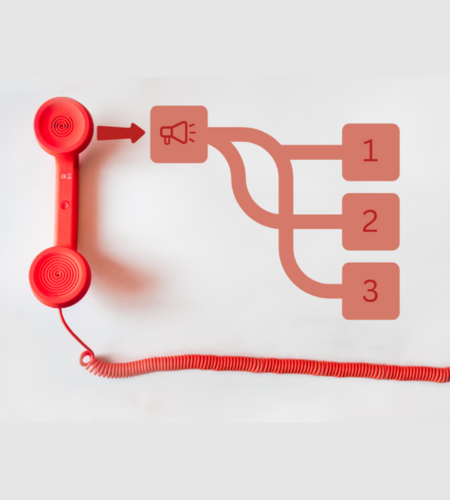
AvidTrak's multi-level IVR lets callers self-select the right support path. Queue routing and transfer logic move calls to the right agent or department without confusion or delays.

Manage Callbacks and Unresolved Calls

Manage Callbacks and Unresolved Calls

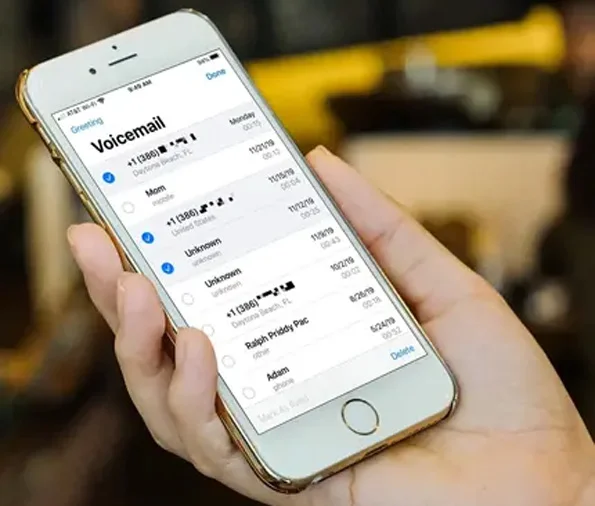
Missed support calls don't disappear; they become complaints. AvidTrak's voicemail and callback features capture every unanswered call and deliver audio alerts via email or SMS, so support teams can follow up before the issue escalates.

Monitor Live Calls and Coach Agents

Monitor Live Calls and Coach Agents

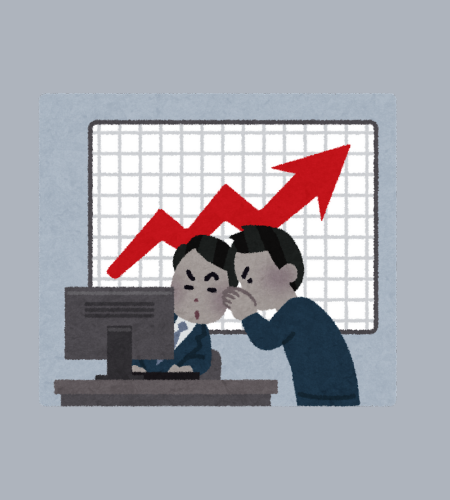
Supervisors can listen to live calls, whisper guidance to agents without the caller hearing, or join the call directly when escalation is needed; all without interrupting the support workflow.

Review Service Conversations Faster

Review Service Conversations Faster

AI-powered transcription converts every support call into searchable text. AI-powered conversation outcome extraction tags each call with its result so supervisors can review escalations and resolution quality in seconds, not hours.

Measure Support Performance More Clearly

Measure Support Performance More Clearly

Track call volume, missed calls, dropped calls, and agent activity across teams and time periods. AvidTrak's reporting provides support managers with a clear operational picture without requiring them to build separate dashboards or pull data manually.

Key Features Inside AvidTrak's Help Desk Call Tracking Software

Multi-Level IVR for Help Desk Call Routing

Multi-Level IVR

Self-service routing:
Callers select their support path through a structured IVR menu, reducing misrouted calls and cutting the time agents spend redirecting callers manually.

Department-level accuracy:
IVR routes each call to the correct team or agent based on the caller's selection, keeping queues clean and wait times shorter.

Queue Routing and Call Transfers for Support Teams

Queue Routing and Call Transfers

Smart queue management:
AvidTrak segments inbound calls based on caller input and routes them through the queue to the most available and relevant agent.

Clean call transfers:
Agents transfer calls directly or consult before connecting, keeping the handoff clean and the conversation moving without unnecessary hold time.

Voicemail and Callback Workflows for Support Teams

Voicemail and Callbacks

Missed call recovery:
Every unanswered support call is captured in voicemail automatically with audio delivery via email or SMS, so no support request goes unnoticed.

Callback workflows:
Voicemail alerts reach the right team member immediately, ensuring support requests get a response without sitting in an unchecked inbox or getting lost between shifts.

Live Call Monitoring, Whisper, and Barge for Supervisors

Live Monitoring, Whisper, and Barge

Live call monitoring:
Supervisors listen to active support calls without the agent or caller knowing; useful for quality checks and performance reviews across the team.

Whisper and barge:
Supervisors coach agents mid-call using whisper mode or join directly using barge when immediate intervention is needed.

Which Support Teams Get the Most Out of AvidTrak

Customer Support Teams

Customer Support Teams

Handle inbound issue calls with structured queue routing and clean transfer logic. Voicemail capture and callback alerts recover missed calls before they turn into unresolved complaints.

Internal Help Desks

Internal Help Desks

Keep queues clear and escalations structured with live call monitoring and multi-level IVR. Supervisors get full visibility into active calls without disrupting the support flow.

Service Teams Handling High Call Volume

Service Teams Handling High Call Volume

IVR and queue routing manage call volume without drop-offs. After-hours routing and voicemail callbacks ensure high-volume periods never leave callers without a response.

Supervisors and Team Leads

Supervisors and Team Leads

Use whisper, barge, and consult tools to coach agents mid-call and step into escalations immediately. Call recordings and AI-powered outcome tags give team leads a structured record of every support conversation, making performance reviews faster and coaching decisions more accurate.

Five Steps From Inbound Call to Resolved Support
Issue With AvidTrak

01

Step 1: Route Callers Through IVR and Queue Logic

Every inbound call enters AvidTrak's multi-level IVR, where callers self-select their support path. Queue logic holds and moves calls based on agent availability and department, reducing wait times and misrouted calls before they become a problem.

02

Step 2: Transfer or Escalate When Needed

Agents consult a supervisor privately before transferring or escalate directly when a call requires it. Every handoff stays structured; the right person picks up with full context, and the conversation moves forward without delay.

03

Step 3: Capture Unanswered Calls and Callback Needs

Every missed call is captured in voicemail automatically, and an alert is delivered via email or SMS so the support team knows immediately.

04

Step 4: Review Conversations With AI-Powered Tools

Supervisors scan transcripts for complaint patterns, escalation signals, and resolution gaps, without pulling up a single audio file. AI-powered conversation outcome tags give the whole team a structured record of what every call produced.

05

Step 5: Track Support Performance With Reporting

AvidTrak's dashboard automatically pulls call data across teams, time periods, and channels, giving support managers a current view of performance without manual data work or separate reporting tools.

Why AvidTrak Is a Strong Fit for Help Desks and Support Teams

Most call tracking platforms are built around marketing attribution and lead generation. AvidTrak goes further, combining routing, queue management, supervisor tools, AI-powered conversation analytics, and reporting into a single platform that works just as well for service and support operations as for sales teams.

Route every support call to the right agent or team from the first ring, without complex setup or enterprise-level overhead

Keep every support request accounted for, even after hours and during peak volume periods

Give supervisors live visibility through call monitoring, whisper, and barge, without disrupting active support conversations

Identify service gaps, complaint patterns, and coaching opportunities without manual call review

Give every team lead and manager a current, accurate picture of support operations, without building custom reports or exporting data

Start at a minimum monthly cost with transparent pricing, no hidden fees, and no enterprise quotes required

Get live support from a team with 14 years of call tracking experience — not a ticketing queue

Every Integration Your Help Desk and Support Team Needs — Already Built In

Google Ads

Google Ads

Microsoft Advertising

Microsoft Advertising

Google Marketing Platform

Google Marketing Platform

Google Analytics 4

Google Analytics 4

Google Looker Studio

Google Looker Studio

Zoho

Zoho

Hubspot

Hubspot

Salesforce

Salesforce

The Most Affordable Way to Track and Manage Support Calls

Starter

Starter

$15 mo
  • 5 Numbers
  • 500 Minutes
  • 500 Call Recording Minutes
  • 500 CNAME Lookup Calls
  • -
Choose Plan
Professional

Professional

$30 mo
  • 10 Numbers
  • 1500 Minutes
  • 1500 Call Recording Minutes
  • 100 CNAME Lookup Calls
  • -
Choose Plan
Agency

Agency

$55 mo
  • 30 Numbers
  • 2500 Minutes
  • 2500 Call Recording Minutes
  • 300 CNAME Lookup Calls
  • 1000 Client Accounts
Choose Plan

Better Routing, Clearer Records, Faster Resolution

AvidTrak's Call Tracking for Help Desks and Support Teams

14 days free trial | No credit card required | No white-label setup fees

Sign Up for a Free Trial Today

Frequently Asked Questions

Call tracking for help desks and support teams goes beyond recording calls. It covers inbound routing, queue management, callback workflows, supervisor oversight, and conversation review, giving support operations a structured, measurable view of every call.

Call tracking helps support teams get a complete picture of call handling, including what came in, how it was routed, and where gaps exist, so service decisions are based on actual call data rather than assumptions.

Yes. AvidTrak's multi-level IVR lets callers self-select their support path. Queue routing then directs each call to the most available and relevant agent or department based on the caller's input.

Yes. Every missed call is automatically captured in voicemail, with the audio delivered via email or SMS. Support teams receive an immediate alert the moment a call is missed, so follow-up happens before the issue sits unaddressed.

Yes. AvidTrak supports live call monitoring, whisper mode, and barge. Supervisors listen to active calls, coach agents without the caller hearing, or join directly when a call needs immediate intervention.

AvidTrak's AI-powered transcription gives support managers a searchable record of every call. AI-powered conversation outcome extraction then tags each call with a structured result, enabling supervisors to identify complaint patterns, escalation signals, and resolution gaps across hundreds of calls without reviewing a single recording.

Yes. AvidTrak's dashboard tracks support call activity across teams, channels, and time periods, providing a single view of call trends, handling gaps, and missed-call patterns. Reports are delivered automatically on a daily, weekly, or monthly cadence.

AvidTrak is built for teams that handle active inbound calls, not just sales pipelines. It covers every layer of support call handling from routing and escalation to conversation review and operational reporting, starting at a small monthly cost with no hidden fees and live support from a team with 14 years of call tracking experience.

NEED MORE DETAILS?

Contact us to schedule your demo today.

Learn About Intelligent Call Tracking