
Know Which Web Sites Send Phone Leads to You
- Track Phone Leads back to the Website which sent you the Visit
- Use Referral Source level phone call conversion data to outbid your competition on high-value clicks
- Cut spend on poor performing web referral sources to Boost your Campaign ROI

Know Which Display Ads are Making Your Phone Ring
Place a Phone Number
- When you place a phone number on an online banner ad or video as an Advertiser you should measure which ad format and publisher worked best in generating phone leads.
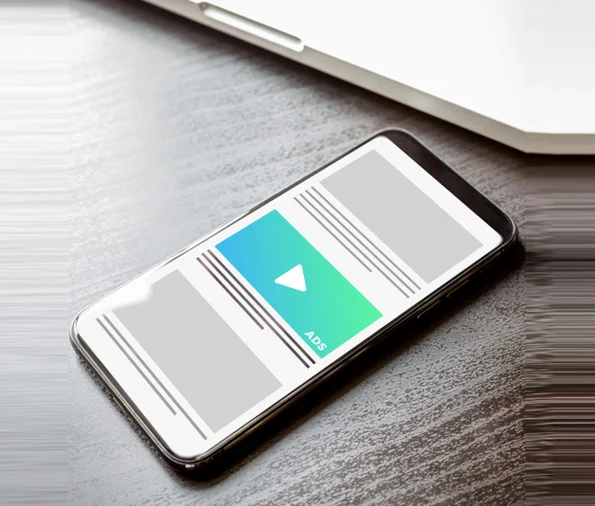
Measure Calls from Display Ad Clicks
Display Ad Clicks
- If you are generating website traffic from Display Ad clicks, capture calls from Display Clicks by dynamically inserting call tracking num
- bers on to your website

AvidTrak delivers rich reporting for Display Ads
Calls are Tracked Back to
- Campaign Name
- Publisher
- Ad Creative
- Placement
- Caller ID
FRANCHISEE CALL TRACKING FAQs!
JavaScript tracking script is needed only if you wish to dynamically insert phone numbers to track calls from Display Ad Clicks.
Yes! The AvidTrak JavaScript tracks clicks from all display ad networks, search networks and all other traffic sources.
To get really granular data allocate 1 number for each Creative-Publisher combination. To measure calls from Display Ad clicks, allocate as many call tracking numbers as the number of hourly clicks you receive from Display Ads. To get hourly traffic rates refer to your Google Analytics account.
Yes, AvidTrak supports custom tags! Setup is very easy and may be accomplished in minutes.
Yes, you may configure your Display Ad call tracking numbers to route calls based upon the tags placed within the Display Ads.
Over 1000 clients switched to AvidTrak for our competitive pricing and support, remaining loyal ever since.
NT
Nathan Tiessen
Convertus
“AvidTrak’s dedication to client care stood out immediately.”
We received highly responsive support for complex call tracking setups, including unique DNI and campaign-token scenarios. We expanded from 5 tracked projects to 50 while AvidTrak stayed committed to our growth.
50 ProjectsKY
Kollin Yelensky
Think Integrated
“The product fit our needs, and the customer service sealed the deal.”
We found the platform easy to use, and the fast, helpful support made the difference. After 5+ years, we still value both the product and the consistency of AvidTrak’s updates and service
5+ YearsSM
Sadiq M.
Wholesale Brand
“AvidTrak combined precise call tracking with truly human support.”
We gained accurate call tracking, better visibility into marketing performance, and stronger customer insight. The responsive human support helped us make data-driven campaign decisions with confidence.
Marketing Insights